|
VOOZH | about |
|
VOOZH | about |
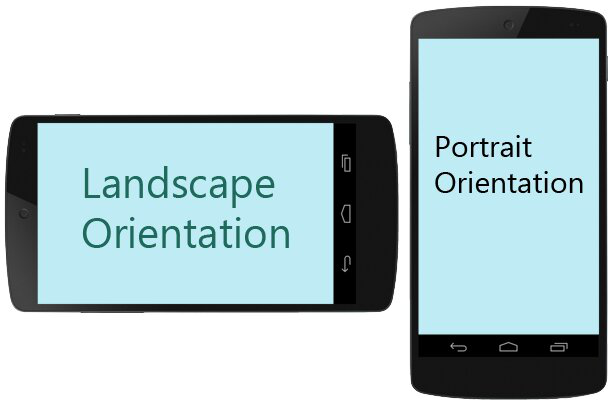
In Android, Screen Orientation is an important aspect where the user would like to run an activity in Fullscreen or a Wide Landscaped mode. Most commonly running applications that can switch between portrait and landscape mode can be Image Viewers, Video Players, Web Browsers, etc.
In such applications, it is important to detect screen orientation to display content likewise.
So in this article, we will show you how you could detect Screen Orientation in Android using Jetpack Compose. Follow the below steps once the IDE is ready.
To create a new project in the Android Studio, please refer to How to Create a new Project in Android Studio with Jetpack Compose.
Go to the MainActivity.kt file and refer to the following code. Below is the code for the MainActivity.kt file. Comments are added inside the code to understand the code in more detail.
MainActivity.kt: