|
VOOZH | about |
|
VOOZH | about |
An Android RadioButton is a bi-state button that can be either checked or unchecked. It functions similarly to a CheckBox, but with one key difference: once selected, a RadioButton cannot be unchecked by tapping it again. RadioButtons are typically used within a RadioGroup to allow users to select only one option from multiple choices. By default, a RadioButton is in the OFF (unchecked) state, but you can change its default state using the android:checked attribute in XML. This makes RadioButtons ideal for scenarios where a single selection is required, such as choosing a payment method, selecting a gender, or picking a preferred option in a form.
You can create an RadioButton in Android using two approaches:
In this article, we will create an RadioButton programmatically using Kotlin.
To create a new project in Android Studio please refer to How to Create/Start a New Project in Android Studio.
First of all define the RadioGroup in the Linearlayout and access into the Kotlin file.
activity_main.xml:
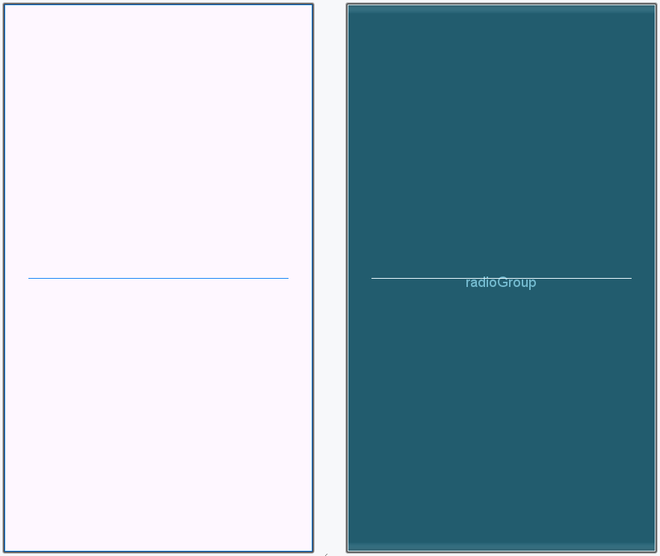
Layout Design:
Here, we define three radio buttons for the color and set their attributes.
val radioButton1 = RadioButton(this)
radioButton1.layoutParams= layoutParams
radioButton1.text = "Black"
radioButton1.id = 1
then, use them into RadioGroup using code:
val radioGroup: RadioGroup = findViewById(R.id.radioGroup)
radioGroup.addView(radioButton1)
radioGroup.addView(radioButton2)
radioGroup.addView(radioButton3)
MainActivity.kt: