|
VOOZH | about |
|
VOOZH | about |
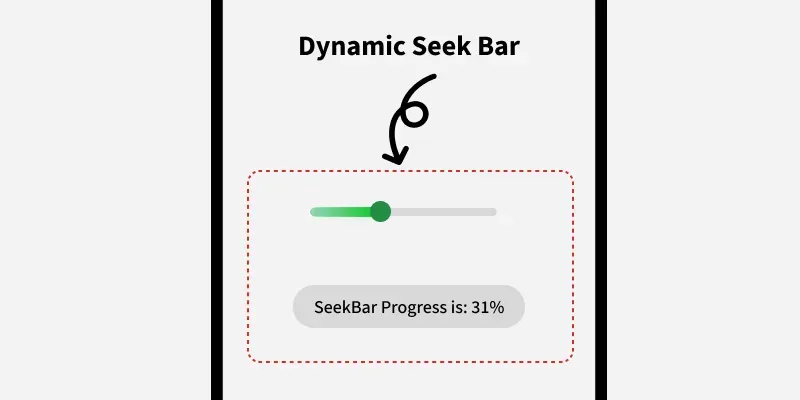
SeekBar in Android is a modified version of progressBar that has a draggable thumb in which a user can drag the thumb back and forth to set the current progress value. We can use SeekBar in our Android Devices like Brightness control, volume control etc. It is one of the important user interface elements which provides the option to select the integer values within the defined range like 1 to 100.
In this article, we will learn how to implement a seekbar programmatically in kotlin.
To Create a New Project in Android Studio please refer to How to Create/Start a New Project in Android Studio.
First of all, use LinearLayout and set its attributes like id, layout_width , context etc.
activity_main.xml:
Here, we need to declare seek to create SeekBar like this:
val seek = SeekBar(this)then, we create another variable params and set attributes for that. We will create another variable layout for the main Layout and call from activity_main.xml file using the id main.
val params = LinearLayout.LayoutParams(
 ViewGroup.LayoutParams.MATCH_PARENT,
 ViewGroup.LayoutParams.WRAP_CONTENT
)
params.setMargins(100, 0, 100, 0)
seek.layoutParams = params

val layout: LinearLayout = findViewById(R.id.main)
and add the SeekBar named as seek into the linearLayout using
layout.addView(seek)MainActivity.kt: