
Modern consumer-level routers have one big problem—a lack of LAN ports to wire up your devices from. While it's often better to use wired connections, it's just not feasible, not without adding a network switch to give you more Ethernet ports.
If that sounds familiar to you, you've possibly already gone and added an unmanaged switch to your network because it's a cost-effective way of getting more wired connections. But you don't get much else, and that's where managed switches come in. These are the next step in your home networking journey, and they're well worth the upgrade.

4 reasons you might need a high-speed LAN setup for your local network
Multi-gig LAN might not be for everyone, but it can be a huge upgrade
5 Better security
Run your network security and firewall from your switch
When you think about network security, the first thing you may think of is a firewall. A firewall keeps unwanted data packets out of your network and often offers malware scanning and other essential features.
But a managed switch can also be an effective security tool, with DDoS protection, advanced authentication methods for approved devices, DHCP Snooping, and ACL Storm control. Plus, you can turn off individual ports that aren't being utilized, so that a passerby can't simply plug something into the unused ports.
5 ways to detect and stop unauthorized devices on your home network
Nobody likes to think that unauthorized devices are using their network, but it's fairly simple to find them and kick them off.
4 For VLANs
Make your network smarter and better protected
Virtual LANs, or VLANs, are essential for network management at any level, not just the corporate environment. They're a central feature of managed switches, enabling them to route data effectively to the right places, without other networks being able to snoop.
They're also a secondary security feature, as you can limit the access that some devices have to the other VLANs and the rest of your home network. These include noisy IoT devices or Smart TVs that like to send multicast traffic across the network, slowing it down. You can also create a VLAN for guests to use, so they get internet access without getting access to your private file server.

6 things you need to know before setting up VLANs on your home network
VLANs are super handy for organizing your network, but you need to do some prep work first
3 Traffic and device management
Don't let your network switch be your network bottleneck👁 QoS settings for a gaming PC
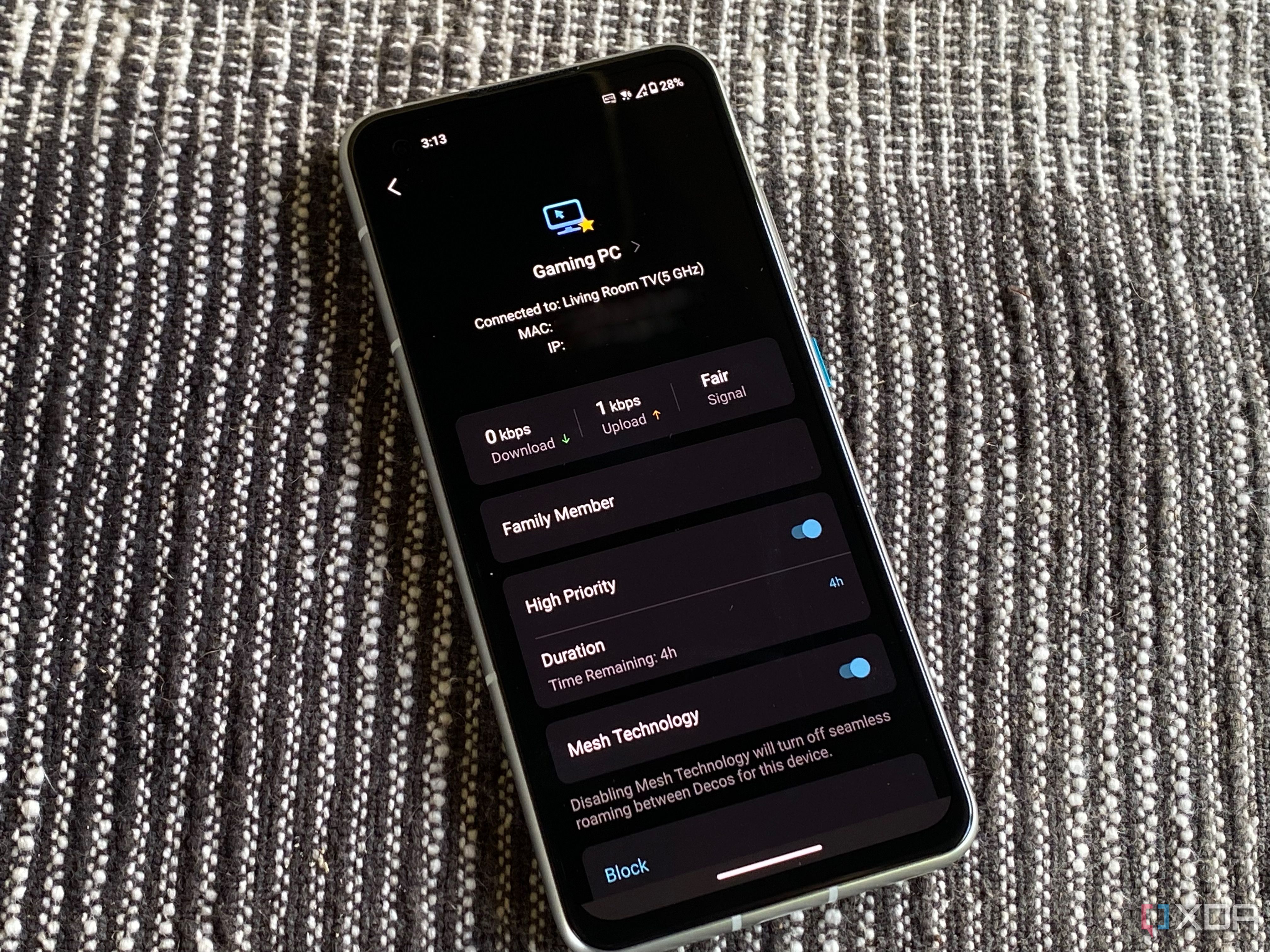
A managed switch can help with advanced Quality-of-Service, ensuring that all devices on the network get their fair share of the available bandwidth without crowding out latency-sensitive user needs. They'll also often come with loop prevention mechanisms, which come into play if you accidentally plug something in that would affect normal routing on Layer 2 networks.
But they can do so much more, including access control lists to keep unwanted devices off the network or limit them to certain services or device monitoring to let you know when a critical device has lost connectivity. You can even test your wiring with some managed switches, so you know if a particular cable run is defective or unable to negotiate at the speeds it should be.

What is QoS on routers and how can it improve your home LAN?
QoS on your router keeps your most important connections feeling fast by prioritizing their packets.
2 Network monitoring
Get deep insights into what's going through your network switch
The software packages that come with managed switches add a whole world of network monitoring to use. You can stay in that manufacturer's ecosystem if you have more of their networking appliances or set up other network monitoring tools and link your switch to that, enabling an overview of your whole network infrastructure from a central point.
Plus, you get other advanced features like port mirroring, enabling you to monitor and analyze network traffic without affecting the speed of data on the port being cloned. That's an essential tool for troubleshooting or security monitoring.
5 best network monitoring tools for your small business
Your network monitoring needs change somewhat when you've got business related compliance to think of.
1 Scalability
Managed switches are perfect when you want to build your home network out further
As the needs of your network grow, you'll soon run into the limitations of unmanaged network switches. But with a managed switch, you can support more devices than your original router. You'll also gain the ability to fine-tune settings as you add more devices or switches, making your network more optimized. Other features like remote management also help with quick settings changes without needing physical access to the switch.

10 ways to make your home network more resilient to outages
Nobody likes having their home network offline, especially if they work from home.
When you want a robust home network, managed switches are the way to go
If you've been using unmanaged switches to add extra Ethernet lines to your home network, you know they run into limitations pretty quickly. By swapping them out for managed switches, you gain a ton of advanced features and controls and the ability to monitor the traffic on your network. That will make it more robust overall, and less likely to leave you without network access.