|
VOOZH | about |
|
VOOZH | about |
Home » Teaching Studio » Explore the MIT Sloan Teaching Studio
SKIP AHEAD TO
We designed the MIT Sloan Teaching Studio with you and your teaching in mind. The technology is streamlined so you can focus on your students and the teaching experience. The studio is equipped with
Tip: Ready to get started on your own Teaching Studio project? The first step is to request a consultation.
The Teaching Studio just keeps getting better! Watch this video to see the studio in action.
As a presenter in the MIT Sloan Teaching Studio, you can use any of the “scenes” (or camera views) below. Part of planning your presentation is deciding when you’ll use each scene. The Teaching & Learning Technologies team will be happy to help you choose the scene(s) that will work best for your presentation.
Professor Shira Springer using the Projector Screen scene in the Teaching Studio
Tip: Download the Projector Scene Studio Slides Template from our Download a Template page.
Professor Court Chilton using the Full Screen scene in the Teaching Studio
Tip: Download the Full Screen Scene Studio Slides Template from our Download a Template page.
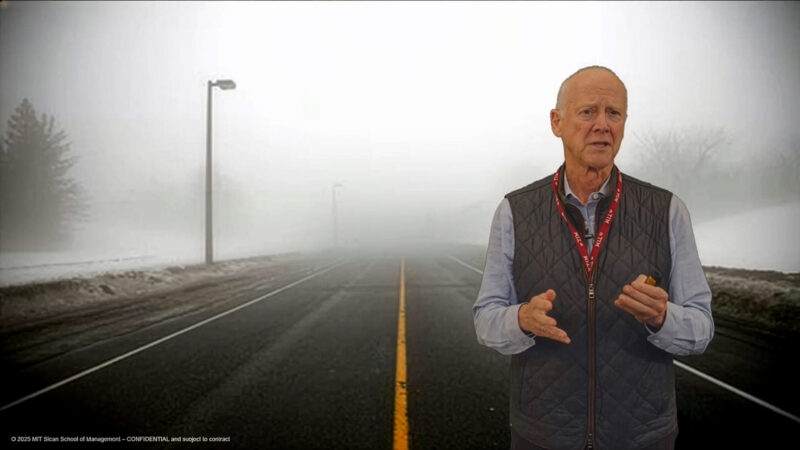
Professor Ben Shields using the Speaker Only scene in the Teaching Studio
Professor Renee Gosline using the Screencast scene in the Teaching Studio
A world map occupying the entire screen in a Content Only scene in the Teaching Studio
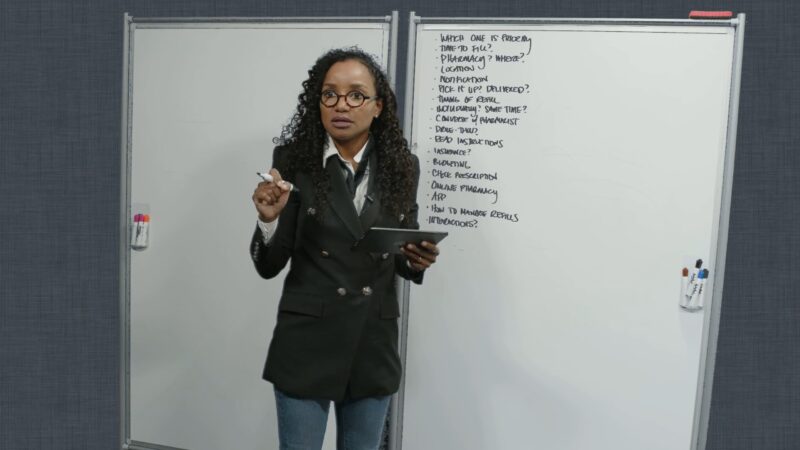
Professor Renee Gosline using the Whiteboard scene in the Teaching Studio
© 2026 MIT Sloan Teaching & Learning Technologies.