An Events in AngularJS can be used to perform particular tasks, based on the action taken. Both Angular Event & the HTML Event will be executed & will not overwrite with an HTML Event. It can be added using the Directives mentioned below:
ng-mousemove: The movement of the mouse leads to the execution of the event.
ng-mouseup: Movement of the mouse upwards leads to the execution of the event.
ng-mousedown: Movement of the mouse downwards leads to the execution of the event.
ng-mouseenter: Click of the mouse button leads to the execution of the event.
ng-mouseover: Hovering the mouse leads to the execution of the event.
ng-cut: Cut operation leads to the execution of the event.
ng-copy: Copy operation leads to the execution of the event.
ng-keypress: Press of key leads to the execution of the event.
ng-keyup: Press of upward arrow key leads to the execution of the event.
ng-keydown: Press of downward arrow key leads to the execution of the event.
ng-click: Single click leads to the execution of the event.
ng-dblclick: Double click leads to the execution of the event.
ng-blur: Fired when an HTML element loses its focus.
ng-change: It is used whenever the value of an input element changes.
ng-focus: It is used to apply custom behavior when an element is focused.
ng-paste: It is used to specify custom behavior functions when the text in input fields is pasted into an HTML element.
ng-mouseleave: It is used to apply custom behavior when a mouse-leave event occurs on a specific HTML element.
Example 1: This example illustrates action on the occurrence of any Mouse Movement Event. This includes events of dragging the mouse to cause movement of the cursor on the screen.
Example 2: This example shows the $event obj for calling the function on Mouse Movement Event. Here, the $event object enables the occurrence of a mouse movement event.
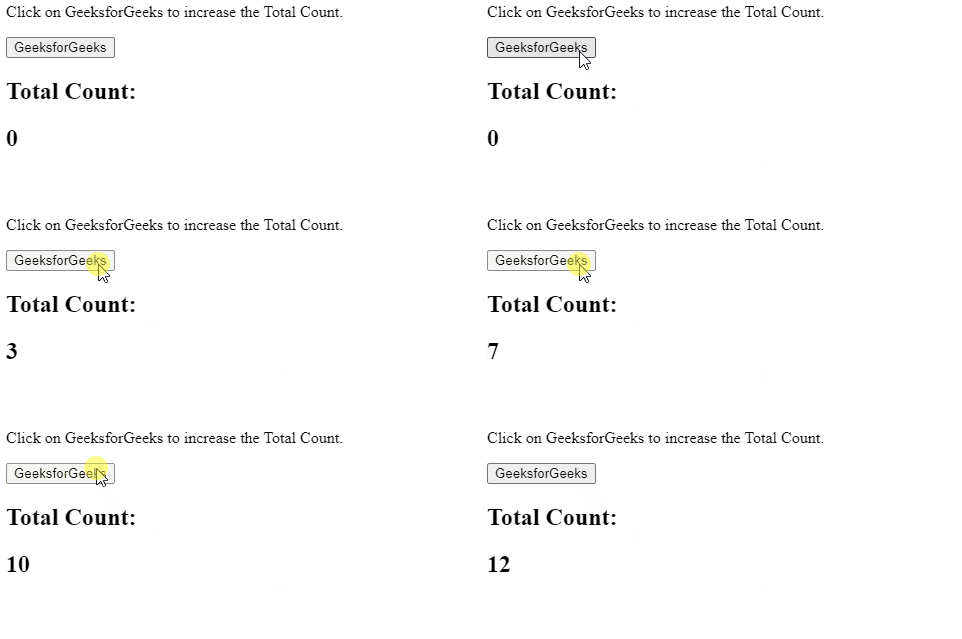
Example 3: This example shows the action being performed for On Click Event. Here, the click of the mouse button leads to the performance of some action.