|
VOOZH | about |
|
VOOZH | about |
The ng-click Directive in AngluarJS is used to apply custom behavior when an element is clicked. It can be used to show/hide some element or it can pop up an alert when the button is clicked.
Syntax:
<element ng-click="expression">
 Contents...
</element>
Parameter Value:
Supported tag: It is supported by all the elements in HTML.
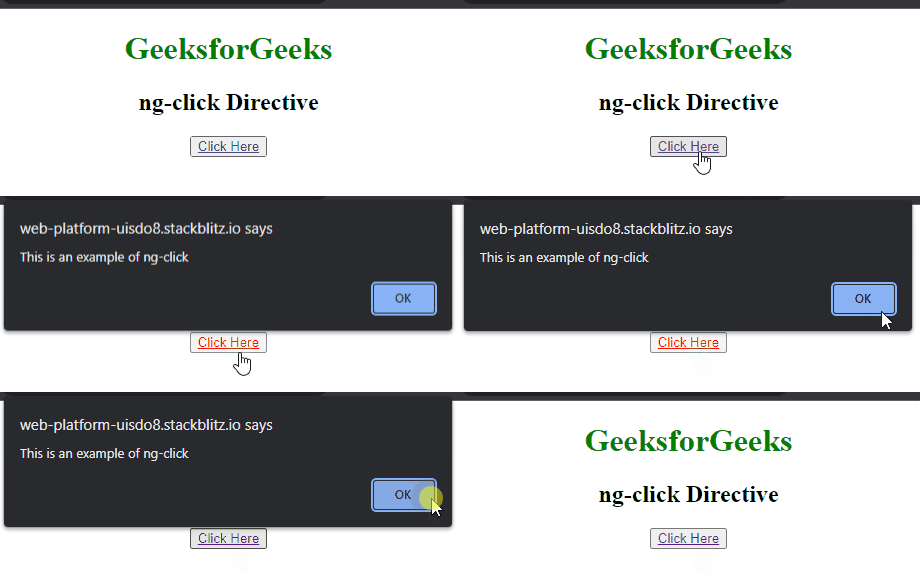
Example 1: This example illustrates the implementation of the ng-click Directive to display an alert message after clicking the element.
Output:
Example 2: This example illustrates the implementation of the ng-click Directive to display some content after clicking the element.
Output: