|
VOOZH | about |
|
VOOZH | about |
The $location in AngularJS basically uses a window.location service. The $location is used to read or change the URL in the browser and it is used to reflect that URL on our page. Any change made in the URL is stored in the $location service in AngularJS. There are various methods in the $location service such as absUrl(), url([URL]), protocol(), host(), port(), path([path]), search(search, [paramValue]), hash([hash]), replace(), and state([state]). Also, there are two events available i.e. $locationChangeStart and $locationChangeSuccess. Now let us see some methods one by one of $location service.
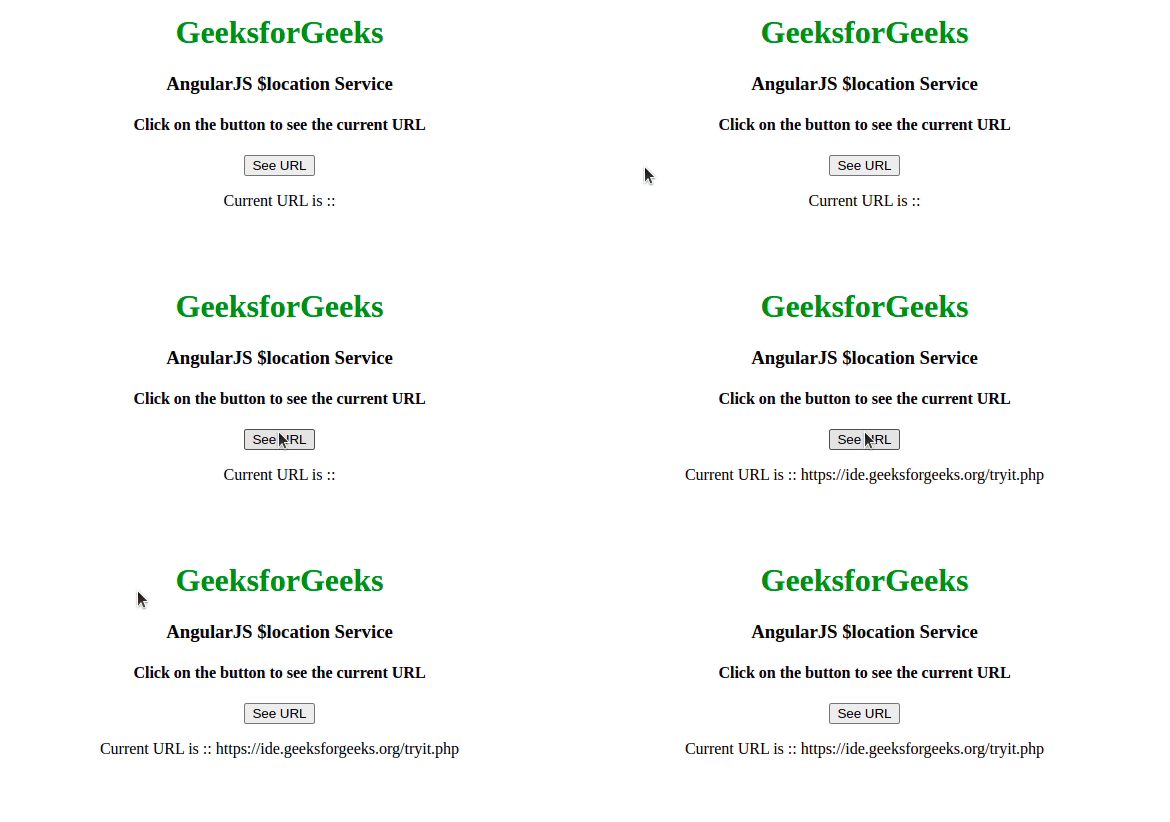
Example 1: This example describes the absUrl() Method in AngularJS.
Output:
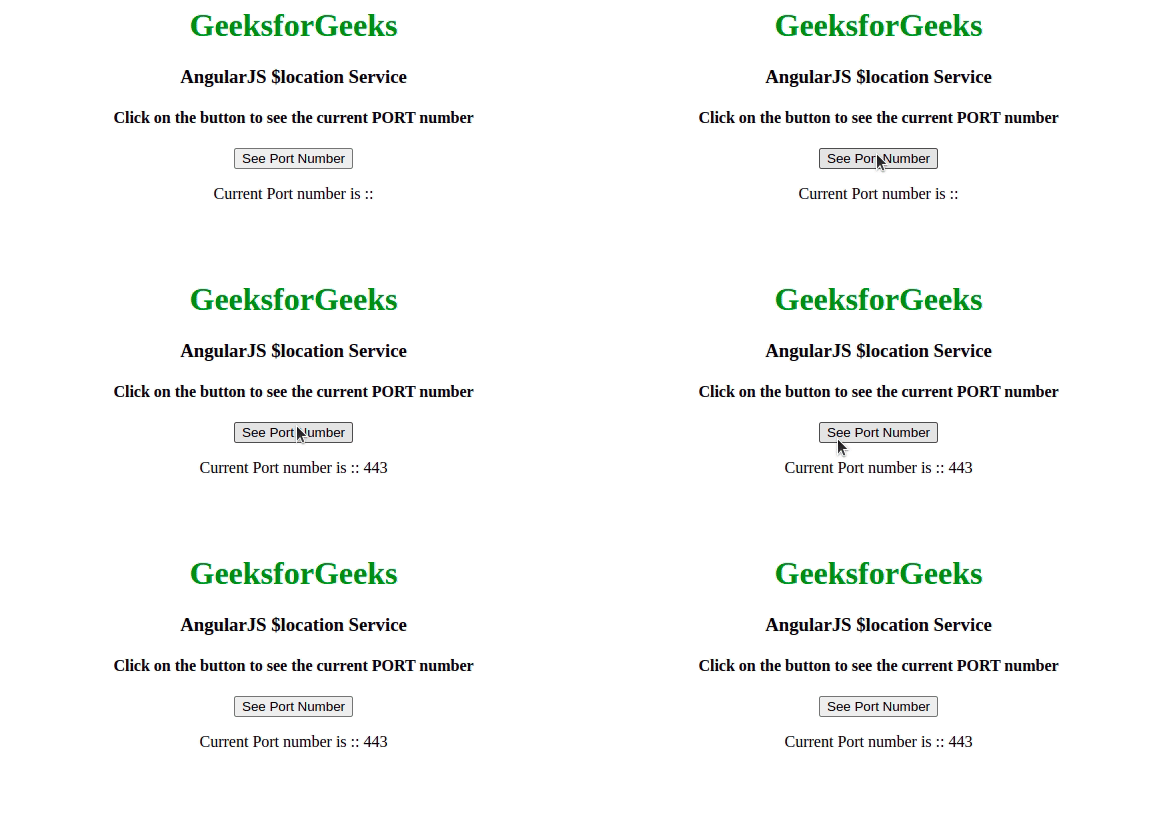
Example 2: This example describes the usage of the port() Method in AngularJS.
Output:
Example 3: This example describes the basic usage of the protocol() Method in AngularJS.
Output:
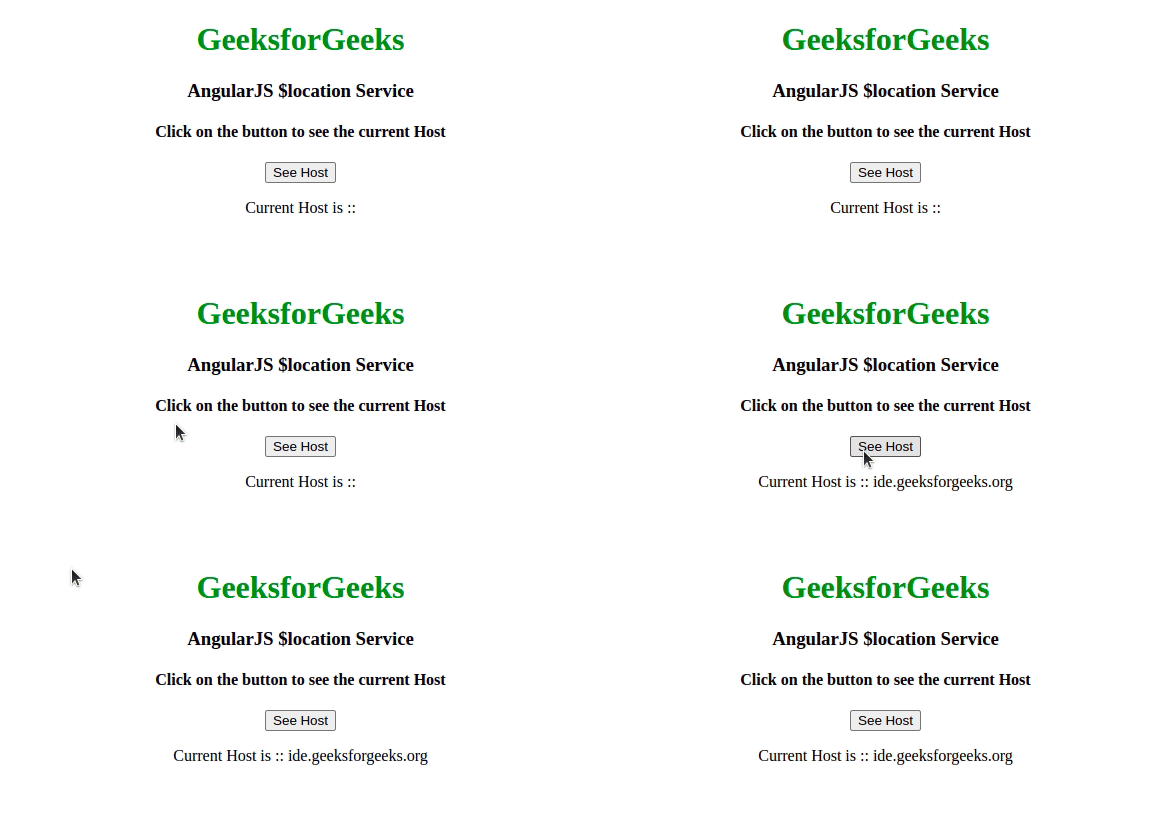
Example 4: This example describes the basic usage of the host() Method in AngularJS.
Output:
Example 5: This example describes the basic usage of the search() Method in AngularJS.
Output:
Example 6: This example describes the basic usage of the hash() Method in AngularJS.
Output: