|
VOOZH | about |
|
VOOZH | about |
The ng-transclude directive is used to mark the insertion point for transcluded DOM of the nearest parent that uses transclusion. Use transclusion slot name as the value of ng-transclude or ng-transclude-slot attribute. If the transcluded content has more than one DOM node with the whitespace text node, then the text that exists with content for this element will be discarded before the transcluded content is inserted. In case, if the transcluded content is empty or contains only a whitespace text node, then the content that exists will remain unchanged. For this, it facilitates the fallback content when no transcluded content is provided.
Syntax: The ng-transclude Directive can be defined in the following ways:
As element:
<ng-transclude ng-transclude-slot="string">
 ...
</ng-transclude>
As CSS class:
<element class="ng-transclude: string;"> ... </element>
As attribute:
<element ng-transclude="string">
 ...
</element>
Parameter value:
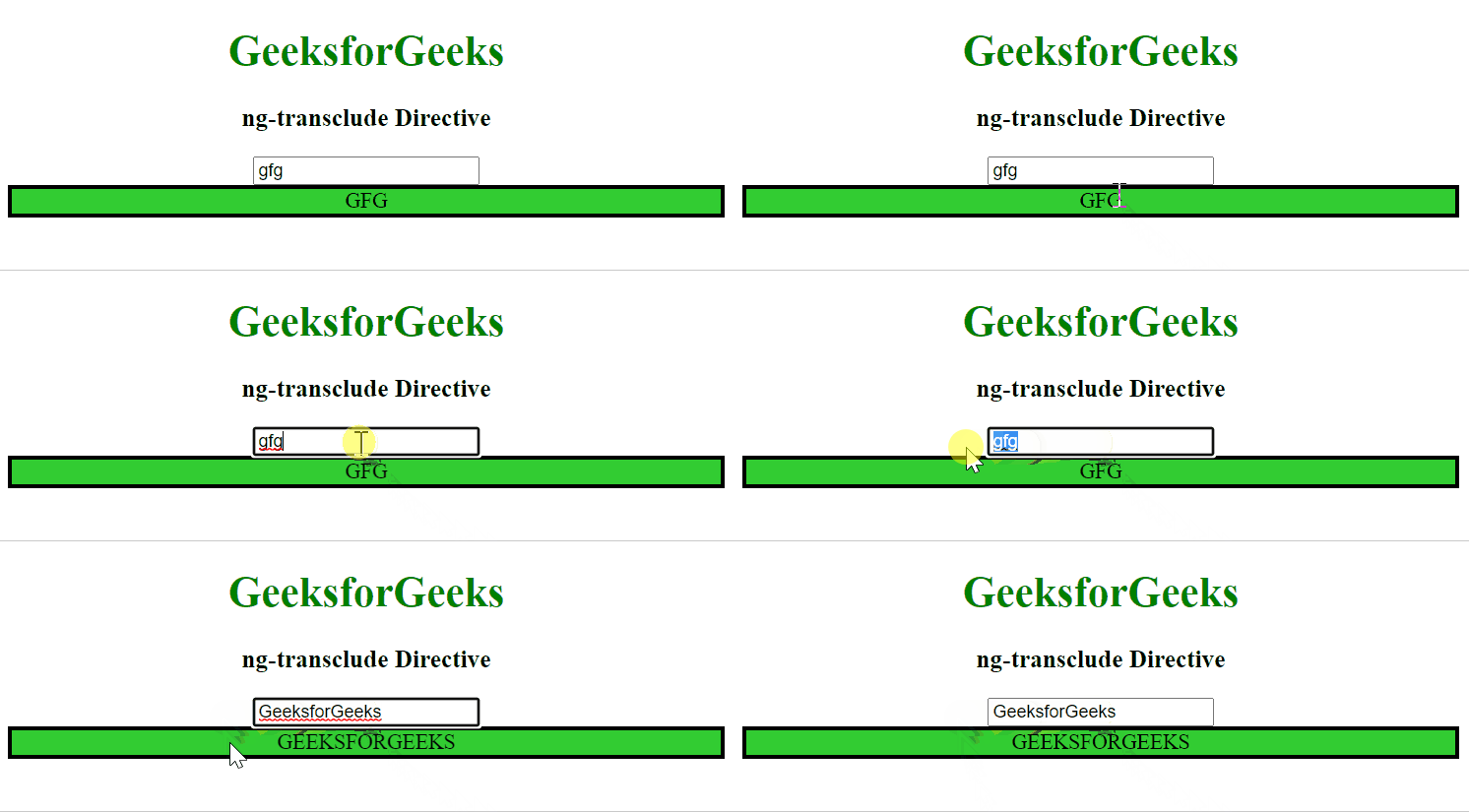
Example 1: This example describes the implementation of the ng-transclude Directive in AngularJS.
Output:
Example 2: This example describes the implementation of the ng-transclude Directive in AngularJS, by using the <textarea> tag.
Output:
Example 3: This example describes the implementation of the ng-transclude Directive in AngularJS, creating the custom button.
Output: