|
VOOZH | about |
|
VOOZH | about |
In Template Driven Forms we specify behaviors/validations using directives and attributes in our template and let it work behind the scenes. All things happen in Templates hence very little code is required in the component class. This is different from the reactive forms, where we define the logic and controls in the component class.
Step 1: Create a root directory called Form using the following command:
mkdir FormStep 2: Navigate to the root directory. Run the following command to initialize a new Angular app:
npm install -g @angular/cli
cd From
ng new my-angular-form-project
"dependencies": {
 "@angular/animations": "^17.3.0",
 "@angular/common": "^17.3.0",
 "@angular/compiler": "^17.3.0",
 "@angular/core": "^17.3.0",
 "@angular/forms": "^17.3.0",
 "@angular/platform-browser": "^17.3.0",
 "@angular/platform-browser-dynamic": "^17.3.0",
 "@angular/router": "^17.3.0",
 "rxjs": "~7.8.0",
 "tslib": "^2.3.0",
 "zone.js": "~0.14.3"
 }
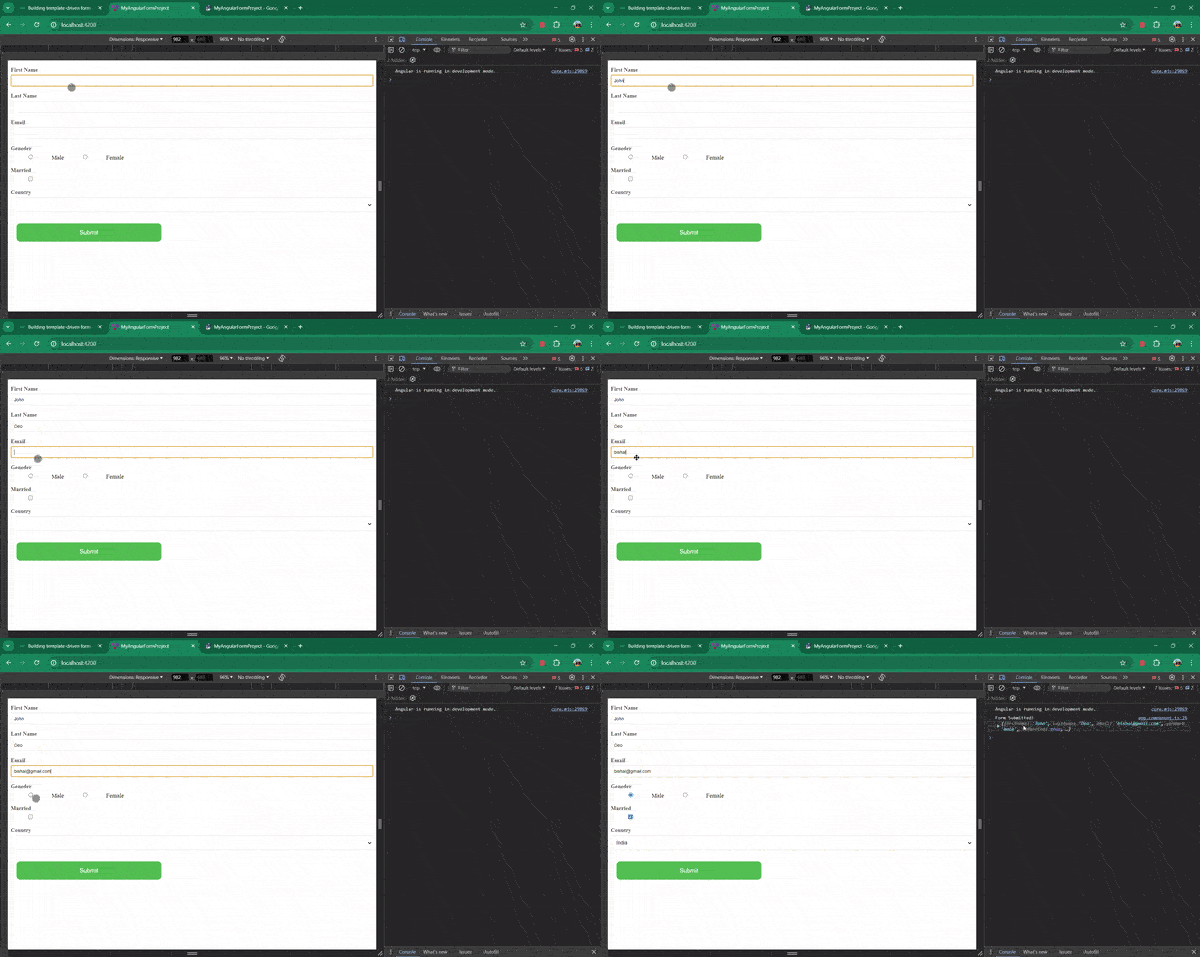
Example: In this example we are creating a basic Template-Driven Form
ng serverequired, minlength, maxlength, and more. Custom validators can also be added if needed.ngModel, ngSubmit, and ngForm, to create and manage forms efficiently.
.png)