|
VOOZH | about |
|
VOOZH | about |
Content Projection, also known as "Transclusion" in Angular, is a powerful feature that allows you to pass content from a parent component to a child component. This technique enhances the reusability and flexibility of your components by separating the concerns of content and presentation.
Table of Content
Content Projection in Angular refers to the process of projecting or inserting content from a parent component into a designated area within a child component's template. This is achieved by using the <ng-content> element in the child component's template, which acts as a placeholder for the content to be projected.
Step 1:Create a new Angular project
Open your terminal or command prompt and run the following command to create a new Angular project:
ng new content-projection-demoStep 2: Once the project setup is complete, navigate to the project directory:
cd content-projection-demoStep 3: Start the application using the following commands.
ng serveDependencies:
 "dependencies": {
 "@angular/animations": "^17.3.0",
 "@angular/common": "^17.3.0",
 "@angular/compiler": "^17.3.0",
 "@angular/core": "^17.3.0",
 "@angular/forms": "^17.3.0",
 "@angular/platform-browser": "^17.3.0",
 "@angular/platform-browser-dynamic": "^17.3.0",
 "@angular/router": "^17.3.0",
 "rxjs": "~7.8.0",
 "tslib": "^2.3.0",
 "zone.js": "~0.14.3"
 }
Single Slot Content Projection is the most basic form of content projection, where a single piece of content is projected into the child component's template.
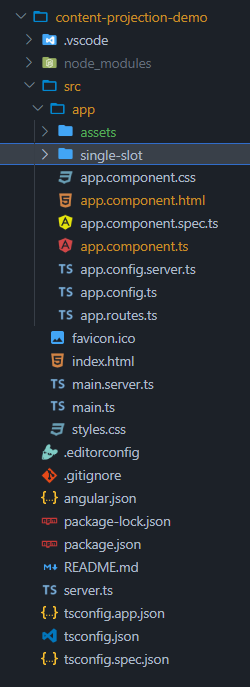
Generate a new component for single slot content projection:
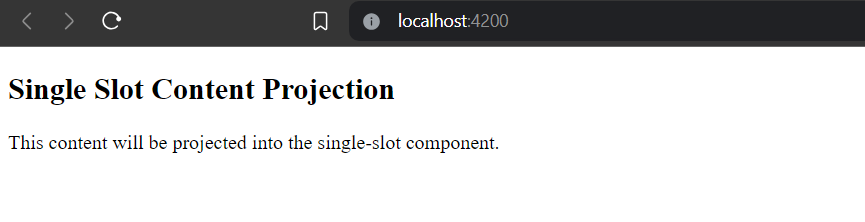
ng generate component single-slotExample: In this example there is implementation of single slot component.
Output:
Multi-slot content projection, also known as named content projection, is an advanced technique in Angular for passing content from a parent component into a child component through multiple placeholders within the child component's template.
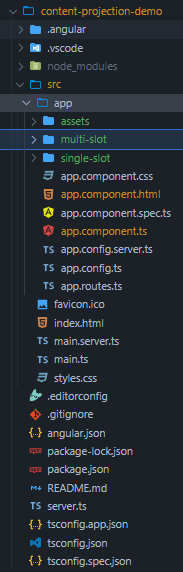
Generate a new component for multi-slot content projection:
ng generate component multi-slotFolder Structure:
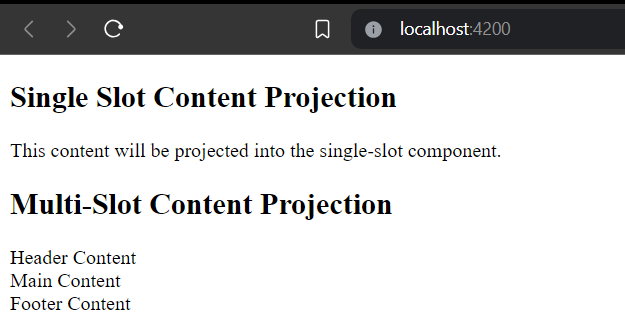
Example:
Output:
Components that use conditional content projection render content only when specific conditions are met. This technique allows for dynamic rendering of content within a component, providing flexibility and customization options. Conditional content projection can be achieved using Angular's built-in directives, such as ngIf, combined with content projection mechanisms.
Generate a new component for conditional content projection:
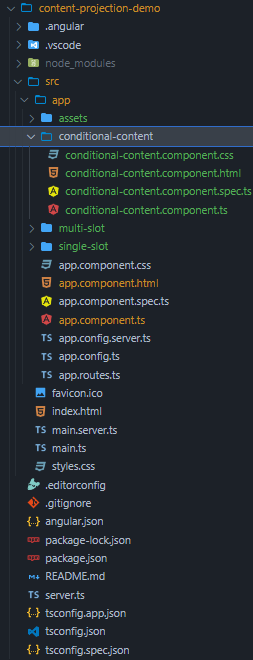
ng generate component conditional-contentFolder Structure:
Example:
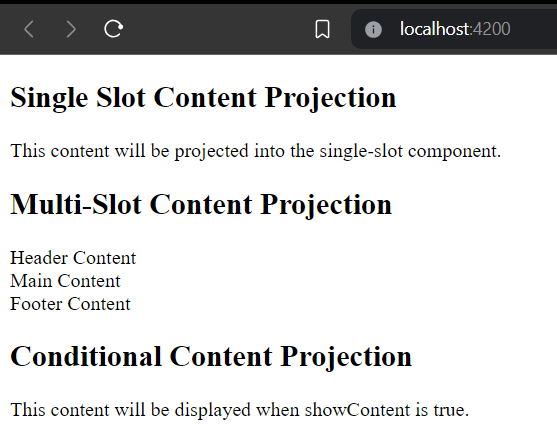
Output: