|
VOOZH | about |
|
VOOZH | about |
In Angular, handling asynchronous data streams is an important task, and two primary methods for this are subscribe() and async pipe. Both approaches have their strengths and use cases. In this article, we will explore each method to help you understand when and how to use them effectively in your Angular applications.
The subscribe() method is used to manually subscribe to an Observable or Subject and receive data emitted by it.
Syntax:
observable.subscribe(
 next?: (value: T) => void,
 error?: (error: any) => void,
 complete?: () => void
);
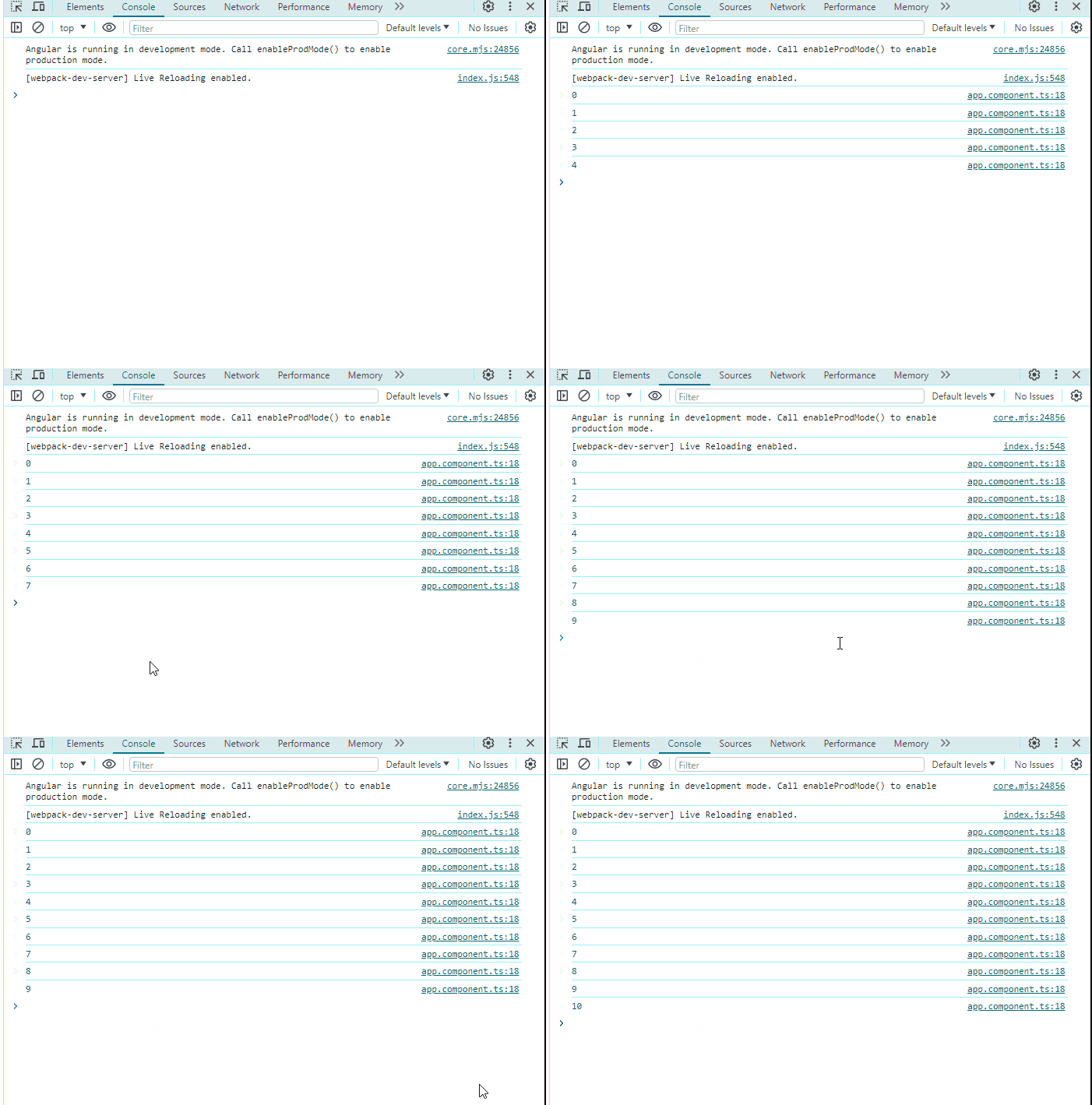
In the above example, we have created an observable which emits a value for every second. And we have subscribed to the subscription and did a console log, to observe the values emitted by the observable created, And we have also unsubscribed to the subscription on ngOnDestroy() to avoid any memory leakage.
The async pipe is an Angular feature that simplifies the process of subscribing to and unsubscribing from observables in templates. It automatically manages the subscription lifecycle and updates the template with the emitted values.
Syntax:
<div *ngIf="observable$ | async as data">
 {{ data }}
</div>
In the above example, we have created an observable which emits the value every second. In the template (app.component.html), we use the async pipe to handle the observable$ property. The async pipe subscribes to the observable and displays the emitted values in the template.
Async pipe | Subscribe Method |
Automatically handles subscription and unsubscription. | Manually create and manage the subscription object. |
Automatically updates the template with emitted values. | Manually update the template with emitted values. |
Async pipe prevents memory leaks by auto-unsubscribing. | Manual unsubscription is necessary to prevent leaks. |
Used for simple value display | Used for Complex logic, error handling |
No direct error handling in the pipe, but can be combined with error handling operators | Can handle errors explicitly in the error callback |
In conclusion, both subscribe() and the async pipe are valuable tools for handling asynchronous data in Angular applications. subscribe() offers flexibility and control, making it suitable for scenarios requiring custom logic and side effects. On the other hand, the async pipe simplifies template code, improves readability, and reduces the risk of memory leaks by automatically managing subscriptions and unsubscriptions. Understanding the differences between these two approaches will hep you to choose the most appropriate method for your specific use case, ultimately enhancing the efficiency and maintainability of your Angular codebase.