Introduction:
In Angular 6, event handling is used to hear and capture all the events like clicks, mouse movements, keystrokes and etc. It is an important feature that is present in Angular and it is used in every project irrespective of its size.
Syntax:
Explanation of Syntax:
- HTML elements can be used like <button> tag, input tag and etc.
- In events, we can use many events that are present like (click), (change) and etc.
- We need to give a function name in strings and we need to write the implementation in the ts file.
Approach:
- According to the above example declare an event handler with any of the key events in the HTML file.
- In ts file write the implementation of the function according to the requirement.
- Below two examples where we used different events to use the concept.
- The one is (change) event and the second one is (click).
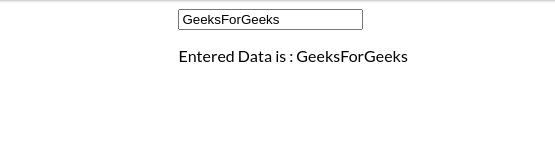
Example 1: Using change:
app.component.html:
app.component.ts:
app.module.ts:
Output:
👁 Image
👁 Image
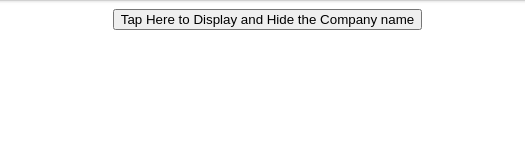
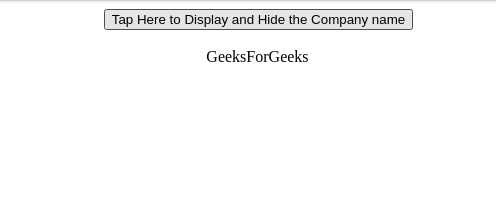
Example 2: Using onclick:
app.component.html:
app.component.ts:
app.module.ts:
Output:
Before clicking the icon:
👁 Image
After clicking the icon:
👁 Image