|
VOOZH | about |
|
VOOZH | about |
Angular Material is a UI component library that is developed by Google so that Angular developers can develop modern applications in a structured and responsive way.
In this article, we will learn How to display data that is obtained from an API to a card of Angular Material.
Step 1: Create an Angular application using the following command.
ng new appname
Step 2: After creating your project folder i.e. appname, move to it using the following command.
cd appname
Step 3: Install Angular material
npm install @angular/material --save
Step 4: Add CSS in src/styles.css
@import "~@angular/material/prebuilt-themes/indigo-pink.css";
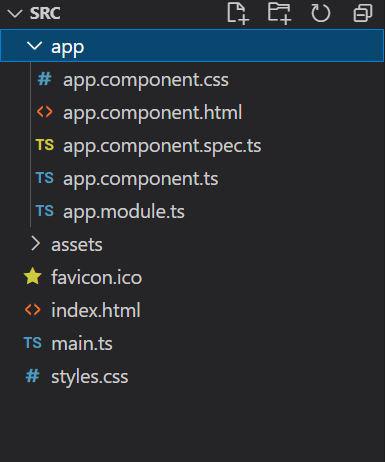
It will look like the following:
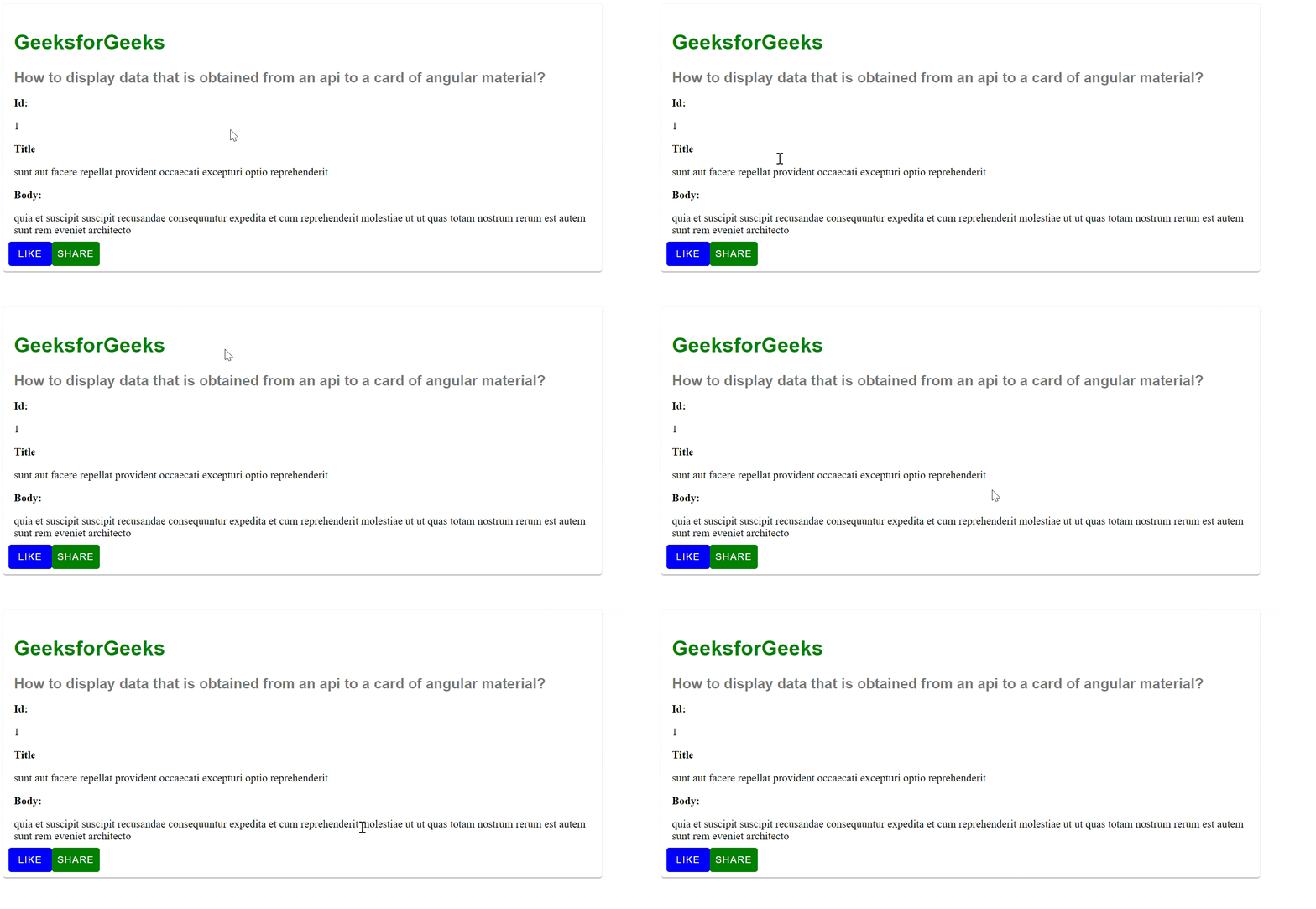
👁 z132Example 1: In this example, we will fetch an API using HTTP, and display the object (its property values) in the card.
Output:
👁 Recording-2023-10-27-at-135800
Example 2: In this example, we will call the API using the buttons of the material card and then display the data on the card.
Output: