|
VOOZH | about |
|
VOOZH | about |
In this article, we will see how to remove the content of an element in HTML DOM using AngularJS. This task can be accomplished by implementing the jQuery empty() method that removes all child nodes and their content for the selected elements.
Syntax:
element.empty();
Parameter: This method does not accept any parameter.
Return Value: This method returns the selected element with the specified changes made by the empty() method.
Approach: First select the element whose content is to be emptied. Then use the empty() method to remove the content of the element.
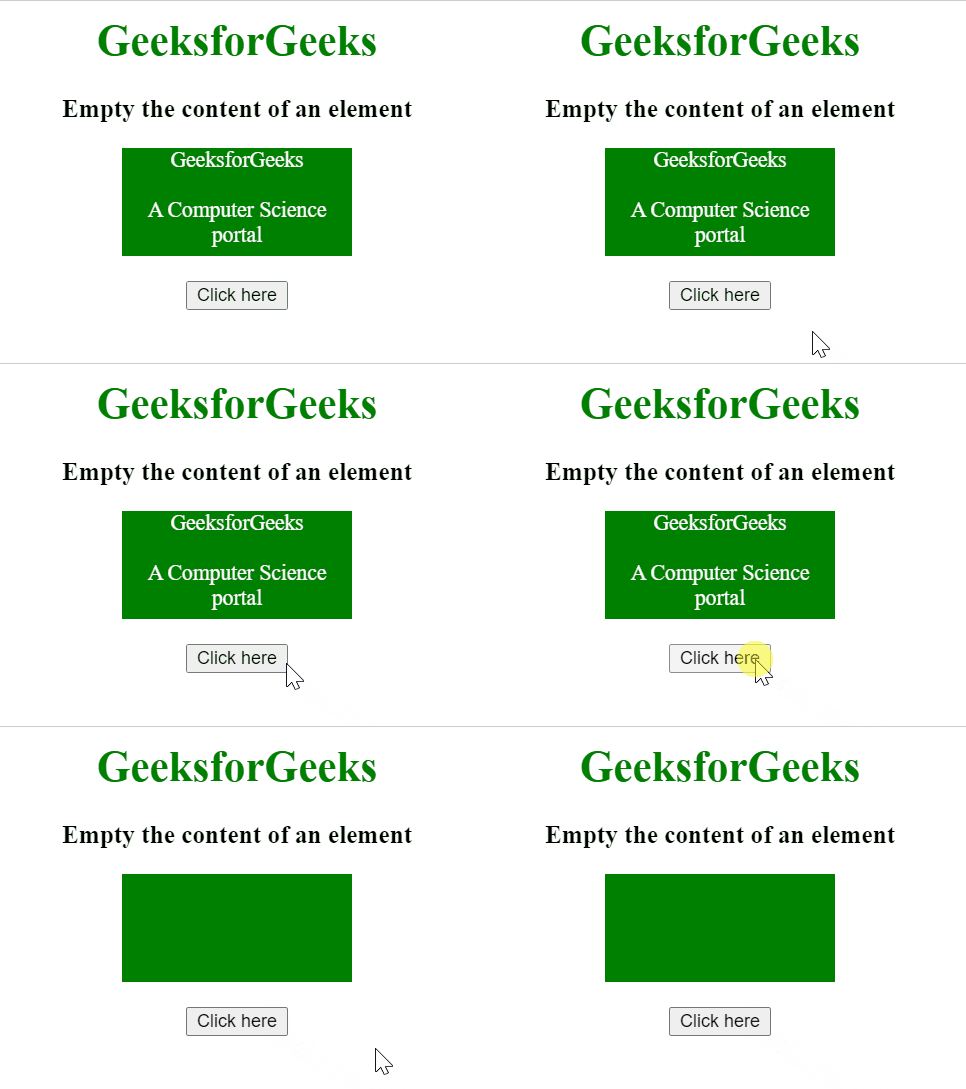
Example 1: In this example, the content of the element of ID('div') is emptied.
Output:
Example 2: In this example, the content of an element along with its children are emptied.
Output: