|
VOOZH | about |
|
VOOZH | about |
In this article, we will see how to get the dimensions of the Viewport in AngularJS. The Viewport is the visible area for the users on the web page that varies with different screen-width, depending upon the devices used. to get the dimension of the Viewport, the clientWidth, and innerWidth properties can be utilized. The DOM clientWidth Property is used to return the viewable width of a specific element including padding but excluding the measurement of margin, border, and scrollbar width. The Window innerWidth property is used for returning the width of a window’s content area. It is a read-only property and returns a number that represents the width of the browser window’s content area in pixels.
Approach:
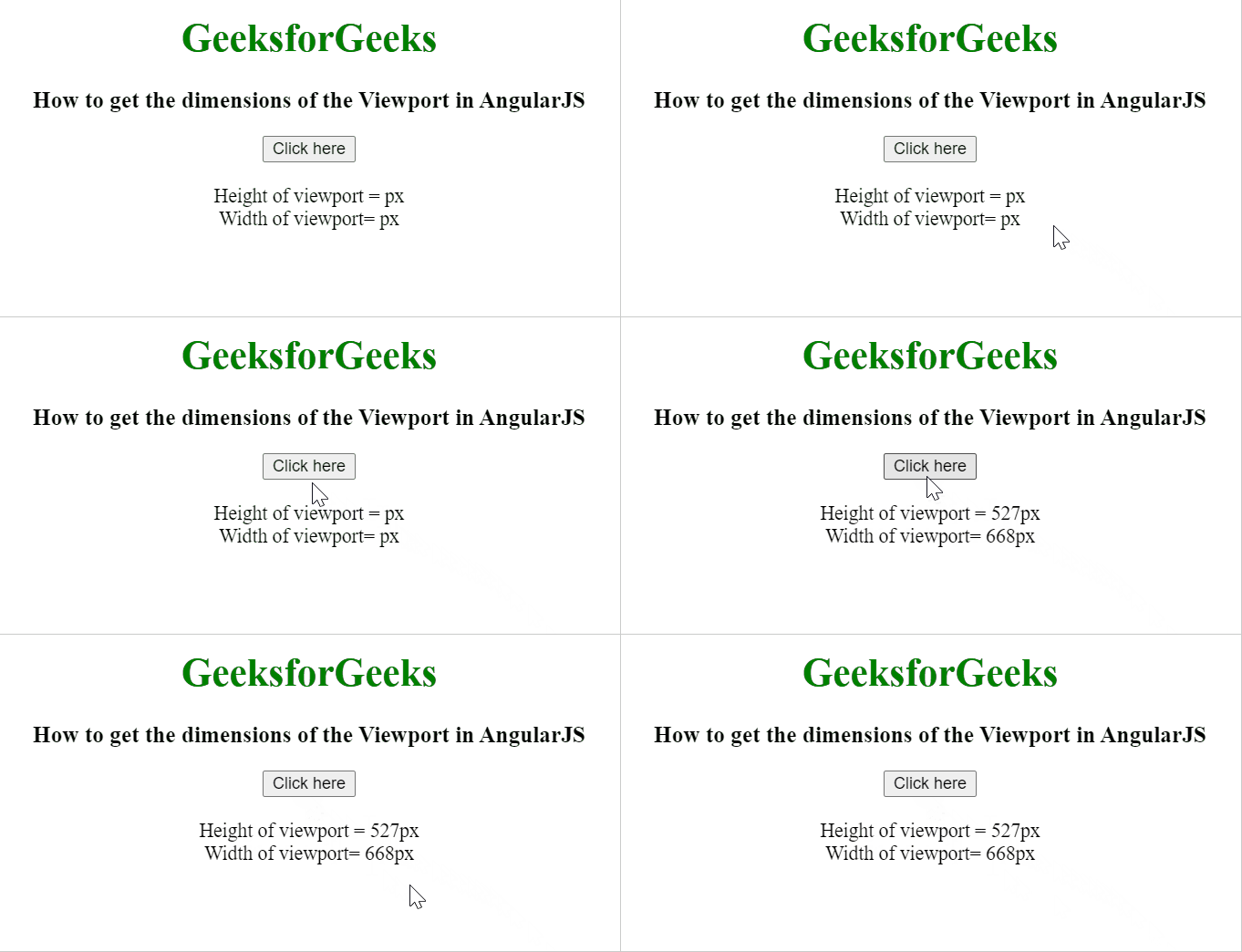
Example 1: In this example, the height and width are calculated in pixels.
Output:
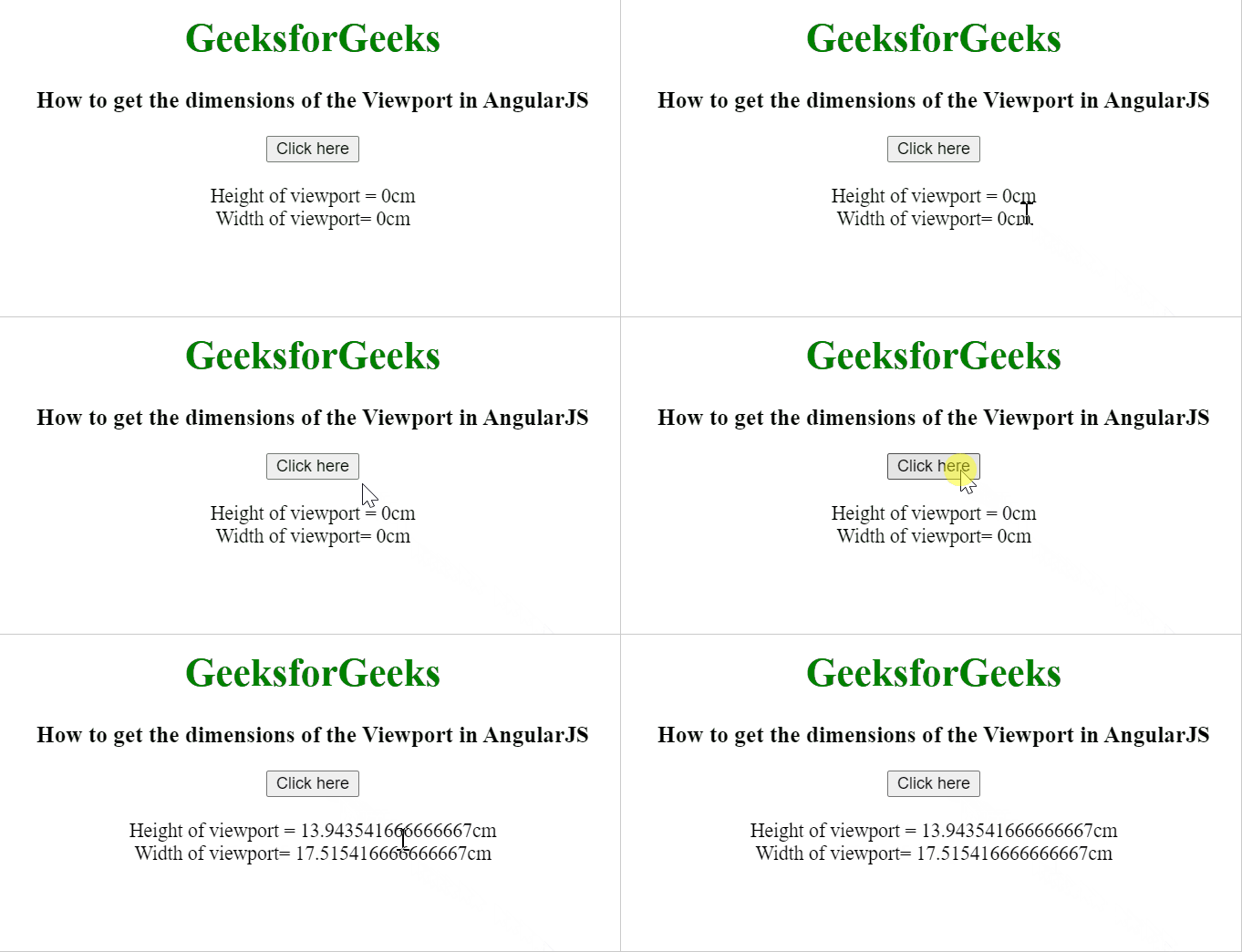
Example 2: In this example, the height and width are calculated in centimeters.
Output: