|
VOOZH | about |
|
VOOZH | about |
Angular directives are TypeScript classes decorated with the @Directive decorator. These are powerful tools for manipulating the DOM and adding behavior to elements. They can modify the behavior or appearance of DOM elements within an Angular application.
Directives can be broadly categorized into three types:
We will discuss the following approaches to pass multiple parameter to @directives in Angular:
Step 1: Create a new Angular project using the following command.
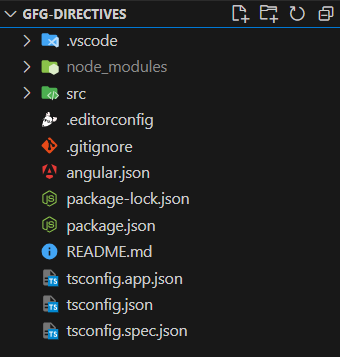
ng new gfg-directivesFolder Structure:
Dependencies:
"dependencies": {
 "@angular/animations": "^17.3.0",
 "@angular/common": "^17.3.0",
 "@angular/compiler": "^17.3.0",
 "@angular/core": "^17.3.0",
 "@angular/forms": "^17.3.0",
 "@angular/platform-browser": "^17.3.0",
 "@angular/platform-browser-dynamic": "^17.3.0",
 "@angular/router": "^17.3.0",
 "rxjs": "~7.8.0",
 "tslib": "^2.3.0",
 "zone.js": "~0.14.3"
 },
 "devDependencies": {
 "@angular-devkit/build-angular": "^17.3.0",
 "@angular/cli": "^17.3.0",
 "@angular/compiler-cli": "^17.3.0",
 "@types/jasmine": "~5.1.0",
 "jasmine-core": "~5.1.0",
 "karma": "~6.4.0",
 "karma-chrome-launcher": "~3.2.0",
 "karma-coverage": "~2.2.0",
 "karma-jasmine": "~5.1.0",
 "karma-jasmine-html-reporter": "~2.1.0",
 "typescript": "~5.4.2"
 }
Create a new component suing the following command.
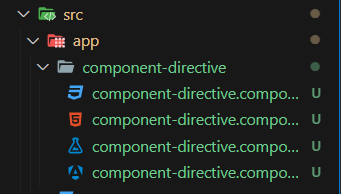
ng generate component component-directiveFolder Structure:
Code Example:
Create a new directive using the following command
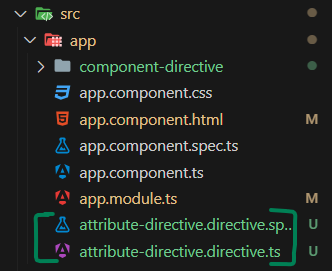
ng generate directive attribute-directiveFolders Structure:
Code Example:
Create a new directive using the following coammand.
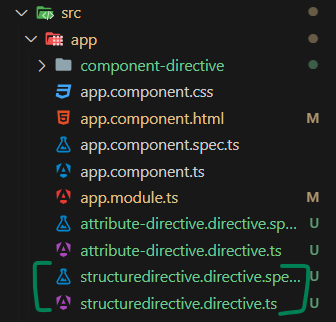
ng generate directive structuredirectiveFolder Structure:
Code Example:
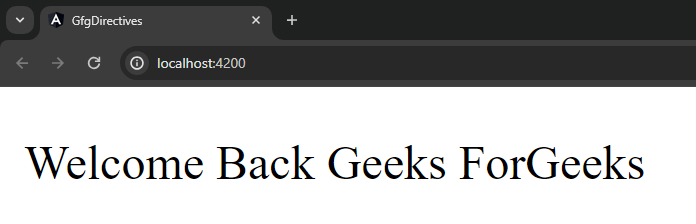
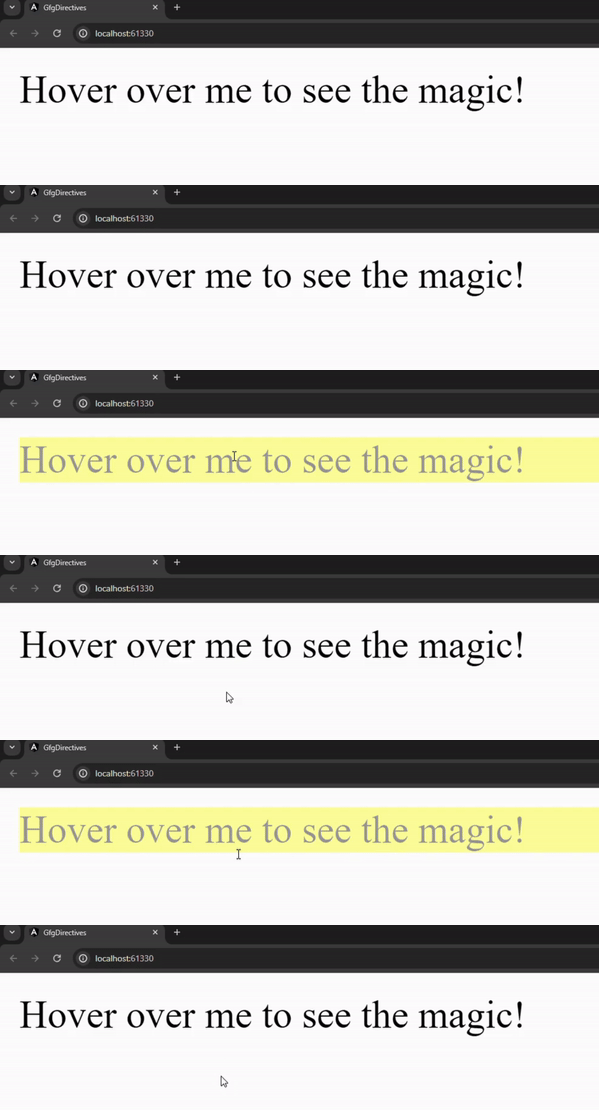
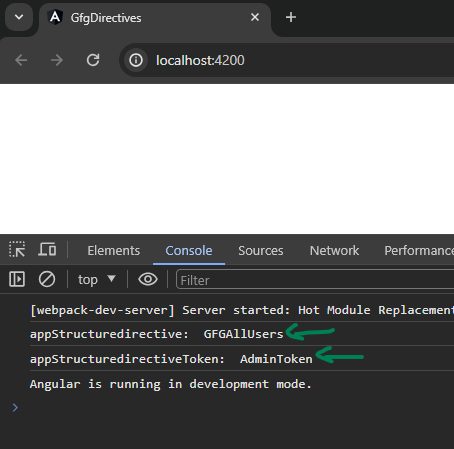
Output: