How to refresh entire application when date is changed in angular 9 ?
Last Updated : 17 Dec, 2020
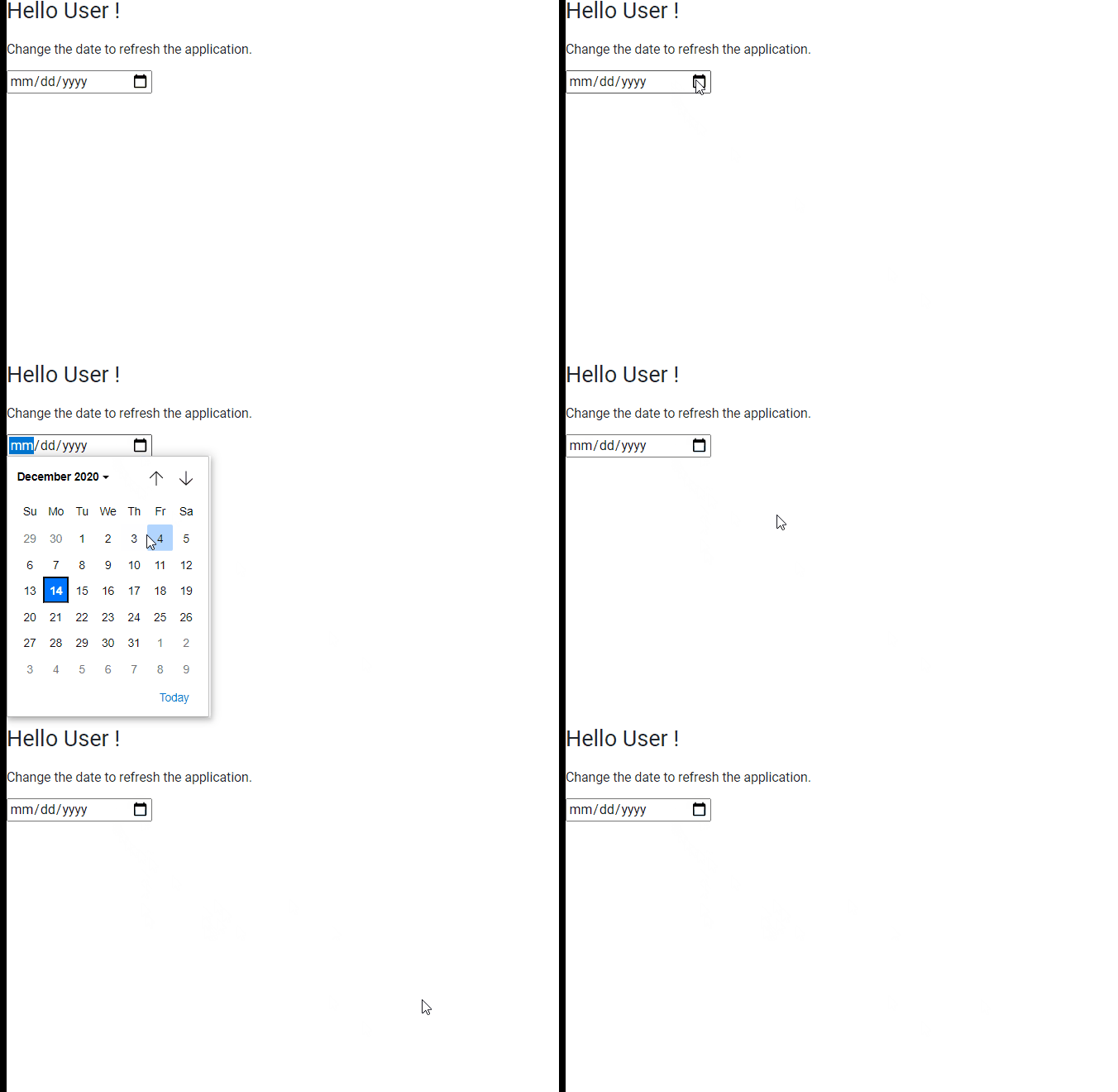
In this example, we will see how to refresh the application when the date is changed in angularJS.
Approach:
First, we need to write the code for displaying the date picker in an HTML file.
We can achieve this by giving the input type as the date.
After completing the input type, we need to declare a function on the 'onchange' event so that whenever the date is changed or modified the application will be reloaded.
After declaring the function in the HTML file we need to write the function implementation in the ts file.
In the function implementation, we can use the window property of DOM, and we can call the reload function so that the application is reloaded.
After completing the above steps, serve or start the project.