|
VOOZH | about |
|
VOOZH | about |
In this article, we will see how to scroll to an element on click in Angular. Here, we will create a component that enables scrolling to specific targets when a button is pressed within the document from one target to another.
Step 1: Create an Angular application using the following command.
ng new appnameStep 2: After creating your project folder i.e. appname, move to it using the following command.
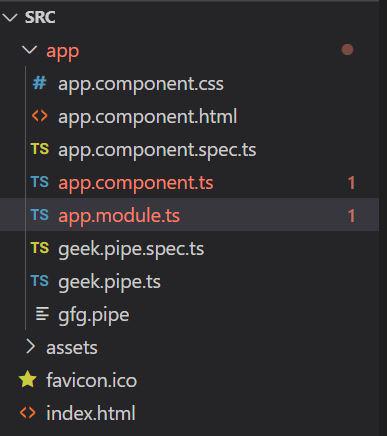
cd appnameIt will look like the following:
👁 z123Example 1: In this example, we have multiple cards, we can scroll from one card to another with a button click. We have defined 'name' and 'target' for each card, and hence passing the same in a function scroll. In the .ts file, we have implemented the scroll function and utilized scrollIntoView.
Output:
Example 2: In this example, we can add a smooth scrolling parameter, by adding {behavior:"smooth"} to scrollIntoView, which will smoothly help the scrolling.
Output