|
VOOZH | about |
|
VOOZH | about |
The most popular framework for making responsive and mobile-friendly websites is called Bootstrap. They include forms, typography, buttons, tables, navigation, modals, and picture carousels etc.
These are built using CSS and HTML. It also supports plugins written in JavaScript. It provides the process of creating responsive designs.
Bootstrap icons are a set of symbols that you can use to represent actions on your website. Bootstrap icons are created using HTML, CSS, and JavaScript in combination. By doing this, developers can add visuals to their apps more quickly and easily than if they had to start from scratch. These icons are customizable as you can change their size, colour, and other properties in order to match your site's design.
ng new bootstrapnpm install bootstrap bootstrap-icons"dependencies": {
"@angular/animations": "^18.2.0",
"@angular/common": "^18.2.0",
"@angular/compiler": "^18.2.0",
"@angular/core": "^18.2.0",
"@angular/forms": "^18.2.0",
"@angular/platform-browser": "^18.2.0",
"@angular/platform-browser-dynamic": "^18.2.0",
"@angular/platform-server": "^18.2.0",
"@angular/router": "^18.2.0",
"@angular/ssr": "^18.2.0",
"bootstrap": "^5.3.3",
"bootstrap-icons": "^1.11.3",
"express": "^4.18.2",
"rxjs": "~7.8.0",
"tslib": "^2.3.0",
"zone.js": "~0.14.10"
}
@import "bootstrap-icons/font/bootstrap-icons.css";
Example:
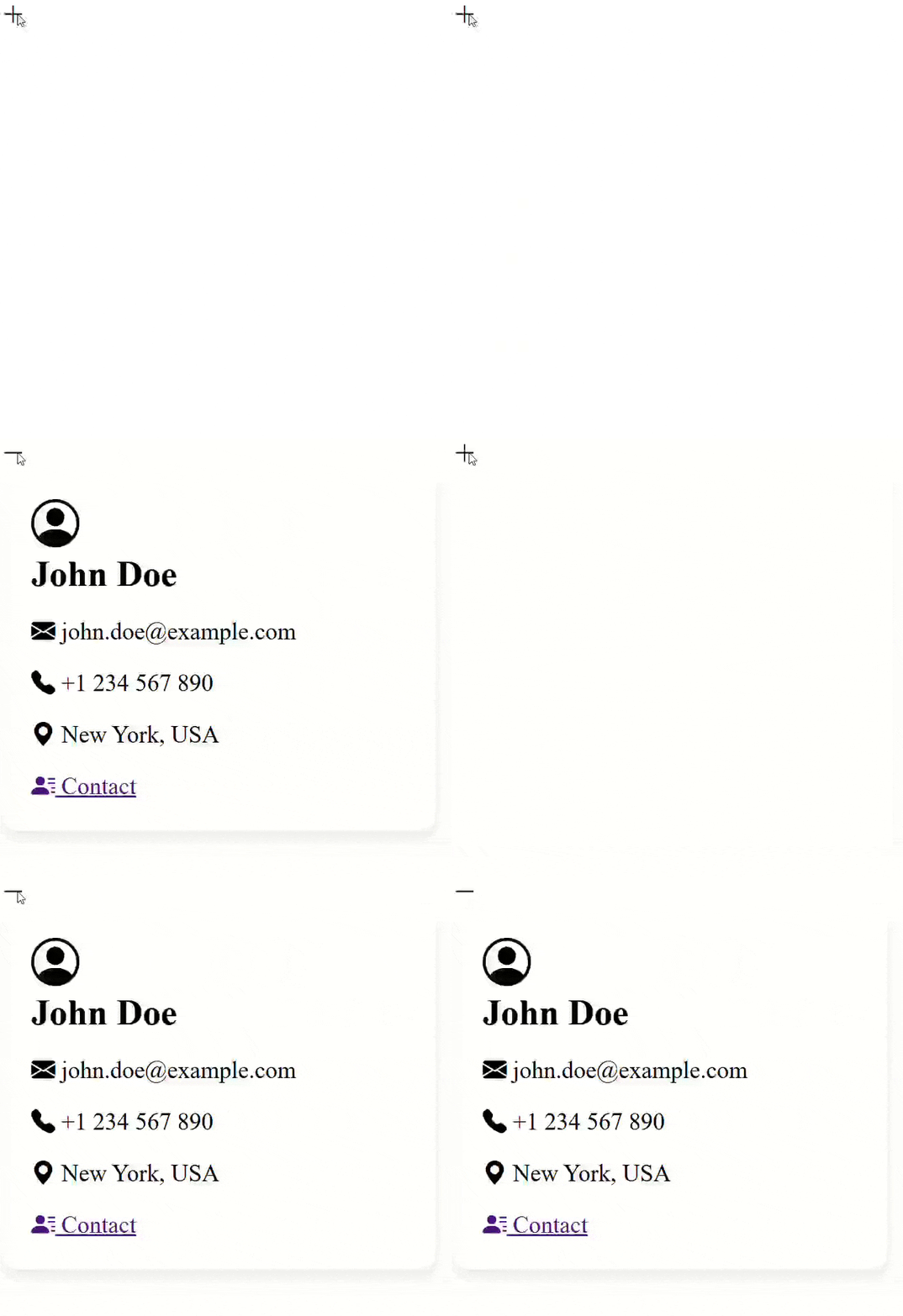
Below is an example of adding bootstrap icons and action on icons(with dynamically change) in angular.
App Component
Below mentioned is code example demonstrating App Component having email,phone, location as information of user followed by app.component.css which helps in styling the User Card.