In this article, we will see how we can show or hide the child components in Angular.
Lets start by creating a new project. Create a new folder and initialize a new angular project. Run the project to verify it is working.
ng new myProject
ng serve -o
This will create a new project in the current directory. Now we can clear the app.component.html file and create a child component in order to demonstrate how we can show or hide it.
ng generate component comp1
Now the setup part is over. Lets add this components in our app.component.html file:
<app-comp1></app-comp1>
We will create a button to show and hide the component. Lets add the button code in app.component.html file.
Now coming back to app.component.ts, add a new property 'visible' that will be a boolean variable to define the show/hide state. When user triggers the show hide method, it should flip the value of the 'visible' variable. So finally our app.component.ts will look like this:
Add a ngIf directive to comp1 to show or hide the component. So finally app.component.html looks like this:
Now save all the files and run the project using :
ng serve -o
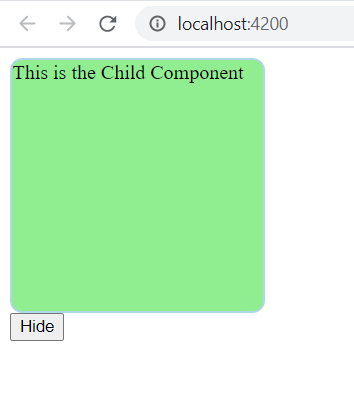
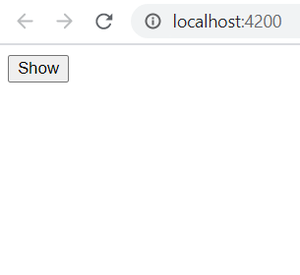
The project will run on http://localhost:4200 by default. You will the output like this:
👁 Image When Show button is Clicked👁 Image When Hide Button is Clicked