|
VOOZH | about |
|
VOOZH | about |
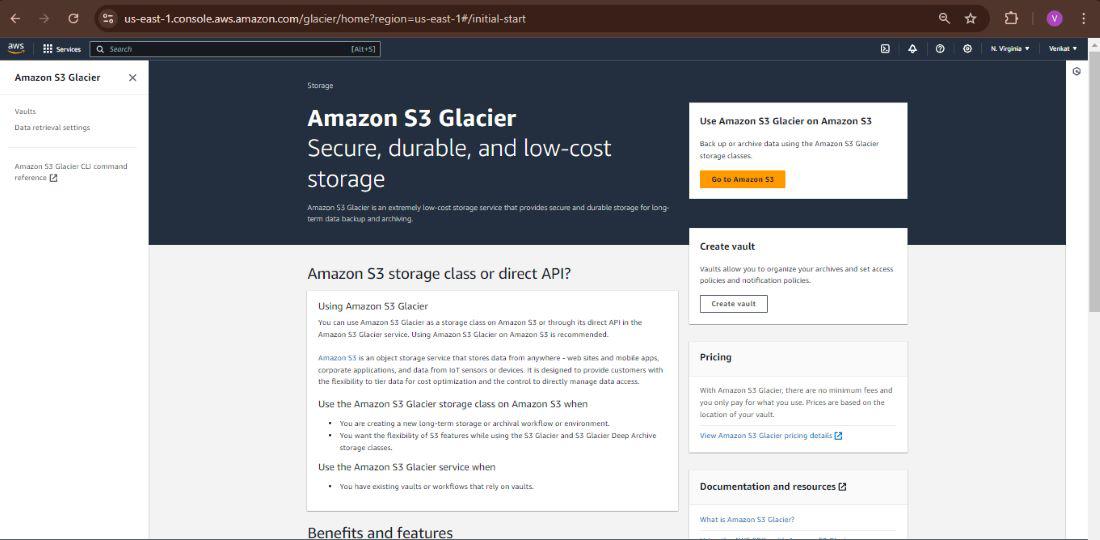
Amazon S3 Glacier is now incorporated under the umbrella of Amazon S3 Intelligent-Tiering as the Glacier and Deep Archive storage classes. It is a very cost-effective, durable, and secure service for archiving data meant for cold storage, with retrieval times of minutes to hours, targeting long-term storage of infrequently accessed data. For this reason, Glacier is known as "cold storage" because it is optimized for data that would rarely be accessed but could be quickly retrieved if needed.
Table of Content
To effectively manage Glacier storage, it’s important to understand the core terminologies associated with the service.
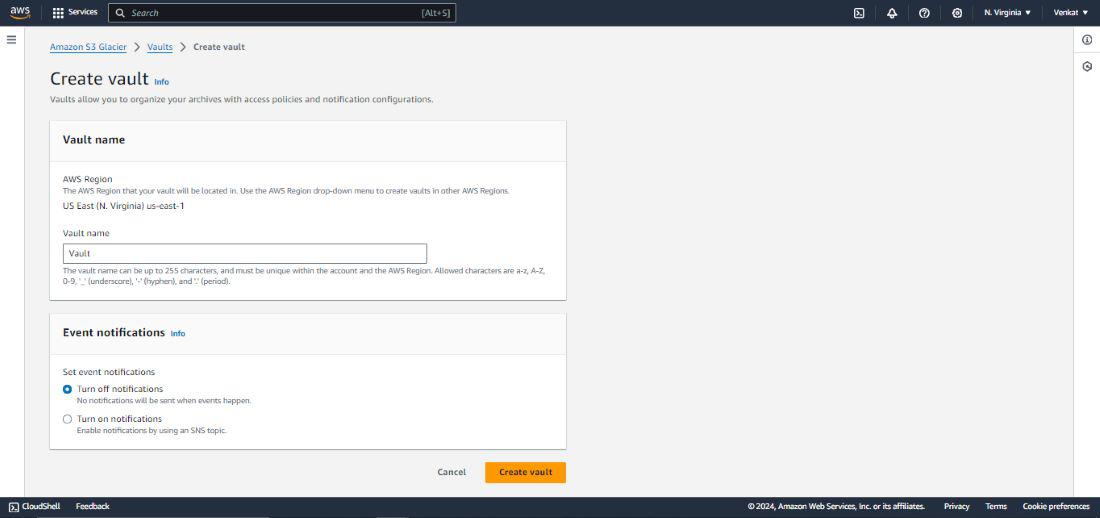
2. Creating a Glacier Vault
To create a Glacier vault, use the following command. Make sure to replace <vault-name> with your desired vault name and <region> with the appropriate AWS region.
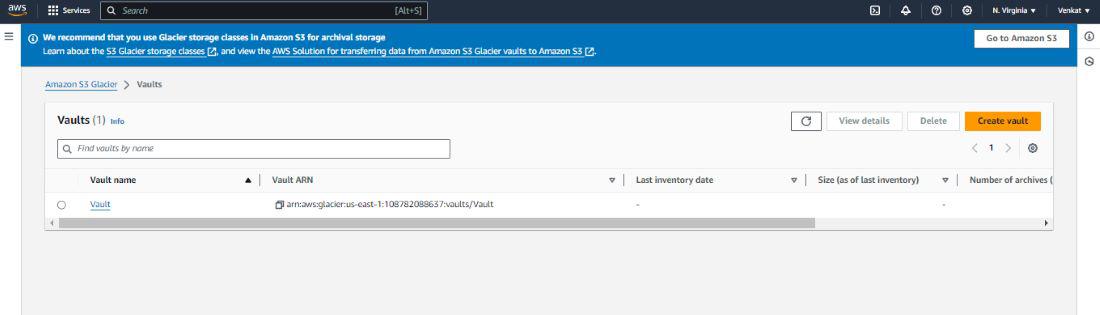
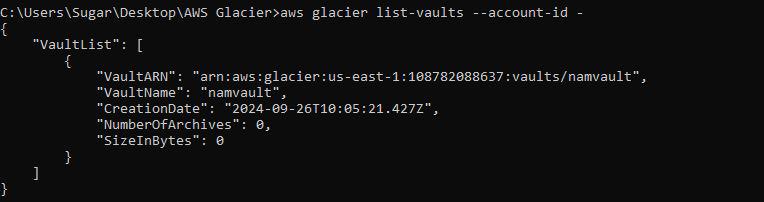
To list all Glacier vaults in your AWS account
This will return a JSON list of all your Glacier vaults, including their names, ARNs, and creation dates.
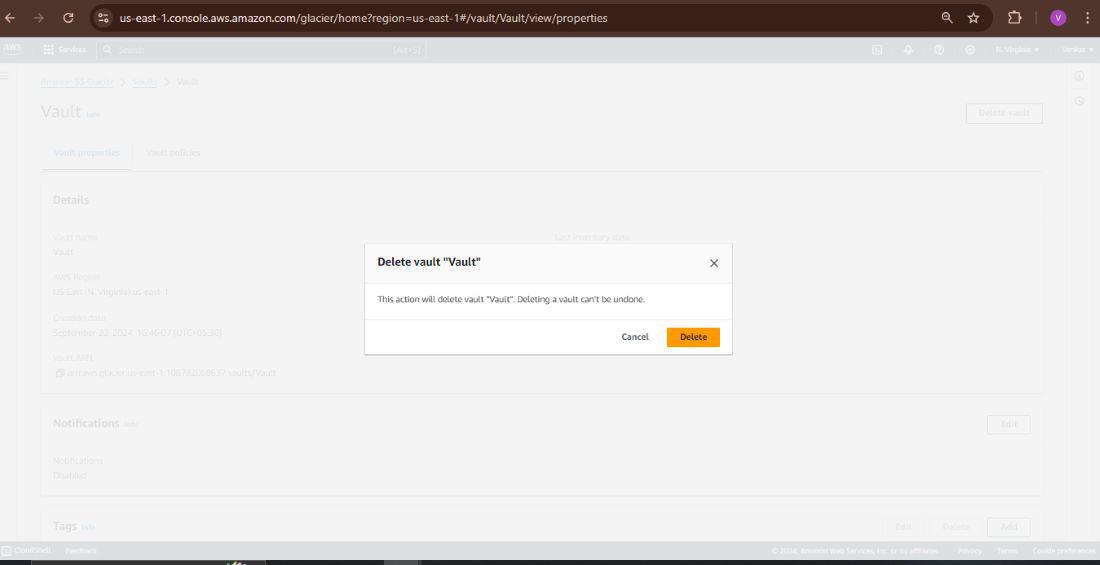
Before you can delete a vault, ensure that the vault is empty (i.e., no archives are stored).
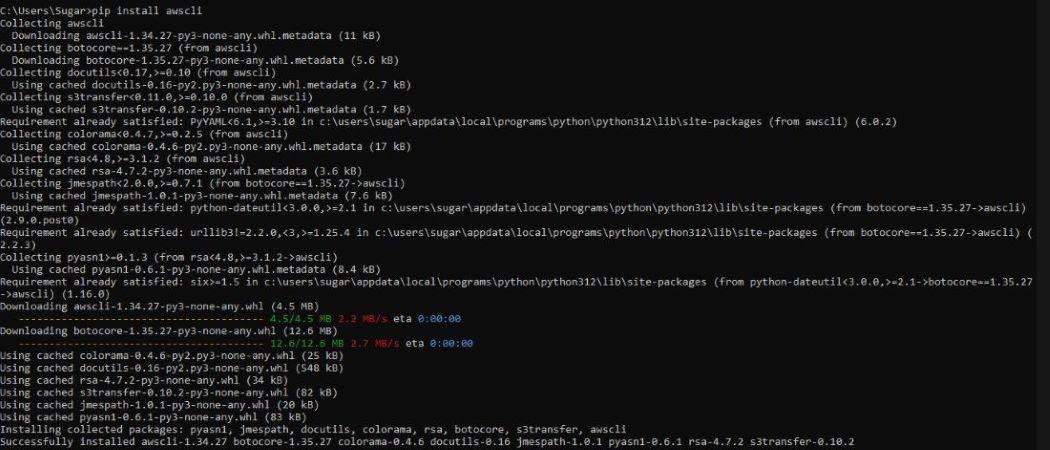
Ensure that you have the AWS CLI installed.
pip install awscliConfigure the AWS CLI with your credentials
aws configureTo create a Glacier vault, use the create-vault Command.
aws glacier create-vault --account-id - --vault-name namvaultReplace my-vault with your desired vault name.
To list all Glacier vaults in your account, use the list-vaults command.
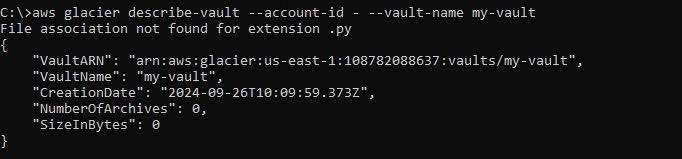
aws glacier list-vaults --account-id -To get details about a specific vault, use the describe-vault command.
aws glacier describe-vault --account-id - --vault-name namvaultTo upload a file (archive) to a Glacier vault, use the upload-archive command.
aws glacier upload-archive --account-id - --vault-name namvault --body two.txtReplace my-vault with your vault name and my-file.zip with the path to the file you want to upload.
To list the archives in a vault, you first need to initiate an inventory-retrieval job.
aws glacier initiate-job --account-id - --vault-name namvault --job-parameters file://inventory-retrieval.jsonThis command will return a job ID. You need to wait for the job to complete, which can take several hours.
To retrieve an archive, initiate a retrieval job.
aws glacier initiate-job --account-id - --vault-name namvault --job-parameters file://job-archive-retrieval.jsonReplace ARCHIVE_ID with the ID of the archive you want to retrieve.
To delete an archive from a vault, use the delete-archive command.
aws glacier delete-archive --account-id - --vault-name namvault
--archive-id L3_Ey_PSsQEaeIh8_iIGWXNOx4hmaGCE4NPPHz5UVUnOJGycNJHq7DiPXY2Vdg5u4W3U17YP_
uCSryVsCZ_1yV00xVNojc1py_VP_zUxEHb4X4sFY_6vhCirhh80QJwVAW7PPWlUaA
Replace ARCHIVE_ID with the ID of the archive you want to delete.
To delete a Glacier vault, ensure it is empty first. Then, use the delete-vault command.
aws glacier delete-vault --account-id - --vault-name demovaultReplace my-vault with the name of your vault.
Define Lifecycle Policies
json
{
 "Rules": [
 {
 "ID": "Move to Glacier after 30 days",
 "Prefix": "",
 "Status": "Enabled",
 "Transitions": [
 {
 "Days": 30,
 "StorageClass": "GLACIER"
 }
 ],
 "NoncurrentVersionTransitions": [
 {
 "NoncurrentDays": 30,
 "StorageClass": "GLACIER"
 }
 ],
 "Expiration": {
 "Days": 365
 }
 }
 ]
}
aws s3api put-bucket-lifecycle-configuration --bucket your-bucket --lifecycle-configuration file://lifecycle.jsonReview and Update Policies
Enable Default Encryption
Use AWS Key Management Service (KMS)
Implement Access Controls
Example IAM Policy
json
{
 "Version": "2012-10-17",
 "Statement": [
 {
 "Effect": "Allow",
 "Action": [
 "s3:PutObject",
 "s3:GetObject",
 "s3:DeleteObject"
 ],
 "Resource": "arn:aws:s3:::your-bucket/*"
 }
 ]
}
Enable Logging and Monitoring
Inventory Reports
Efficient Retrieval Planning
Other significant data archives are managed using Amazon S3 Glacier by tracking the data in vaults. Glacier enables you to create vaults, which can store data objects and has tools to manage and retrieve information about your archived data. Vault Inventory is one such feature it provides-your listing of all the objects stored in a vault, retrieved on demand or periodically.
An Amazon S3 Glacier vault inventory returns a JSON-formatted list of archives, which are the files contained in a given vault. The vault inventory isn't available in real time, and the list takes several hours to generate. You can use SNS to receive an e-mail when it is ready.
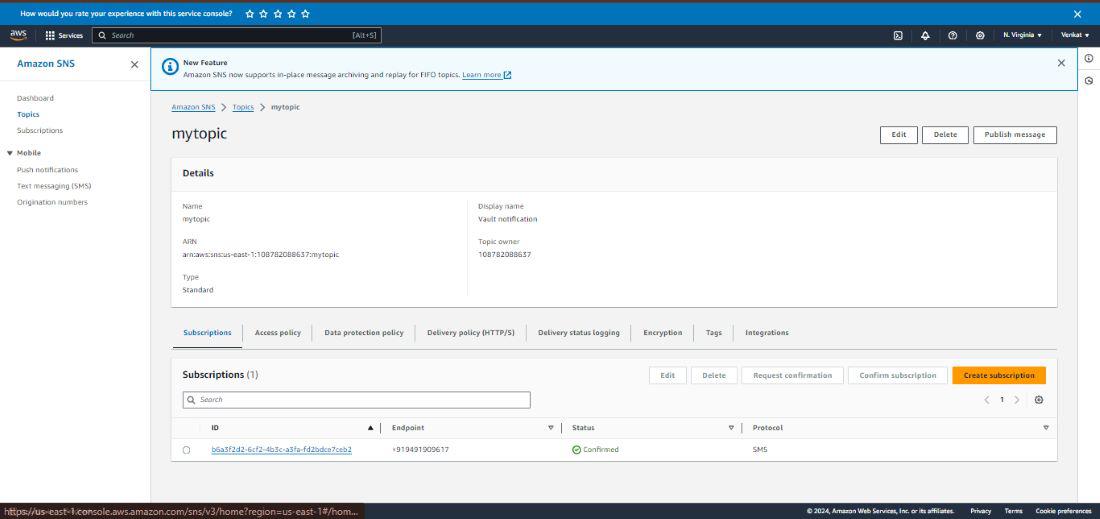
An SNS topic is needed so that Amazon Glacier can send you a notification when the vault inventory is ready.
Create a New Topic: Example CLI command to create a topic
aws sns create-topic --name glacier-inventory-notificationsCreate a Subscription: Once the topic is created, you need to add subscriptions. This subscription could be an email, SMS, or another AWS service (like Lambda) that will receive the notifications.
aws sns subscribe --topic-arn arn:aws:sns:us-east-1:123456789012:glacier-inventory-notifications --protocol email --notification-endpoint your-email@example.comCheck your email and confirm the subscription by clicking the link in the email from AWS SNS.
aws glacier create-vault --account-id - --vault-name namvault --region us-east-1This command will return a JSON response with the location of the vault.
aws glacier initiate-job --account-id - --vault-name namvault --job-parameters "{\"Type\": \"archive-retrieval\",
 \"ArchiveId\": \"4ID8-ydgHsbSz37hXknsUOmzWPX_7pRnk0tHT6gAuo_Bmb7zvbw0JhMX0oW-
WmHdc4evcKxKJixOG7tbgxBcgB8bQ9FN0Hbe3xOYmENFMeg0eq4apyWq89X6DwnJbGvF-izq1i4KZw\", \"SNSTopic\": \"arn:aws:sns:us-east-1:490004638420:mytopic\"}"
Replace YourArchiveId with the actual ArchiveId you want to retrieve.
Initiate Inventory Retrieval
aws glacier initiate-job --account-id - --vault-name namvault --job-parameters
"{\"Type\": \"inventory-retrieval\", \"SNSTopic\": \"arn:aws:sns:us-east-1:490004638420:mytopic\"}"
When the retrieval job is complete, an email notification will be sent to the subscribed endpoint. This email will contain details about the job and how to access the retrieved data.
AWS S3 Glacier offers low-cost long-term archives for infrequently accessed data. Glacial storage can easily be managed using the AWS CLI, but this management comes with great potential in the field of automation. The AWS CLI is a vital tool one needs to possess when working with Glacier; it offers commands for creating, uploading, retrieving, and deleting data. In terms of archival for business compliance or disaster recovery, Glacier has a lot to deliver at minimal cost.
Yes, you can archive whatever type of file you want in Glacier. However, it's most often used for archiving large datasets, backups, or regulatory information that doesn't need to be accessed frequently.
Glacier won't let you delete a vault if it holds archives. You must remove all archives before deleting the vault.