|
VOOZH | about |
|
VOOZH | about |
In the world of today in software development, deployment strategies play a very important role in ensuring application stability while rolling out new features. One such strategy for effective changes is the canary release. Docker, being flexible and scalable technology, fits perfectly within the implementation of canary releases due to its technology on containerization. In this post, we'll be walking through the concept of Canary Releases, how you can implement them using Docker, and practical examples along with FAQs.
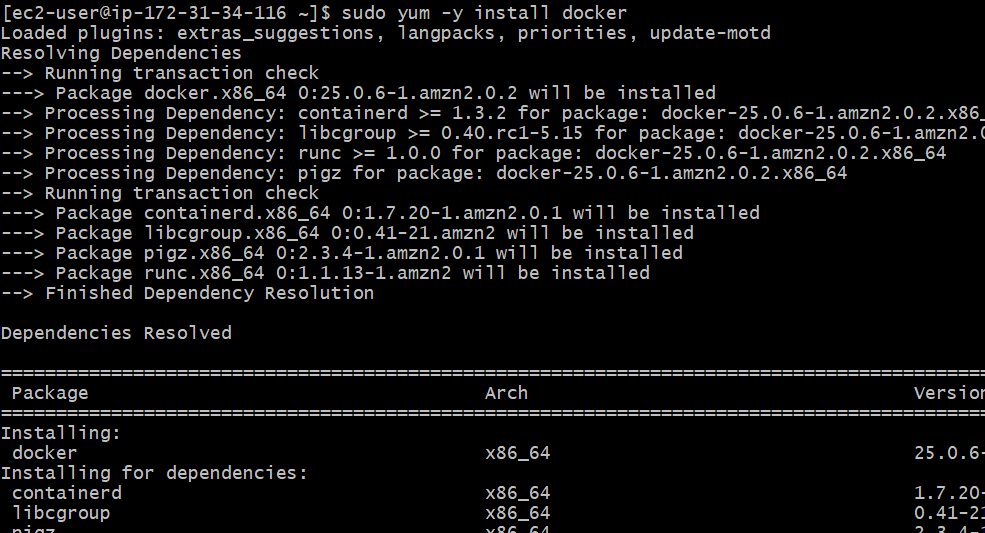
Install docker by using following command
sudo yum -y install dockerNow start and enable docker
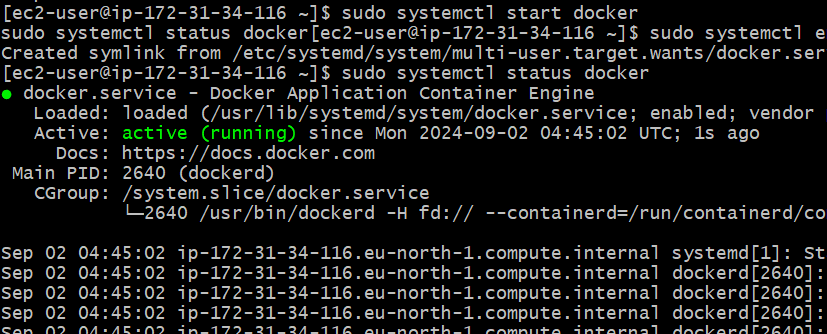
sudo systemctl start docker
sudo systemctl enable docker
sudo systemctl status docker
After docker installation, now install docker compose
sudo curl -L https://github.com/docker/compose/releases/download/1.22.0/docker-compose-$(uname -s)-$(uname -m) -o /usr/local/bin/docker-compose
sudo chmod +x /usr/local/bin/docker-compose
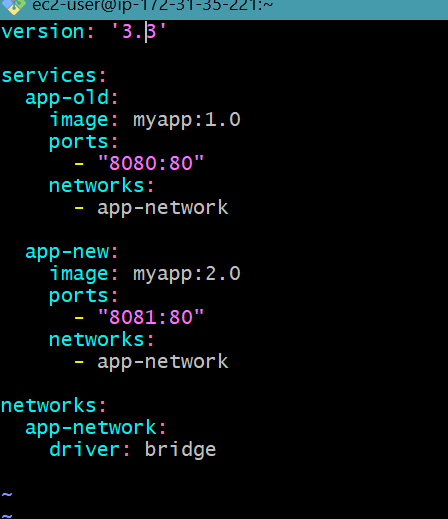
Create a docker-compose.yml file to define your services. This file should include both the old and new versions of your application.
Create a docker-compose.yml file:
version: '3.3'
services:
app-old:
image: myapp:1.0
ports:
- "8080:80"
networks:
- app-network
app-new:
image: myapp:2.0
ports:
- "8081:80"
networks:
- app-network
networks:
app-network:
driver: bridge
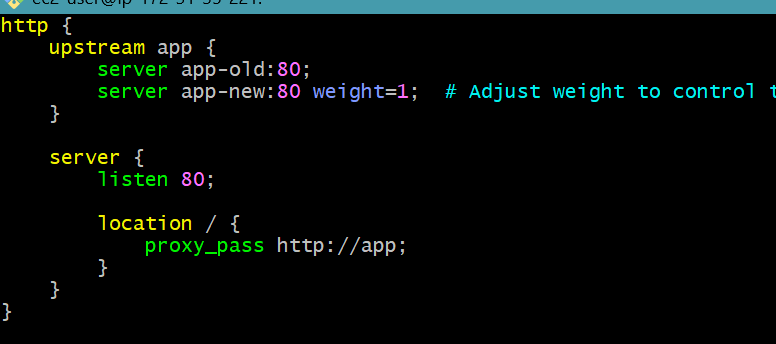
You need a load balancer to distribute traffic between the old and new versions. Below is an example configuration using NGINX.
Create an NGINX configuration file (nginx.conf):
http {
upstream app {
server app-old:80;
server app-new:80 weight=1; # Adjust weight to control traffic distribution
}
server {
listen 80;
location / {
proxy_pass http://app;
}
}
}
Deploy your services using Docker Compose.
Run the following command:
docker-compose up -dMonitor the performance of app-new to ensure it is working as expected. You can use tools like Prometheus, Grafana, or any application performance monitoring tool.
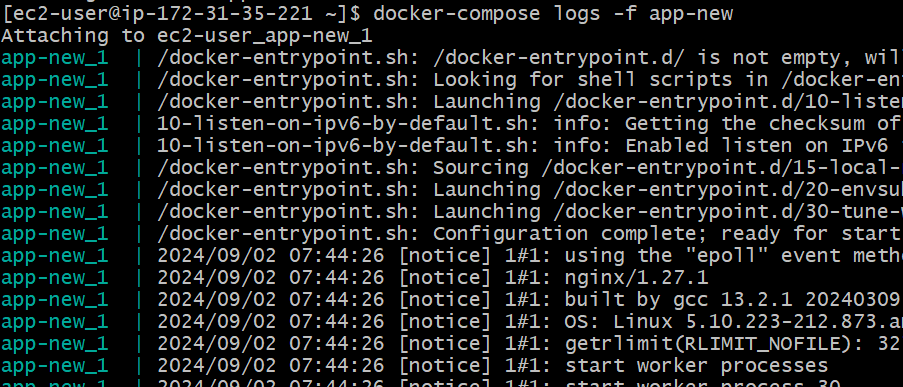
Check container logs:
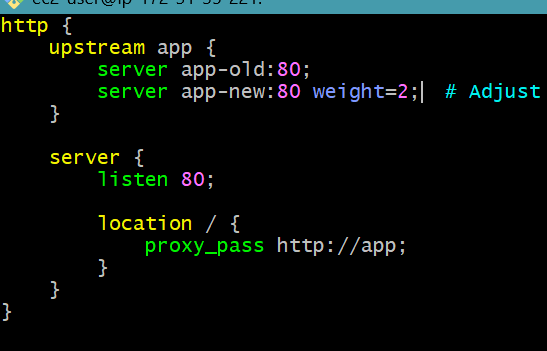
docker-compose logs -f app-newdocker psIf the new version performs well, you can adjust the weight of app-new in the load balancer to increase traffic gradually.
Update the NGINX configuration file (nginx.conf):
http {
upstream app {
server app-old:80;
server app-new:80 weight=2; # Increase the weight to 2
}
server {
listen 80;
location / {
proxy_pass http://app;
}
}
}
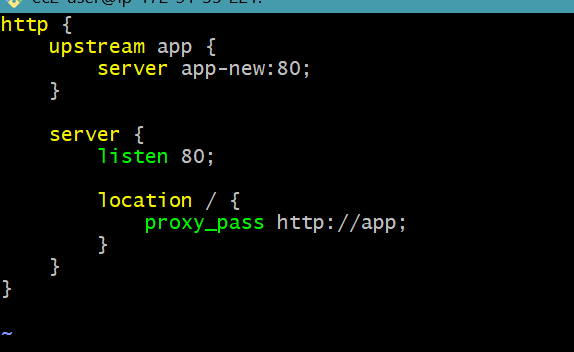
nginx -s reloadOnce you are confident that app-new is stable and performing well, you can route all traffic to the new version and decommission the old version.
Update the NGINX configuration file to route all traffic to app-new:
http {
upstream app {
server app-new:80;
}
server {
listen 80;
location / {
proxy_pass http://app;
}
}
}
Reload NGINX to apply the changes:
nginx -s reloadScale down the old version:
docker-compose scale app-old=0By following these steps, you can effectively implement a Canary Release strategy with Docker, allowing for a controlled and gradual rollout of new application versions.
Implementing Canary Releases helps introduce application updates gradually while reducing the associated risk. You can define both old and new versions in a docker-compose.yml file, making testing for new features easy with only a small subset of users before a full rollout. Important steps include preparing Docker images, configuring Docker Compose, and monitoring the new version for issues. Ensure correct image tags and repository access to avoid deployment errors, troubleshoot common issues, for example, missing images or command not found errors by verifying the configurations and installations in place. This approach helps validate changes, enhance deployment safety, and optimize application stability