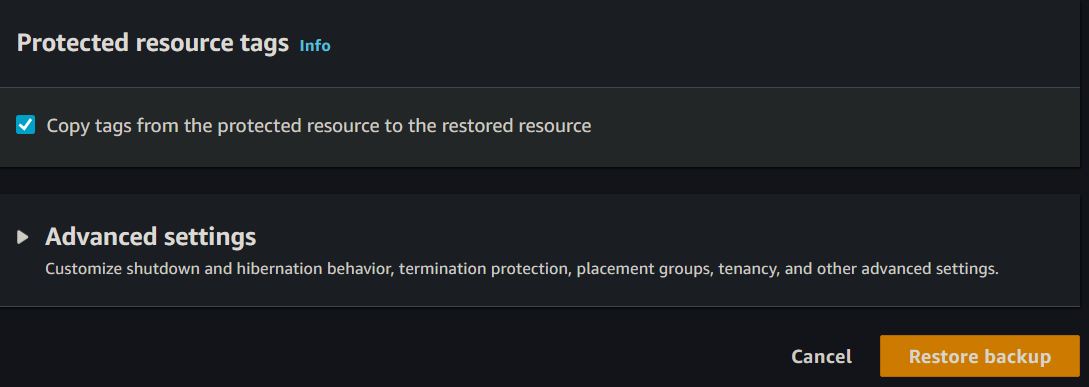
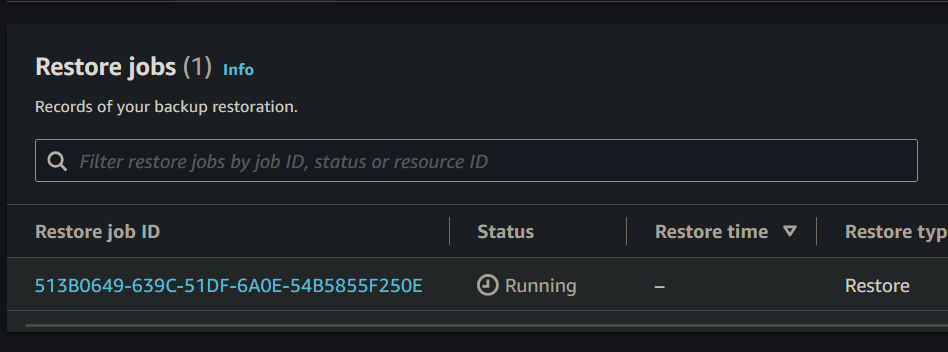
In a world where data is the asset of most, protection of such data is fundamental. AWS Backup is an easily managed service that is centralized, thus reducing the process and support required to back up across many AWS services. Whether you're managing some critical databases, important file systems, or simply a few virtual machines, one can configure an AWS Backup strategy with ease to make your data recoverable in case of failure, disasters, or human errors. This article is the leading resource for setting up AWS Backup strategies and will help you set up hard, powerful plans to protect data against business continuity and regulatory wants.
Primary Terminologies
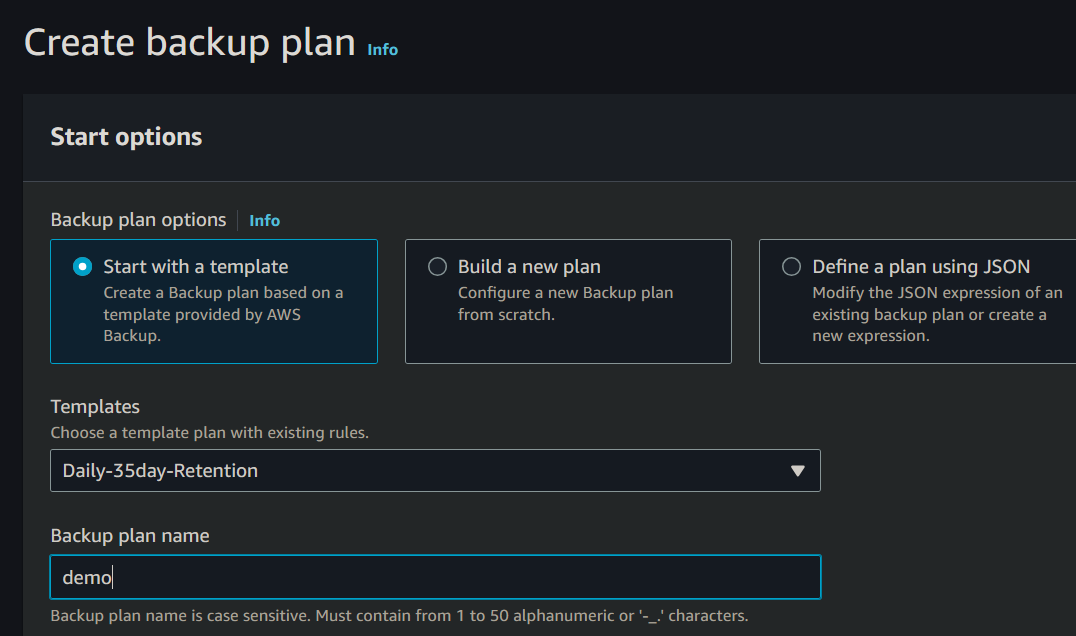
Rule set: A definition of when and how AWS resources should be backed up—what backup frequency will be, what the retention period is, and assignments of resources.
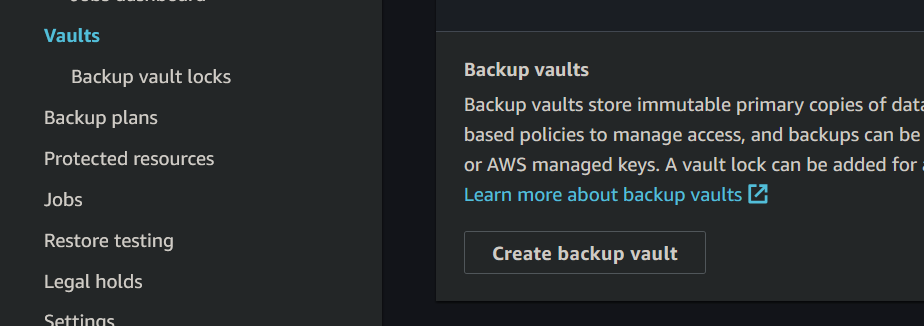
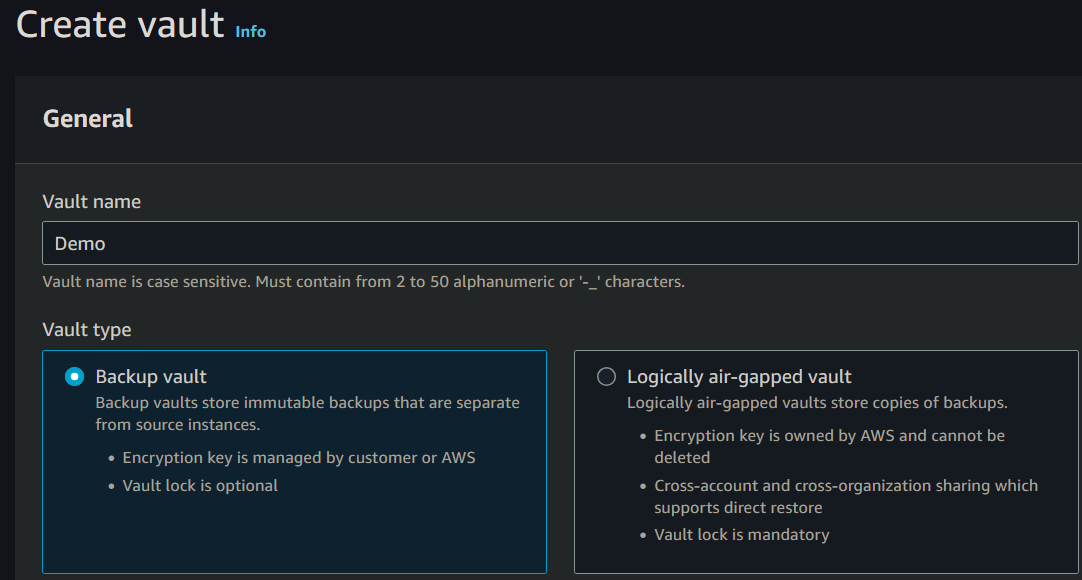
Backup Vault: This is where backups are securely stored. To do this, AWS Backup sends all backups and provides an opportunity to apply policies on encryption and access.
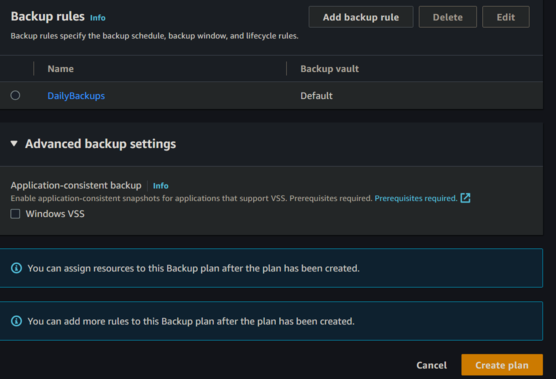
Backup Rule: One of the elements that define a backup plan, including the schedule for backups and policies for their lifecycle, including when they are taken and for how long the backups are retained.
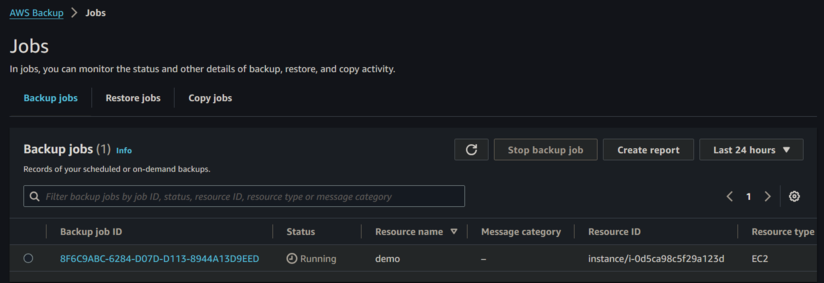
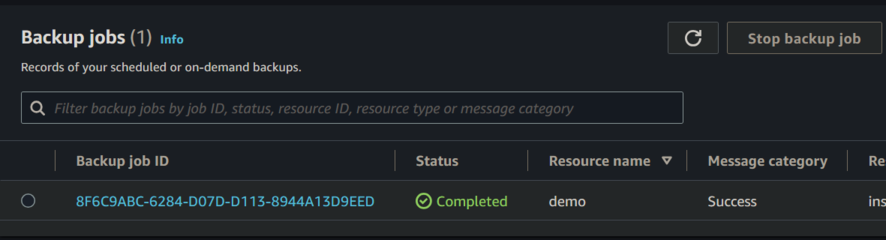
Backup Job: An activity creating a backup of the resource based on a Backup rule. Every job runs independent of other jobs and is monitorable.
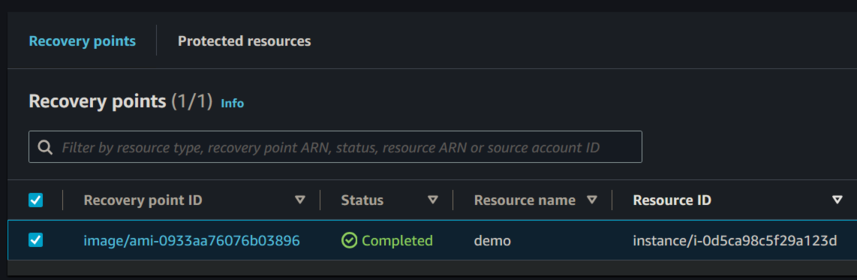
Recovery Point: A point-in-time snapshot of data. These are recoverable points, which can restore resources to the state recorded at the time of the backup.
Lifecycle Policies: This is a policy describing how long a backup should be kept and what subsequent action to be carried out - either transition into cold storage or deleted upon a certain period.
Cross-Region Backup: Backup copies of resources made in multiple AWS regions to ensure protection in cases of regional outages.
Cross-Account Backup: This enables backing up from one AWS account to another, adding even more security and making sure backups are isolated from their primary accounts.
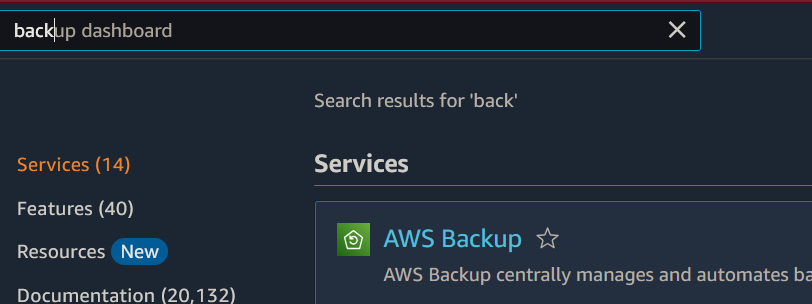
Step-by-Step Process for Configuring AWS Backup Strategies
Centralized Backup Management: AWS Backup provides a single console to manage backups of multiple AWS services across your infrastructure.
Automated Backup Processes: Automatically schedule and execute backup policies, thus reducing the risk of error and inconsistency in the backup.
Cross-region and cross-account backups: This allows for cross-region and cross-account backups, increasing disaster recovery capabilities by placing backups in geographically disparate locations or isolating them from the primary account where the resources are provisioned.
Cost-effective storage options: AWS Backup offers lifecycle policies that can be used for transitioning backups to low-cost, cold storage, thus enabling cost-effective backup retention for long-term use.
Compliance and Audit: AWS Backup supports regulatory requirements by providing such facilities as encryption, versioning, and the use of AWS CloudTrail to maintain the integrity of backups.
Disadvantages:
Service-Specific Integration: AWS Backup integrates with many AWS services, but it does not support all AWS resources natively, in this case one might need to look into additional configurations for services that are not supported or into developing custom integrations.
Cost Consideration: Though AWS Backup provides storage at a cheaper cost, frequent backups and long retention can still result in more costs if lifecycle policies are not optimized.
Learning Curve: For people new to AWS or cloud backups, the learning curve for setting and configuring backup plans, lifecycle policies, and recovery processes may be high.
Limited Cross-Cloud Support: While it is designed natively to work with AWS resources, this will not be helpful for organizations that have adopted a multi-cloud strategy. Backing up resources outside of AWS requires additional tools or services.
Conclusion:
Your organization must implement an AWS Backup strategy correctly. Automate your backups, define good retention and lifecycle policies, and use cross-region and cross-account backup features. This ensures your data is safe, durable, and easily recoverable in case of disasters or system failures. AWS Backup enables centralized management of backups for services, all while giving enterprises one less thing to consider in a growing age of data and still ensuring strong data protection. These steps in the guide will put you on the right track to being able to create an effective, scalable backup strategy suitable for your organization's needs.