|
VOOZH | about |
|
VOOZH | about |
Podman is a daemonless, OCI-compliant container engine designed to build, manage, and run containers securely on Linux systems. Unlike traditional container tools, it operates without a background service, improving security and system stability. Podman Desktop extends this capability by offering a user-friendly graphical interface across Windows, macOS, and Linux.
Below is the step-by-step implementation of integrating Podman with Kubernetes:
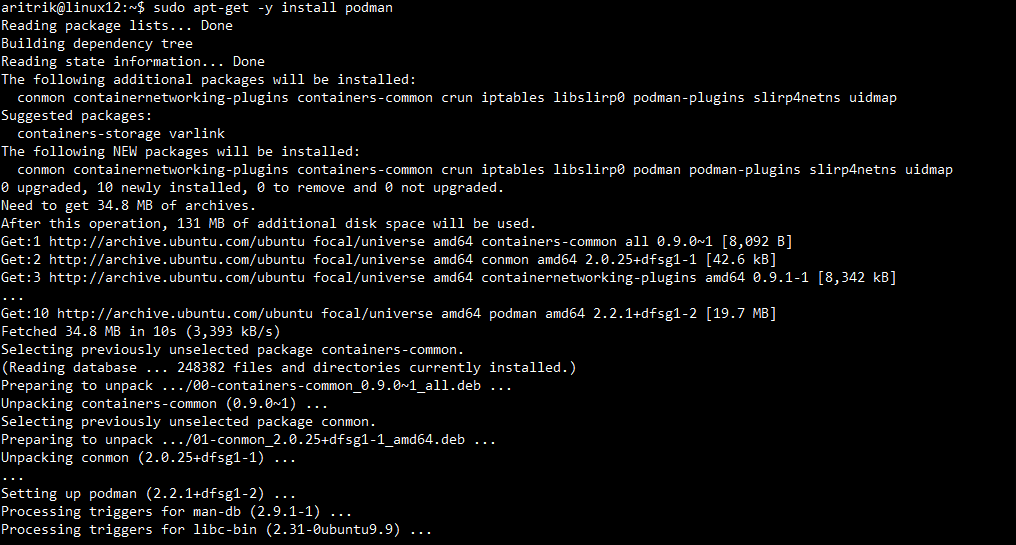
First, you must install pdman, a daemonless container engine that you may use on your Linux system to create, manage, and execute OCI containers.
$ sudo apt-get -y install podmanOutput:
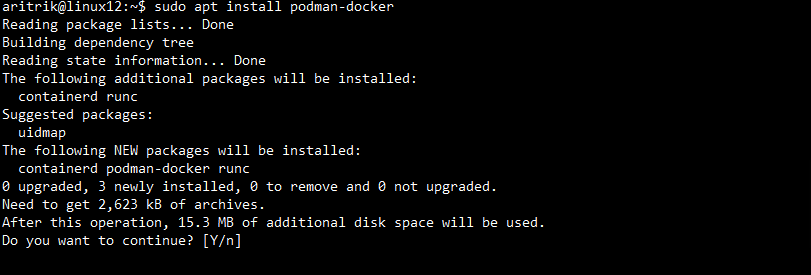
To utilize Podman's security capabilities in a local Kubernetes cluster, use Podman as the container runtime.
$ sudo apt install podman-docker Output:
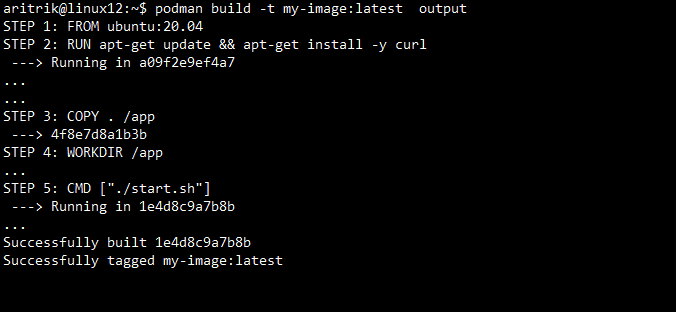
Next, you need to create a Container Image with Podman
podman build -t my-image:latestOutput:
To get ready to push your image to a registry, tag it.
podman tag my-image:latest my-registry/my-image:latestOutput:
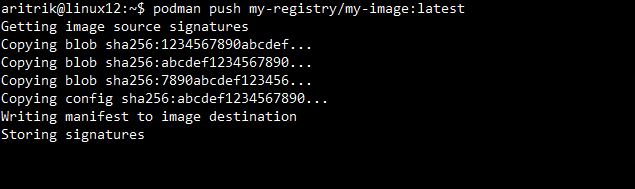
Then you can upload your tagged image to the registry.
podman push my-registry/my-image:latestOutput:
By specifying the desired state via a deployment file, a Kubernetes deployment controls a replicated application as Kubernetes automates the high availability and scaling of your application.
apiVersion: apps/v1
kind: Deployment
metadata:
 name: nginx-deployment
spec:
 replicas: 2
 selector:
 matchLabels:
 app: nginx
 template:
 metadata:
 labels:
 app: nginx
 spec:
 containers:
 - name: nginx
 image: my-registry/my-image:latest
 ports:
 - containerPort: 80
Apply -f deployment when executing kubectl.yaml, Kubernetes distributes the resources indicated in the YAML file after processing it.
kubectl apply -f deployment.yamlOutput:
Now you need to check for the the deployment status by typing the below command.
kubectl get deploymentsOutput:
Build Kubernetes YAML Files with Podman: Podman makes it possible to run containers without needing root access, improving security—particularly in environments used for development.
Image Security: Use tools such as Podman or other third-party solutions to regularly check your photos for vulnerabilities.
Monitoring and Logging: To improve the monitoring of containerized applications, set up Podman to record container output to files or external logging services like Fluentd or ELK Stack.
Use Podman for Local Development: Security is improved, particularly in development environments, by using Podman to execute containers without having root capabilities.
Efficient Image Management: By reusing layers from earlier builds, you may take advantage of Podman's caching technique to accelerate the build and deployment process.