|
VOOZH | about |
|
VOOZH | about |
The Dynamic HTML Using Handlebars JavaScript consists of creating the user interactive web pages by combining the HTML with the Handlebars templating engine. The Handlebars mainly ease the process of dynamically rendering the HTML content by allowing the insertion of variables, expressions, and logic directly in the markup.
In this article, we will explore the process of rendering Dynamic HTML Using Handlebars JavaScript using practical examples.
<script id="template" type="text/x-handlebars-template">
 {{#each data}}
 <!-- HTML structure using Handlebars expressions {{}} -->
 {{/each}}
</script>
Step 1: Firstly, we will make the folder named root by using the below command in the VScode Terminal. After creation use the cd command to navigate to the newly created folder.
mkdir root
cd root
Step 2: Now create the below Project Structure in your project, including app.js and index.html.
--root
 --index.html
 --script.js
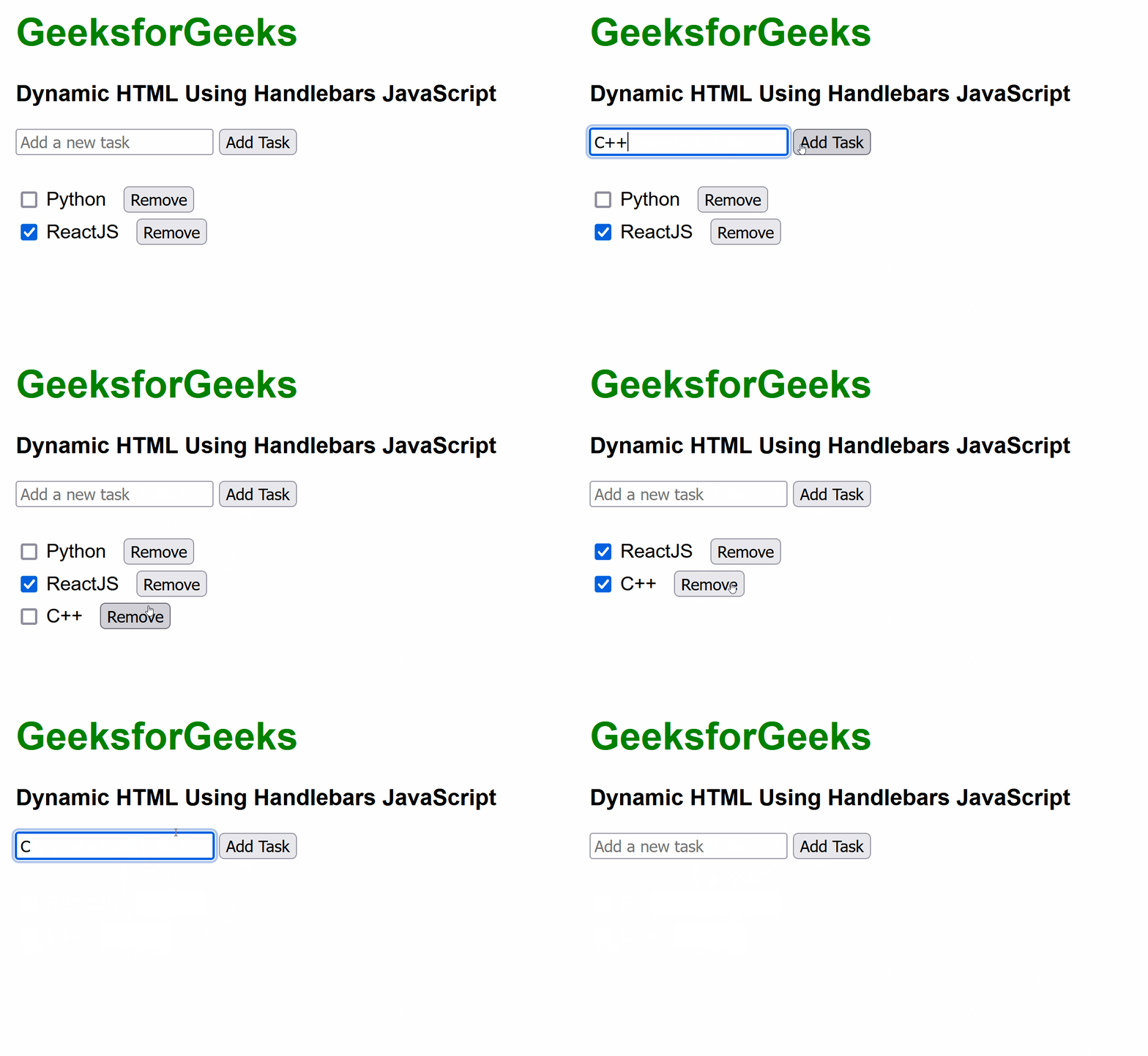
Example: We need to write the code for the script.js file, and code for index.html to render Dynamic HTML Using Handlebars JavaScript.
Output: