|
VOOZH | about |
|
VOOZH | about |
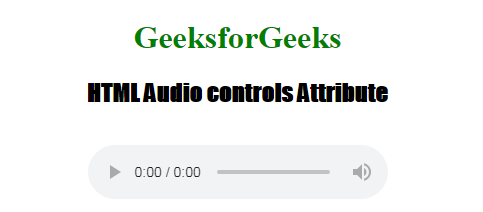
In this article, we will learn how to add controls to audio in HTML5. The HTML <audio> controls attribute is used to specify the control to play audio which means it allows embedding an HTML5 music player with audio controls straight into the webpage.
The current HTML5 most commonly used ogg, mp3, and wav as audio formats in the audio tag because the browser support for them differs for example, Firefox doesn't support MP3 without using a plugin.
Syntax:
<audio controls>
 <source>
</audio>
From the above Syntax controls attribute adds audio controls, like play, pause, and volume and the <source> element allows you to specify alternative audio files.
The audio tag supports mainly 5 attributes as given below:
src: This defines the URL of the music that should be played by the audio tag.
Example 1: Use the src attribute in the below code.
Output:
Example 2: Using autoplay attribute to play audio automatically.
Output: