|
VOOZH | about |
|
VOOZH | about |
Symbols in HTML are important for conveying special characters, such as copyright, currency symbols, and arrows, which enhance content clarity and visual appeal. We will explore two different approaches to adding symbols in HTML.
Below are the possible approaches:
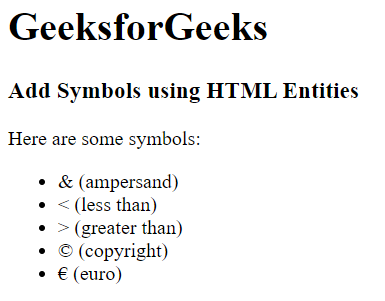
In this approach, we are using HTML entities to add symbols in HTML. Each entity begins with an ampersand (&) and ends with a semicolon (;), representing reserved characters such as ampersand (&), less than (<), greater than (>), copyright (©), and euro (€). These entities make proper rendering of symbols in web browsers, allowing us to display special characters accurately within HTML documents.
Example: The below example uses HTML entities to Add Symbols in HTML.
Output:
In this example, we are using the CSS content property with the :before pseudo-element to insert symbols into the HTML content. Each symbol is represented by its Unicode code point preceded by a backslash (\). This technique allows us to add symbols like & (ampersand), < (less than), > (greater than), © (copyright), and € (euro) directly through CSS styling
Example: The below example uses CSS Content Property to Add Symbols in HTML.
Output: