|
VOOZH | about |
|
VOOZH | about |
Transparent buttons are a popular design choice in modern web development, as they create a sleek and minimalist look. By using CSS, you can easily create buttons with fully transparent or semi-transparent backgrounds.
This article uses the background-color: transparent; property to design the transparent background button, and we will also design a semi-transparent button with small changes in the code.
To create a fully transparent button, you can use the background-color: transparent; property in CSS. This setting makes the button's background completely transparent, allowing the underlying content to be visible through the button.
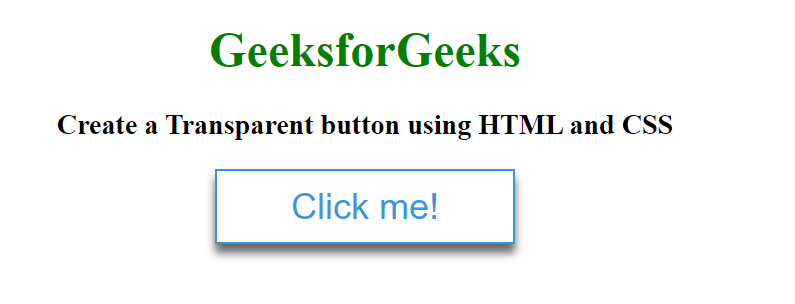
Example: This example shows the implementation of a fully transparent button with an example.
Output:
👁 ImageTo create a semi-transparent button, you can use the rgba value for the background-color property. The rgba function allows you to specify red, green, blue, and alpha (opacity) values, where the alpha value can range from 0 (fully transparent) to 1 (fully opaque).
Example: This example shows the design of semi transparent button with an example.
Output: