|
VOOZH | about |
|
VOOZH | about |
In this article, we will learn how to define a visible heading for the <details> element. This element is used to create a widget that reveals information when it is in the "open" state. The state can be toggled by clicking on the element. The contents that have to be revealed are enclosed within the <details> tag.
Approach: The <summary> tag is used to define the heading that would be visible regardless of the widget state. When the first child of the <details> element is the <summary> element, then the content of this tag is used to display the label for the widget.
Syntax:
<details>
 <!-- Define the heading to be displayed -->
 <summary>Heading Summary One</summary>
 This is the content for heading one.
</details>
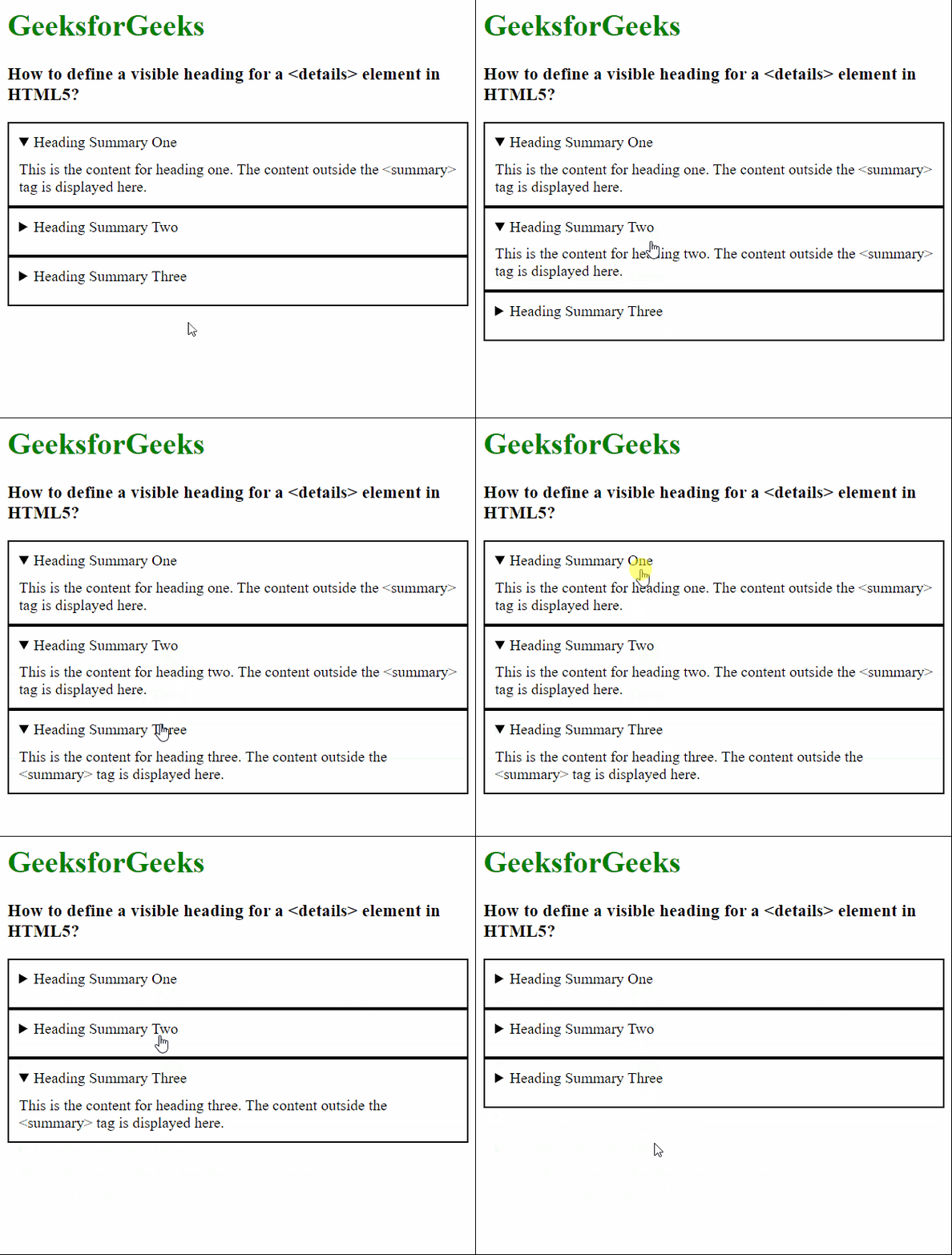
Example: The below examples illustrate the <summary> tag to define the heading of the <details> element.
Output: