|
VOOZH | about |
|
VOOZH | about |
In this article, we will learn how to find all selected options of the HTML <select> tag. This might be needed in cases where you might have been given some multiple choice-based exams where you need to choose the correct option for getting marks. To achieve the same, we first have to find the selected option and match it with the correct option. we can build it very easily with the help of JQuery.
Here we are going to see two cases:
Example 1: Find a single selected option from HTML select tag.
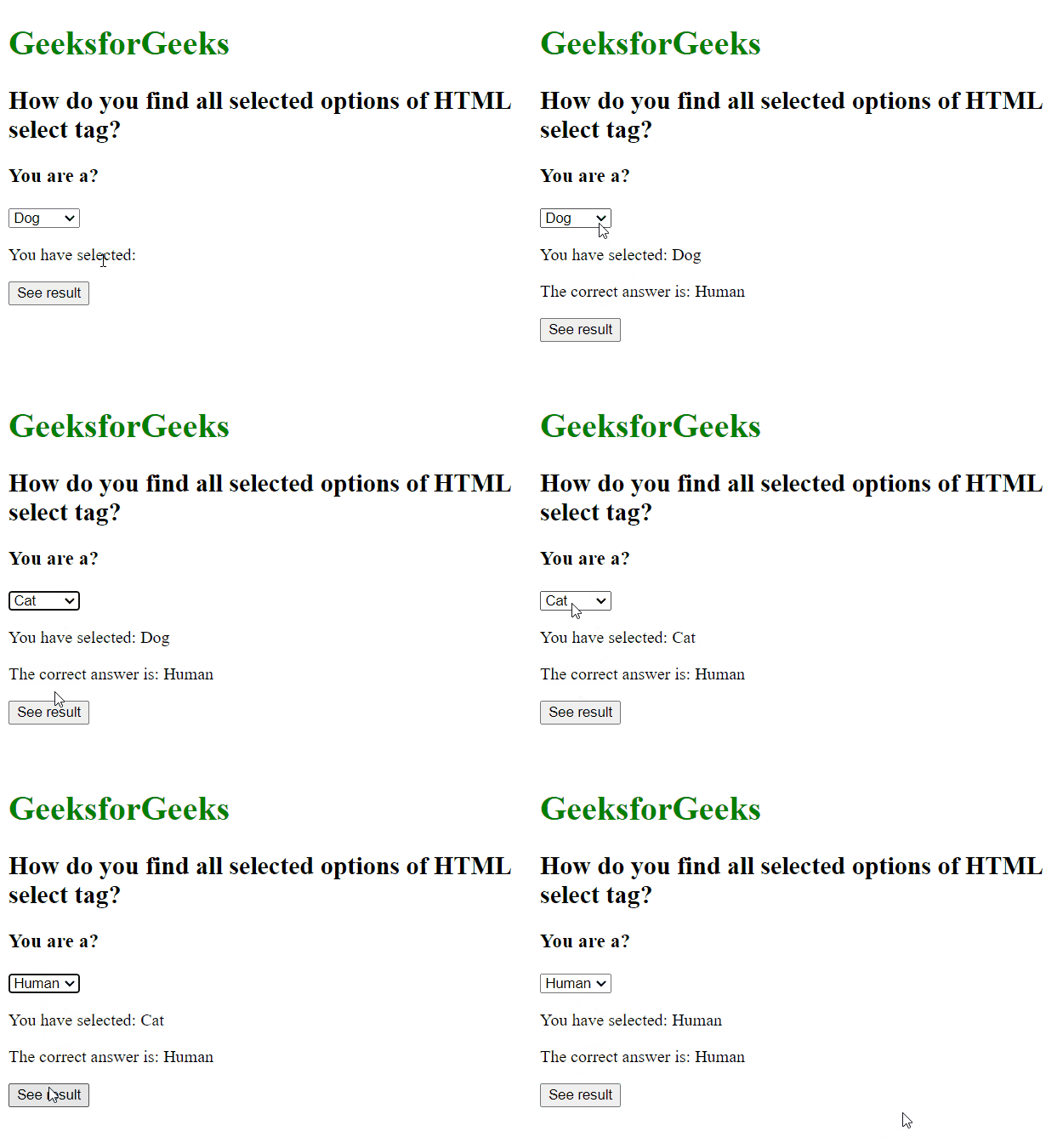
Output:
In some conditions, we need only need a single option to get selected like above where you need to select whether you are a dog, cat, rabbit, or human and of course, if you are reading this post then you are a human. Hence other options become insignificant. In such conditions we can either use $("select") .find("option:selected") or simply $("option:selected"). In both the methods "option:selected" is a must which gives us the first selected option.
Note: It is suggested to use $("select") .find("option:selected") because using this you can select options from a specific select tag if multiple select tags are there.
Example 2: Get multiple selected options from an HTML select tag.
Output: