|
VOOZH | about |
|
VOOZH | about |
In HTML5, the <audio> element embeds audio content into web pages. By default, it comes with built-in controls like play, pause, and volume adjustment. However, there might be scenarios where you want to hide these controls for a cleaner or more customized user experience. This article explores various approaches to achieve this in HTML5.
Table of Content
The controls attribute in the <audio> element specifies that the browser should provide controls for playing the audio. By removing this attribute, we can hide the default audio controls.
<audio src="audio.mp3" controls>
 Your browser does not support the audio element.
</audio>
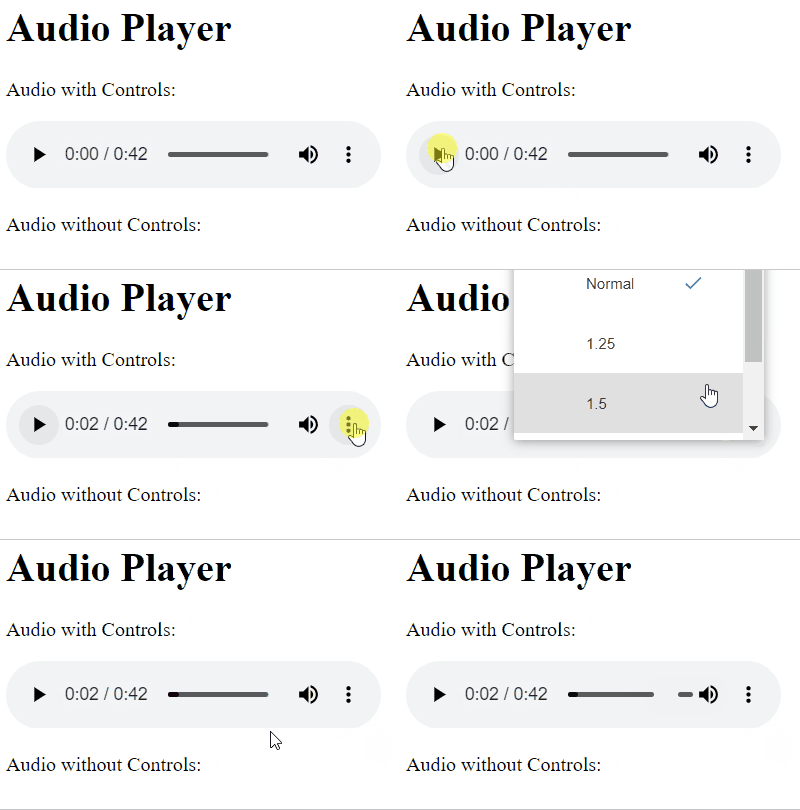
Example: Illustration of hiding Audio controls in HTML5 Using the controls Attribute
Output:
👁 audio1We can utilize CSS to hide the default audio controls by setting the display property to none for the audio element.
<style>
 audio::-webkit-media-controls {
 display: none;
 }
</style>
Example: Illustration of hiding Audio controls in HTML5 using CSS to Hide Controls
Output:
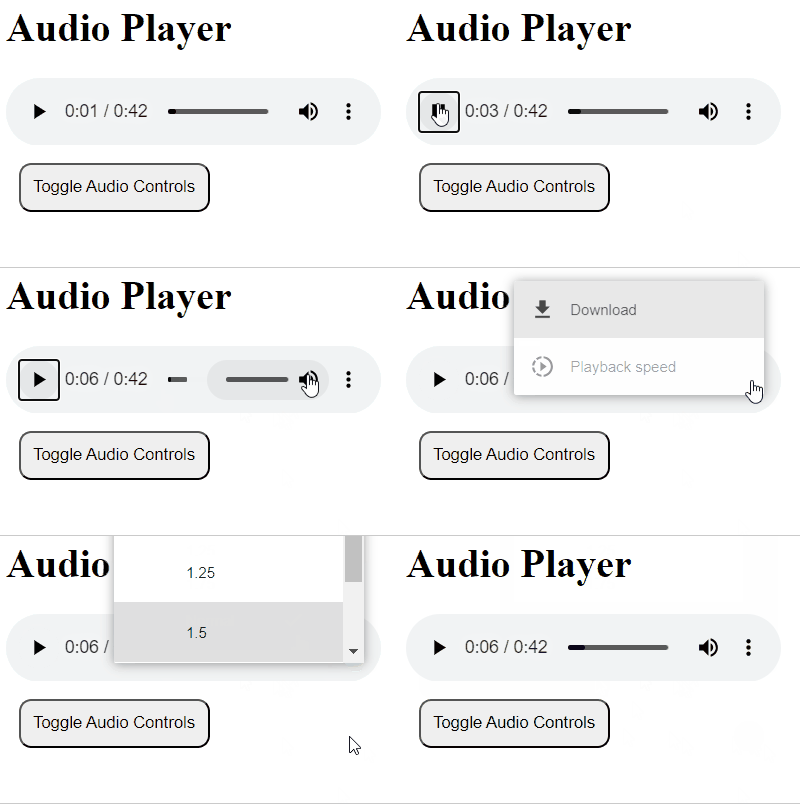
👁 Screenshot-2024-02-15-004557JavaScript can be used to dynamically remove the controls attribute from the <audio> element, effectively hiding the default controls. The JavaScript function toggles visibility of audio controls by adding or removing the "controls" attribute based on its presence. It targets the audio element with ID "myAudio", enabling users to dynamically show or hide controls. The HTML includes a button for user interaction, invoking the function, and basic styling for visual appeal.
document.addEventListener('DOMContentLoaded', function() {
 var audio = document.querySelector('audio');
 audio.removeAttribute('controls');
});
Example: Illustration of hiding Audio controls in HTML5 using JavaScript to Dynamically Hide Controls
Output:
👁 audio3