|
VOOZH | about |
|
VOOZH | about |
Often it has been a problem of hosting a local server for more than one system. For Professionals, it is easy to host on AWS on any other service but for the students who are new and are in search of an alternative to host a local server on the internet to be used on more than one computer, here is the answer.
When a local server is hosted on any system it is restricted only to that system on a specified port exp, localhost:8080, localhost:5000, etc. This local server cannot be used on any other system unless and until it is hosted on a global platform. Students find it difficult to showcase the project to the authorities on multiple systems. So to solve this problem we will be using a software called ngrok.
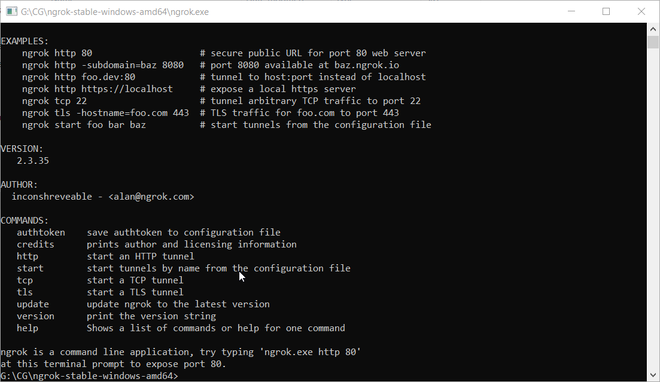
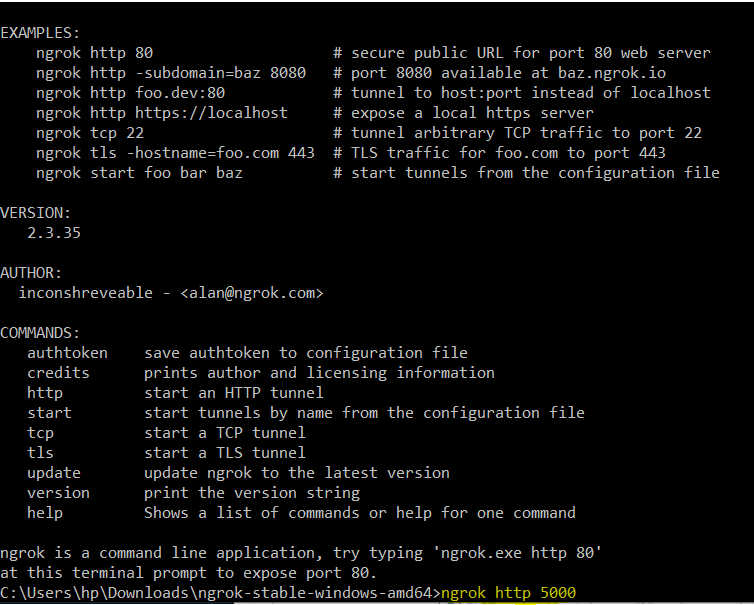
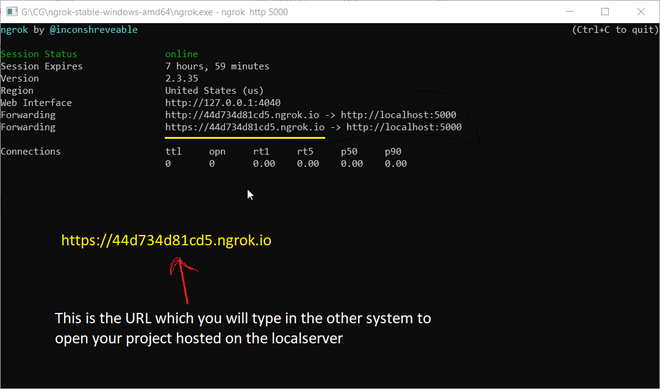
Steps Involved:
ngrok http <port-no>
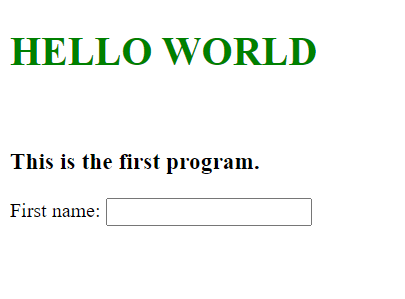
Output: On the generated link, the output can be seen.
👁 ImageNote: The project session hosted expires after 8 hours.