|
VOOZH | about |
|
VOOZH | about |
To set minimum and maximum values for an input element in HTML5, we utilize the min and max attributes. For numerical inputs like type numbers, assign the desired limits directly. Alternatively, use JavaScript validation, pattern attributes, or event listeners for more complex validation scenarios, ensuring user input remains within the specified range.
Table of Content
We can use the min and max attributes within an HTML <input> tag involves specifying the minimum and maximum acceptable values for user input, limiting input to a defined range.
Syntax:
<input type="number" min="min_value" max="max_value">
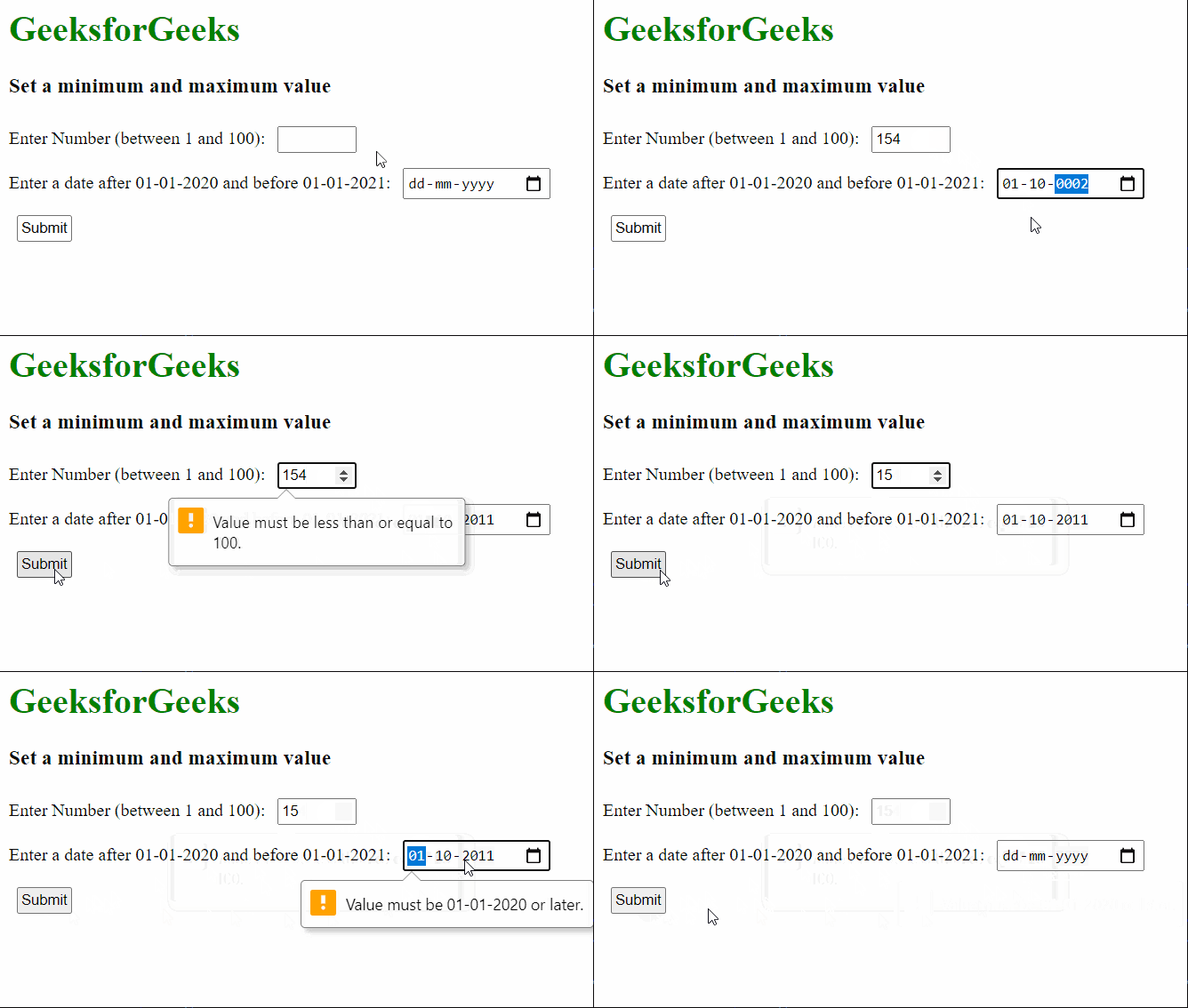
Example: In this example, we have used two inputs with different input types, one is a number type and the other is the date type. The minimum and maximum range of the number is from 1 to 100 and the dates are from 01-01-2020 to 01-01-2021.
Output:
👁 ImageThe pattern attribute in HTML input tags specifies a regular expression pattern for validating user input. It restricts input to match the defined pattern, ensuring data conforms to specific formatting or content requirements.
Syntax
<input pattern = "regular_exp">
Example: Here is the basic example of using the pattern Attribute to set minimum and maximum values of input element.
Output: