|
VOOZH | about |
|
VOOZH | about |
It's often necessary to restrict the number of characters a user can input. This ensures data consistency and prevents users from entering values that are too long or too short. In this article, we will learn how to set the minimum and maximum number of characters allowed in an HTML input field.
To set the minimum character limit in the input field, we use <input> minlength attribute. This attribute is used to specify the minimum number of characters entered into the <input> element.
<input maxlength="number1">
<input minlength="number2">
HTML provides built-in attributes for specifying the minimum and maximum character limits for input fields:
In this example, we will create an input field with a maximum character limit of 12.
Output:
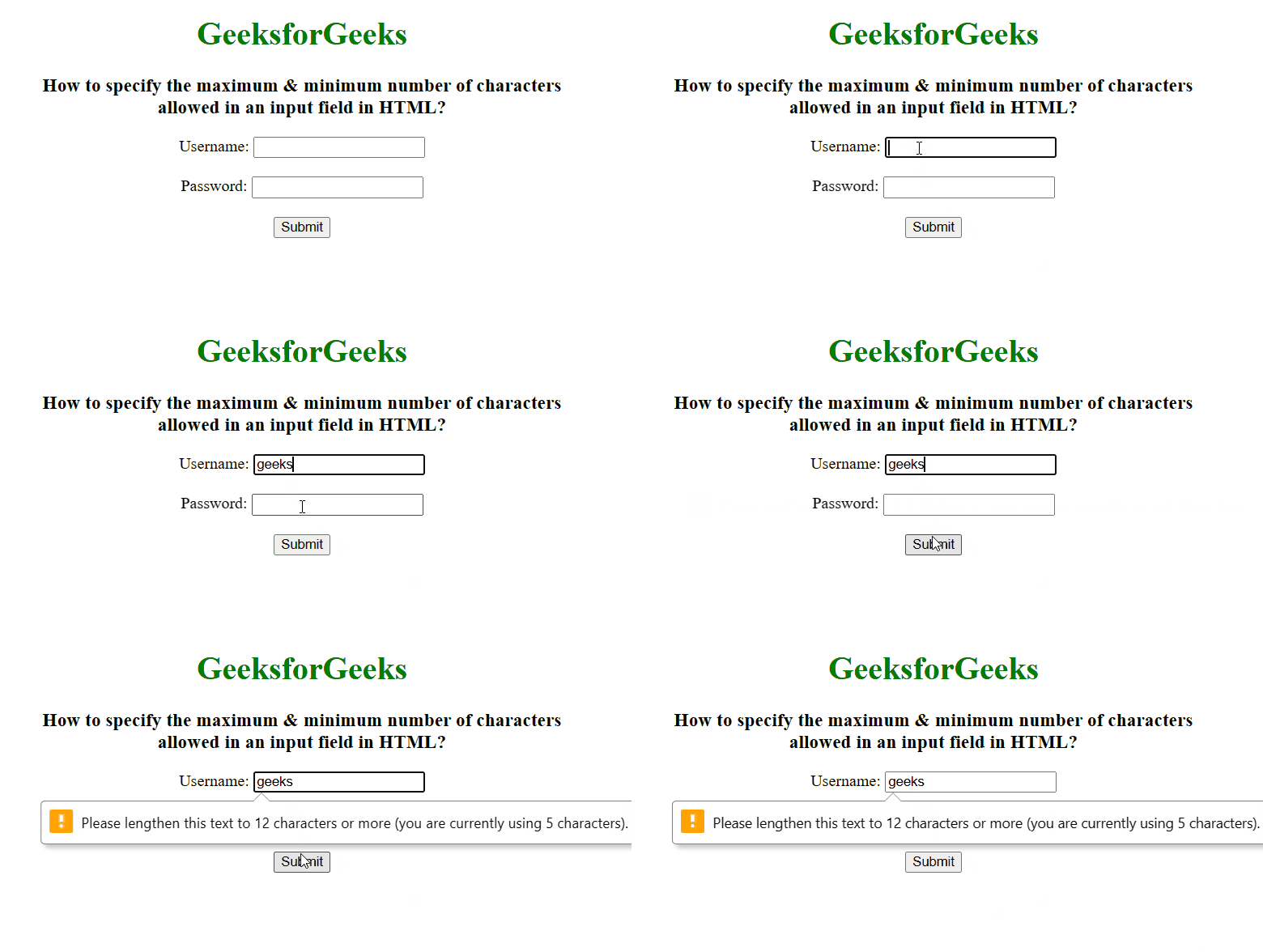
In this example, we will set a minimum character limit of 12 and a maximum character limit of 20 for an input field.
Output:
👁 Image