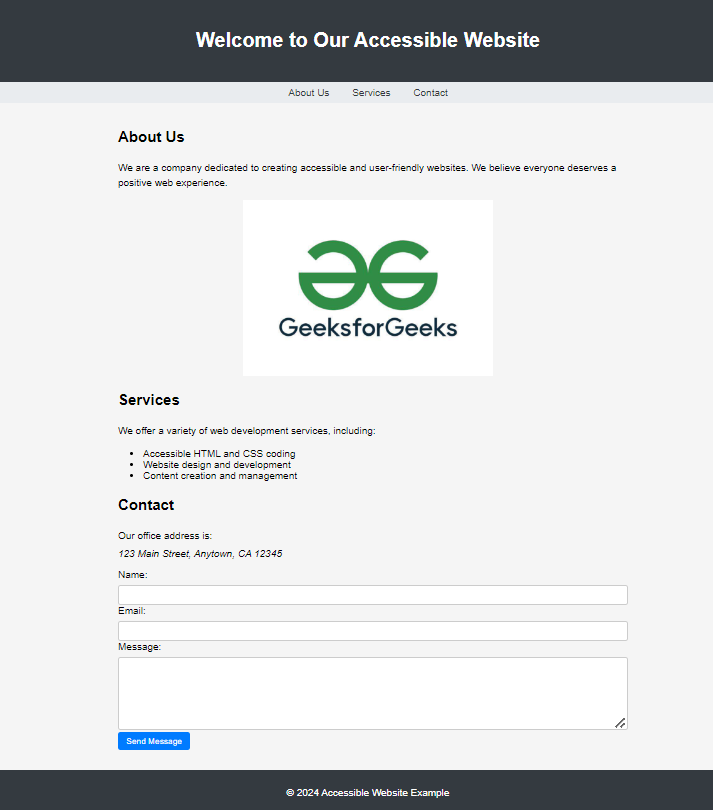
HTML accessibility refers to the practice of writing HTML code in a way that makes web content usable and understandable for all users, including people with disabilities. It ensures that websites can be accessed effectively using assistive technologies such as screen readers, keyboards, and voice navigation.
Uses proper HTML tags to clearly organize and explain the content. Makes websites easier to navigate and use for people with different disabilities. Improves overall user experience and helps websites work better on search engines and devices. Output:
👁 Output Output Benefits Here are some key benefits of structuring HTML properly to create accessible, user-friendly, and search-engine-optimized websites.
1. Inclusivity Uses clear HTML tags, proper headings, and descriptive attributes to make websites accessible to everyone, including people with disabilities. Includes features like alternative text for images, language declaration, meaningful link text, and accessible data tables for screen readers. 2. SEO Friendliness Structures web content in a way that search engines can easily understand and index. Improves visibility in search results by using semantic HTML and accessible content practices. 3. Mobile Responsiveness Ensures websites are easy to navigate and interact with on mobile devices. Enhances usability for all users, including those with disabilities, on smartphones and tablets. Structure Your HTML for Web Accessibility Below are the key methods used to structure your HTML for better web accessibility.
1. Semantic HTML Uses meaningful HTML tags to clearly define content purpose. Helps screen readers and assistive technologies understand page structure. 2. Proper Use of Headings Uses <h1> for main titles and <h2>–<h6> for subheadings. Improves content navigation and readability. 3. Alternative Text for Images Provides image descriptions using the alt attribute. Helps users when images do not load or when using screen readers. 4. Declaring the Page Language Uses the lang attribute to specify the document language. Improves pronunciation and interpretation by screen readers. 5. Meaningful Link Text Uses descriptive link text instead of generic phrases. Helps users understand link purpose before clicking. 6. Accessible Data Tables Uses <th> and <caption> to define table structure clearly. Improves data understanding for screen reader users.