|
VOOZH | about |
|
VOOZH | about |
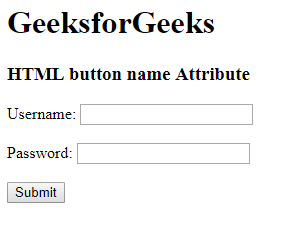
The <button> name attribute is used to specify the name attribute of <button> element. It is used to reference the form-data after submitting the form or to reference the element in a JavaScript.
Syntax:
<button name="name">
Attribute Values: It contains a single value name which describes the name of the <button> element.
Example:
Output:
Supported Browsers: The browser supported by HTML <button> name attribute are listed below: