|
VOOZH | about |
|
VOOZH | about |
HTML Canvas is an element used to draw graphics dynamically on a web page using JavaScript. It acts as a container for rendering shapes, text, images, and animations.
Here, By using of canvas with a linear gradient & stroke-style text in HTML.
<canvas>
 Content...
</canvas>
Note: It is recommended to have an id attribute (to be referred to in a script), and a width and height attribute to define the size of the canvas. To add a border, use the style attribute.
| Canvas Property | Description |
|---|---|
| Colors and Styles | Used to set fill color, stroke color, and styling for shapes and text. |
| Shadows | Adds shadow effects to shapes and text drawn on the canvas. |
| Line Styles | Controls line width, line caps, and line joins for strokes. |
| Rectangles | Used to draw and manipulate rectangular shapes on the canvas. |
| Paths | Allows drawing custom shapes using lines and curves. |
| Transformations | Enables scaling, rotating, translating, and skewing canvas objects. |
| Text | Used to draw and style text on the canvas area. |
| Pixel Manipulation | Allows direct access and modification of pixel data. |
| Compositing | Controls how new drawings are combined with existing content. |
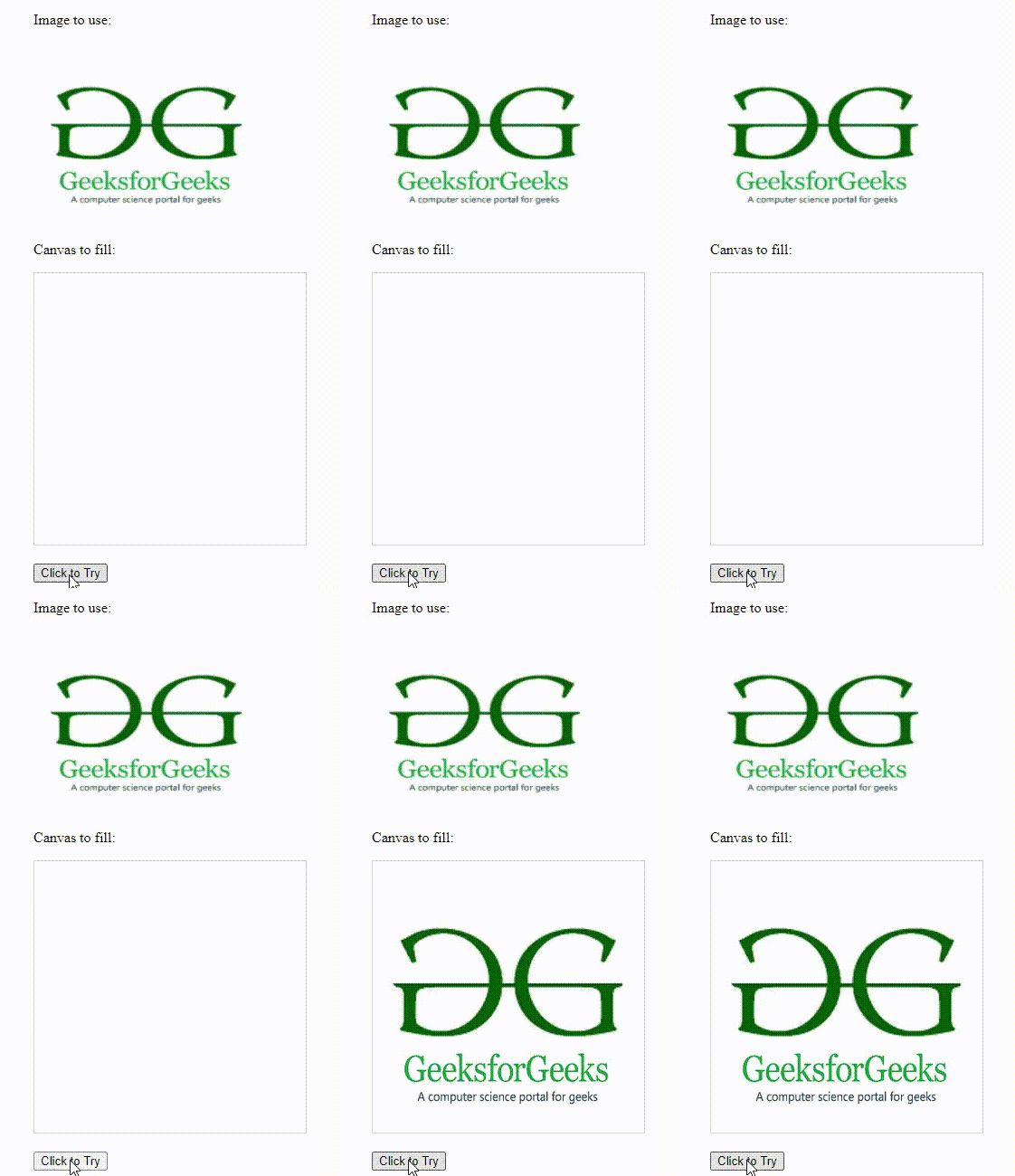
| Image Drawing | Used to draw images onto the canvas from external sources. |
There are various shapes that can be possible to draw using Canvas, which are discussed below.
Output:
Output:
Output:
Animation in an HTML5 canvas is created using JavaScript to draw and update graphics repeatedly over time. By controlling the timing of redraws, objects on the canvas appear to move or change, creating an animation effect.