|
VOOZH | about |
|
VOOZH | about |
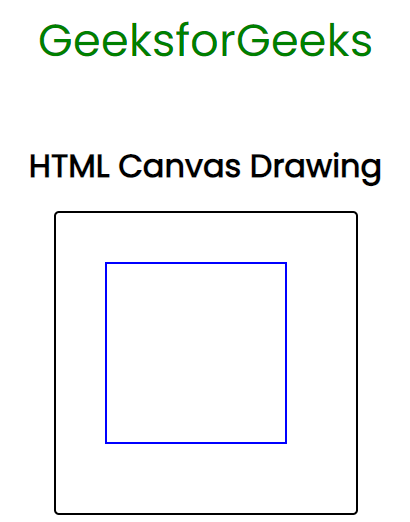
HTML Canvas Drawing facilitates the <canvas> element, along with Properties that help to draw on the HTML canvas. The various properties, attributes & events can be used with <canvas> element. Utilizing JavaScript, we can manipulate the canvas element to draw shapes, paths, and images, providing a versatile platform for interactive and engaging web content.
ctx1.fillRect(50, 50, 200, 200);
ctx2.strokeRect(50, 50, 180, 180);
Example: In this example, we will see the implementation of the Canvas drawing with fillStyle.
Output:
Example 2: In this example, we will see the implementation of the Canvas drawing with strokeStyle and lineWidth.
Output: