|
VOOZH | about |
|
VOOZH | about |
In this article, we will learn how to make lines in different styles on Canvas in HTML. There are various methods used to draw a line on canvas like beginPath(), moveTo(), lineTo(), andstroke(). There are also various properties like lineWidth, strokeStyle, etc. can be used to give styles to a line with the help of JavaScript.
canvas1.lineTo(100, 150);
Table of Content
canvas1.beginPath();
canvas1.moveTo( 0, 0 );
canvas1.lineTo( 120, 150 );
canvas1.stroke();
canvas2.lineWidth = 10;
canvas1.strokeStyle = "blue";
canvas2.lineCap = "round";
The HTML Canvas 'lineTo' method delicately connects points, while the 'lineWidth' property subtly refines the strokes, resulting in a seamless fusion of precision and style on the digital canvas.
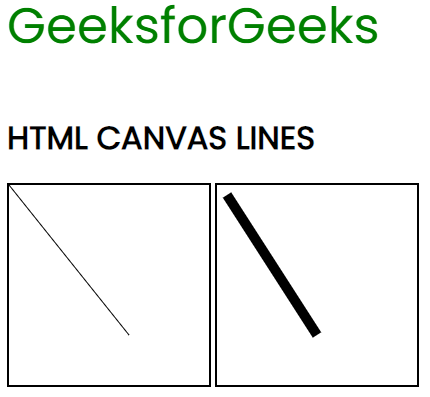
Example 1: In this example, we will draw a line with lineTo() and give the property lineWidth to define the width of the line.
Output:
👁 canvas-lineThe 'lineCap' property gives your drawings a neat and professional finish and The HTML Canvas 'lineTo' method delicately connects points.
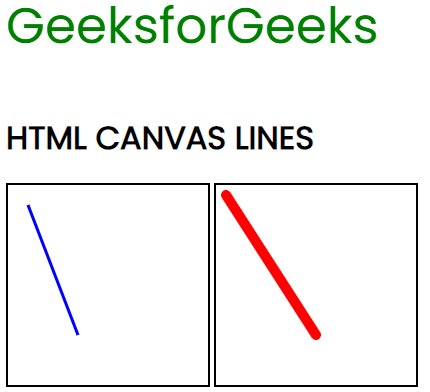
Example 2: In this example, we will draw a line with lineTo() with properties.
Output:
👁 line1