|
VOOZH | about |
|
VOOZH | about |
The HTML data-* attributes allow you to store custom data directly in HTML elements, making passing information between HTML and JavaScript easier. This method improves interactivity in web applications without requiring server-side involvement or AJAX calls.
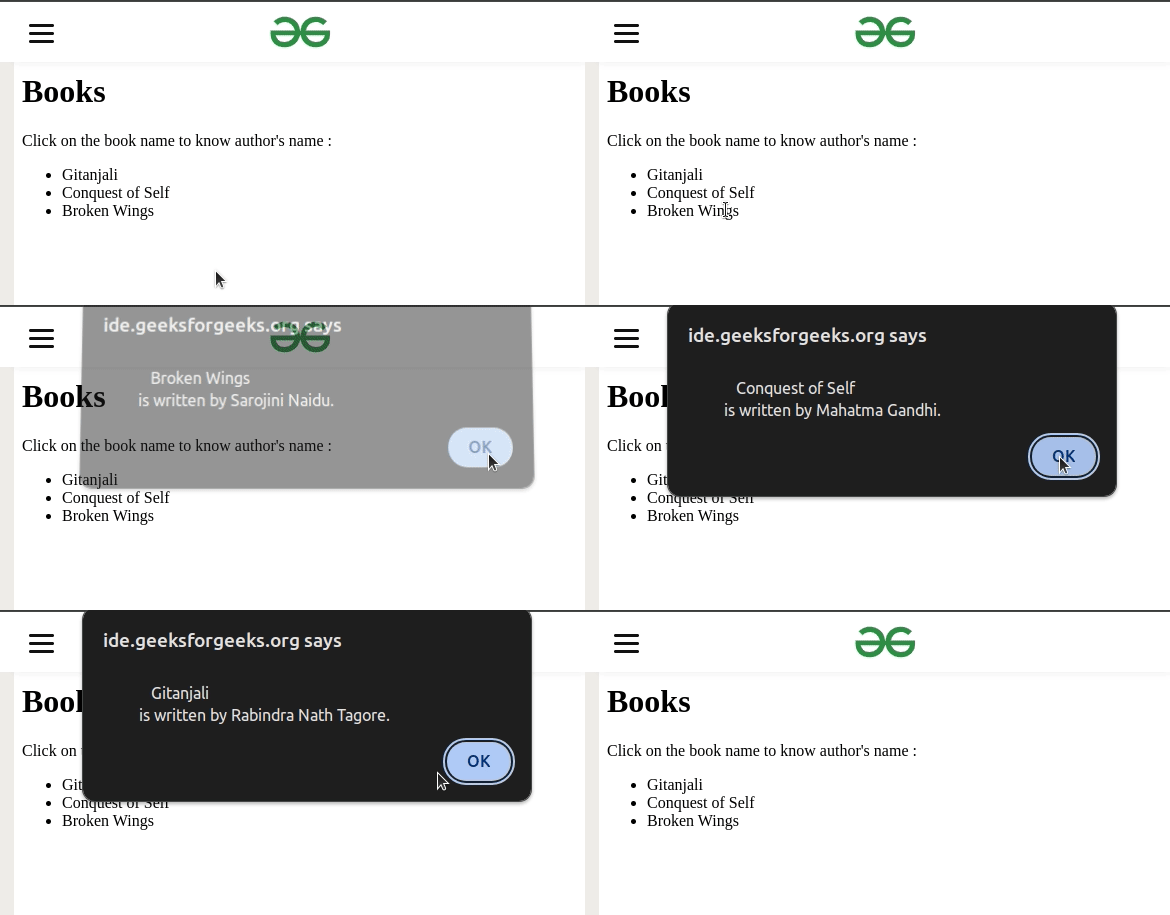
<li data-book-author="Rabindra Nath Tagore"> Gitanjali </li>In this example, the data-book-author attribute is used to store the author of a book in an <li> element. This data can be accessed via JavaScript.
Output:
This example stores custom data like the director’s name and the movie's release year within HTML elements. JavaScript can access this data and use it to create dynamic content.
Output:
The data-* attribute is widely supported by all modern browsers, making it a reliable method for adding custom data attributes.
Note: Older versions of some browsers may have limited support, so it's always a good practice to test your web applications across multiple browsers.