VOOZH about

URL: https://www.geeksforgeeks.org/html/html-dom-forms-collection/

⇱ HTML DOM forms Collection - GeeksforGeeks


  • Courses
  • Tutorials
  • Interview Prep

HTML DOM forms Collection

Last Updated : 13 Jun, 2023

The DOM forms collection is used to return the collection of all <form> elements in a HTML document. The form elements are sorted as they appear in the source code. 

Syntax:

document.forms

Properties: It returns the number of form in the collection of elements. 

Methods: The DOM forms collection contains three methods which are listed below:

  • [index]: It is used to return the <form> element of the specified index. The index value starts at 0. NULL is returned if the index value is out of range.
  • item(index): It is used to return the <form> element of specified index. The index value starts at 0. NULL is returned if the index value is out of range. This method performs similarly to the above method.
  • namedItem(id): It is used to return the <form> element from the collection which matches the specified id. NULL is returned if the id does not exist.

Below programs illustrate the use of the documents.forms property in HTML: 

Example 1: This example use length property to count number of form elements in the collection. 

Output: 

Before Click on the button:

 👁 Count forms - before
 

After Click on the button:

 👁 Count forms - after
 

Example 2: 

Output: 

Before Click on the button:

 👁 Find all form IDs - before
 

After Click on the button:

 👁 Find all form IDs - after
 

Example 3: 

Output: 

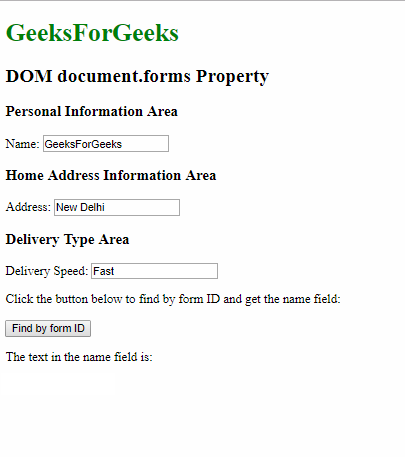
Before Click on the button:

 👁 Find by ID - before
 

After Click on the button:

 👁 Find by ID - after
 

Supported Browsers: The browser supported by DOM forms collection method are listed below:

  • Google Chrome 1 and above
  • Edge 12 and above
  • Internet Explorer 4 and above
  • Firefox 1 and above
  • Safari 1 and above
  • Opera 12.1 and above
Comment
Article Tags: