|
VOOZH | about |
|
VOOZH | about |
The DOM links collection is used to return the collection of all <a> and <area> elements with the "href" attribute in the HTML document. The elements in the collection are sorted as they appear in the sourcecode.
Syntax:
document.links
Properties: It contains a single property length which is used to return the number of <a> and <area> elements in the collection.
Methods: The DOM links collection contains three methods which are listed below:
Return Value: An HTMLCollection Object, representing all <a> elements and/or <area> elements in the document. The elements in the collection are sorted as they appear in the source code
The below programs illustrate the use of the documents.links property in HTML:
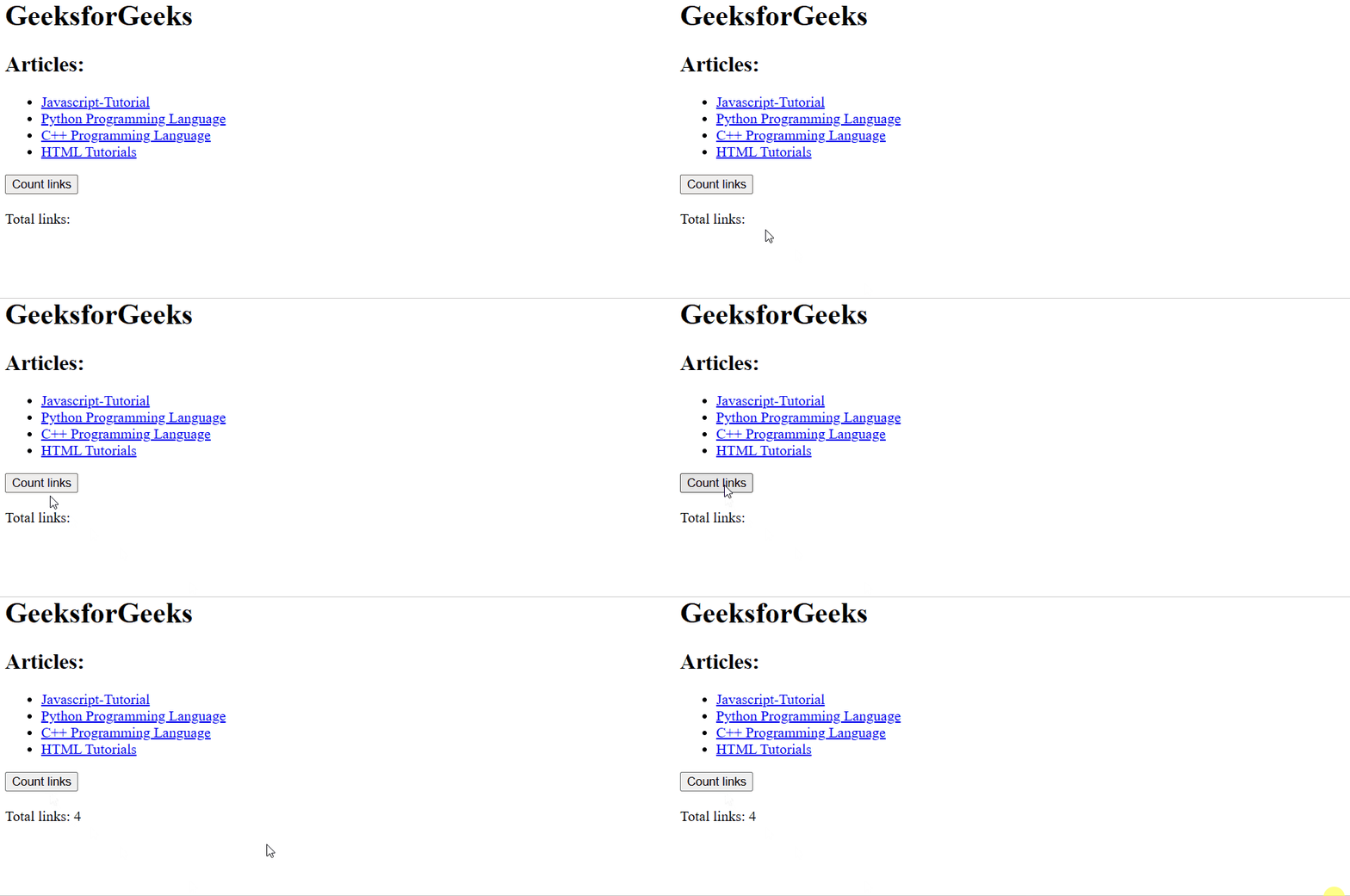
Example 1: Using the length property to count the number of link elements in the collection.
Output:
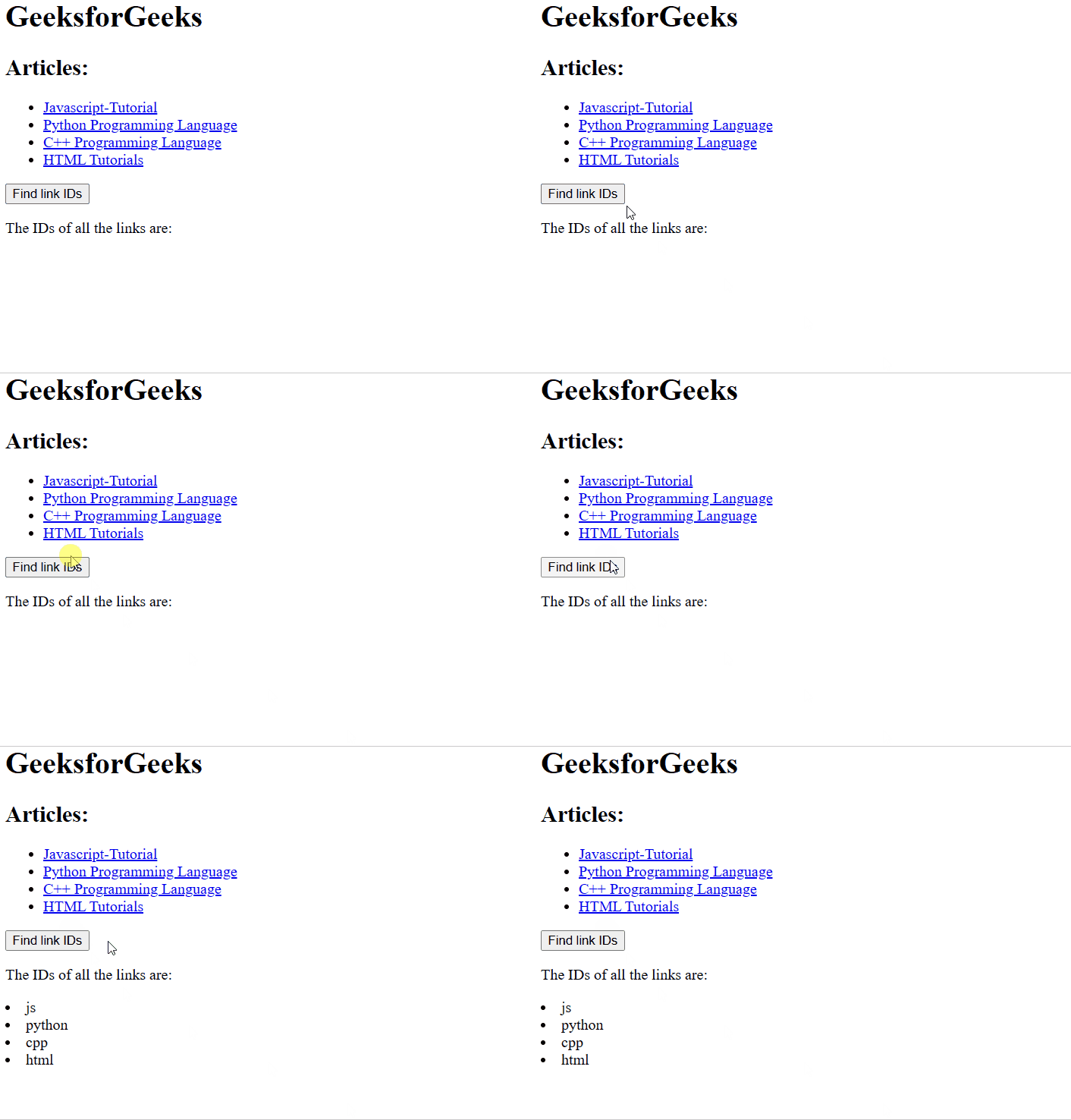
Example 2: HTML code to find all links in the document and return their IDs.
Output:
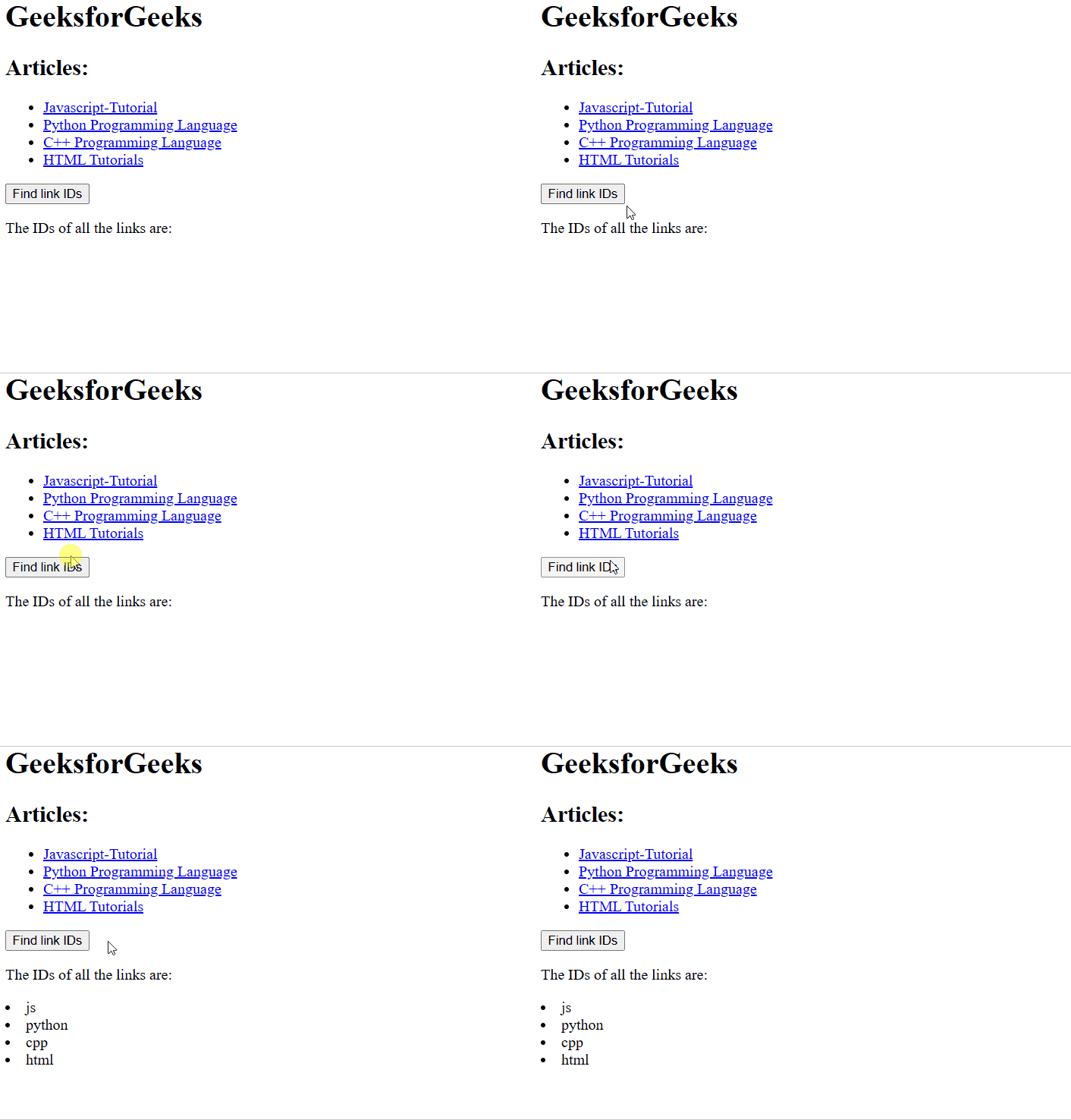
Example 3: Using the id property to find by link ID and display its href attribute
Output:
Supported Browsers: The browser supported by DOM links collection method are listed below: