|
VOOZH | about |
|
VOOZH | about |
The HTML DOM oncut Event occurs when the content of an element is cut by the user. The oncut event is mostly used on elements with type="text".
Supported Tags
Syntax:
In HTML:
<element oncut="myScript">
In JavaScript:
object.oncut = function(){myScript};
In JavaScript, using the addEventListener() method:
object.addEventListener("cut", myScript);
Note: There are three ways to cut the content of an element:
Example 1: Using HTML
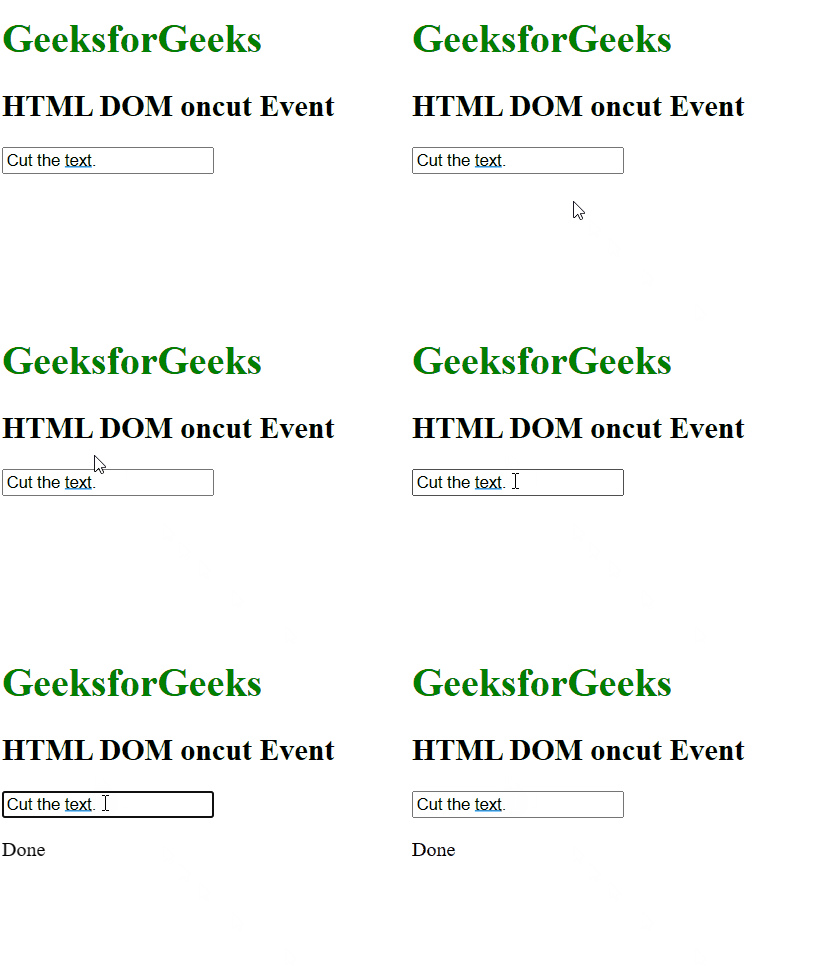
Output:
Example 2: Using JavaScript
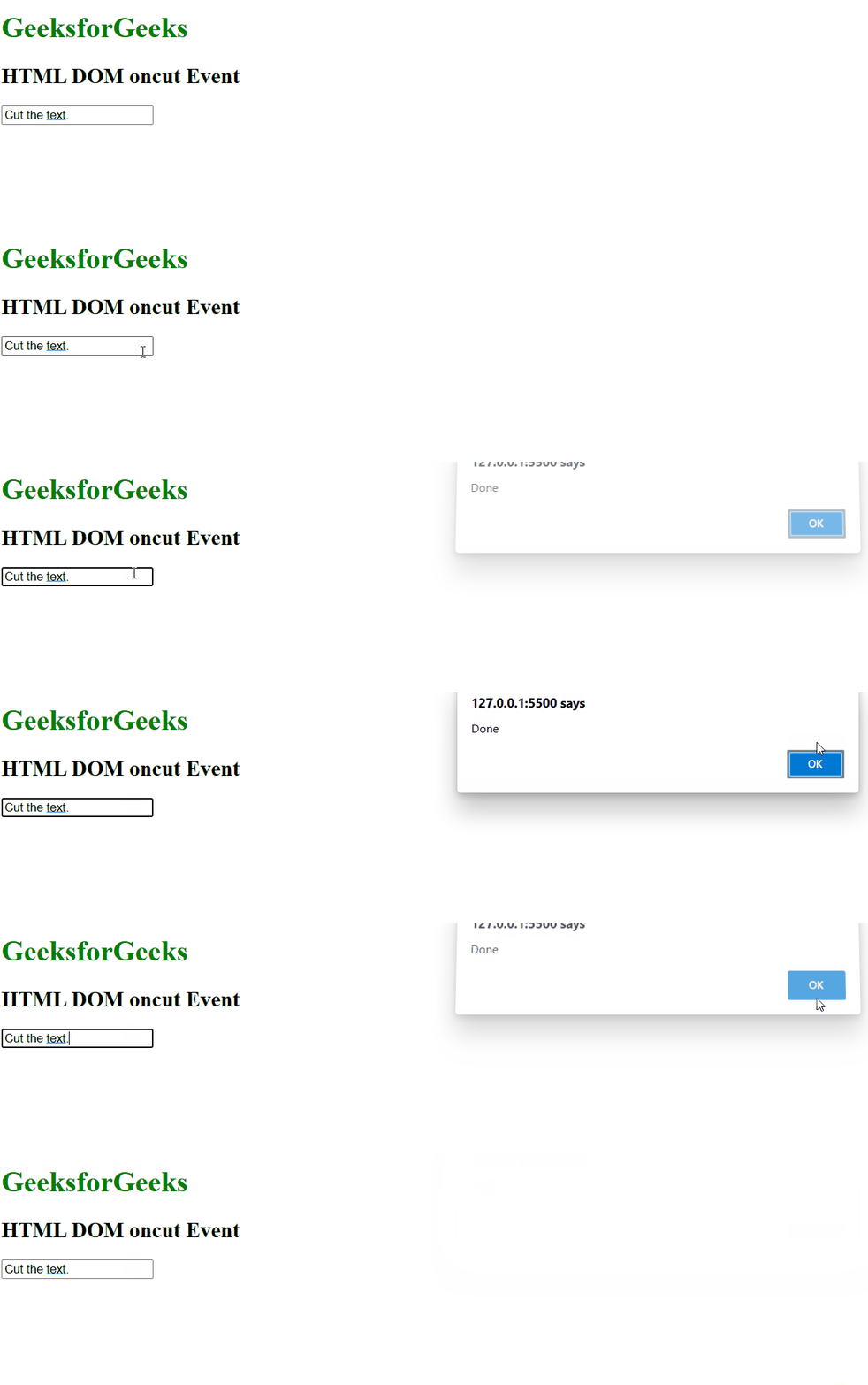
Output:
Example 3: In JavaScript, using the addEventListener() method:
Output:
Supported Browsers: The browsers supported by HTML DOM oncut Event are listed below: