|
VOOZH | about |
|
VOOZH | about |
The HTML DOM onfocusin event occurs when an element is getting focused. The onfocusin is the same as onfocus, the only difference is that onfocus event does not bubble. If you want to find out whether an element or its child gets the focus, you should use the onfocusin event. The onfocusin event is the opposite of the onfocusout event.
Note: Firefox does not support the onfocusin event but with the help of capturing listeners you can find out whether a child of an element gets the focus or not.
Syntax:
In HTML:
<element onfocusin="myScript">
In JavaScript (may not work as expected in Chrome, Safari, and Opera 15+):
object.onfocusin = function(){myScript};
In JavaScript, using the addEventListener() method:
object.addEventListener("focusin", myScript);
Example: Using HTML
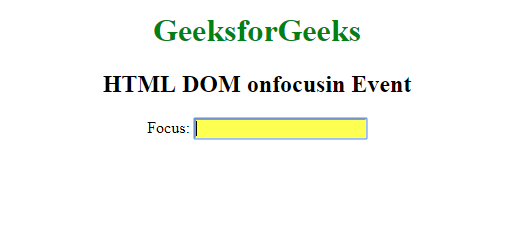
Output:
Example: Using JavaScript
Output:
Example: Using the addEventListener() method:
Output:
Supported Browsers: The browsers supported by HTML DOM onfocusin Event are listed below: