|
VOOZH | about |
|
VOOZH | about |
The Video object in HTML DOM represents an <video> element. The video element can be accessed by using getElementById() method.
Syntax:
document.getElementById("videoId"); document.createElement("VIDEO");
Property Values:
| Value | Description |
|---|---|
| audioTracks | It returns an AudioTrackList object represents the available audio tracks. |
| autoplay | It is used to set or return if the video should start playing as soon as it is ready. |
| buffered | It returns the TimeRanges object that represents the buffered parts of a video. |
| controller | It returns the MediaController object that represents the current media controller of a video. |
| controls | It is used to set or returns whether a video should have play and pause controls are to be displayed. |
| crossOrigin | It sets or returns the CORS settings of a video. |
| currentSrc | It returns the URL of the current video. |
| currentTime | It set or return the current playback position in a video. |
| defaultMuted | It set or return whether the video should be muted by default. |
| defaultPlaybackRate | It set or return whether the default playback speed of the video. |
| duration | It returns the length of a video. |
| ended | It is used to return whether the playback of the video has ended. |
| error | It returns a MediaError object represents the error state of the video. |
| height | It is used to set or return the value of the height attribute of a video. |
| loop | It is used to set or return whether the video should start playing over again, every time it is finished |
| mediagroup/td> | It is used to set or return the name of the media group of that video. |
| muted | It is used to set or return whether the sound of the video should be turned off. |
| networkState | It returns the current network state of a video. |
| paused | It returns whether a video is paused or not. |
| playbackRate | It is used to set or return the speed of the video playback. |
| played | It returns a TimeRanges object represents the played parts of the video. |
| poster | It is used to set or return the value of the poster attribute of a video. |
| preload | It is used to set or return the value of the preload attribute of a video. |
| readyState | It is used to return the current ready state of a video. |
| seekable | It is used to return the TimeRanges object representing the seekable parts of a video. |
| seeking | It returns whether the user is currently seeking in the video. |
| src | It is used to set or return the value of the src attribute of a video. |
| startDate | It is used to set or return the value of the src attribute of a video. |
| textTracks | It is used to return the TextTrackList object representing the available text tracks. |
| videoTracks | It is used to return the VideoTrackList object representing the available video tracks. |
| volume | It is used to set or return the audio volume of a video. |
| width | It is used to set or return the value of the width attribute of a video. |
Video Object Methods:
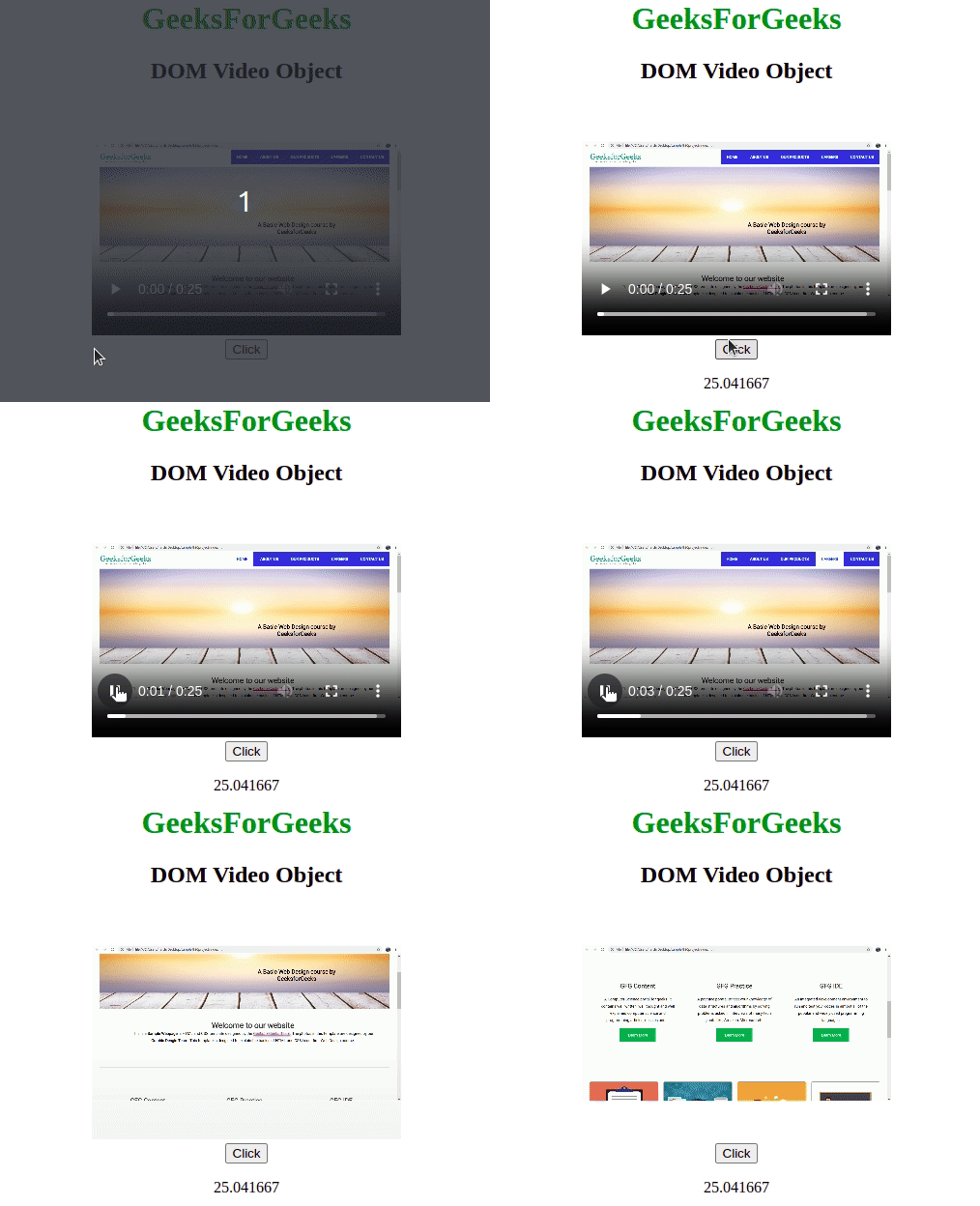
Example-1:
Output:
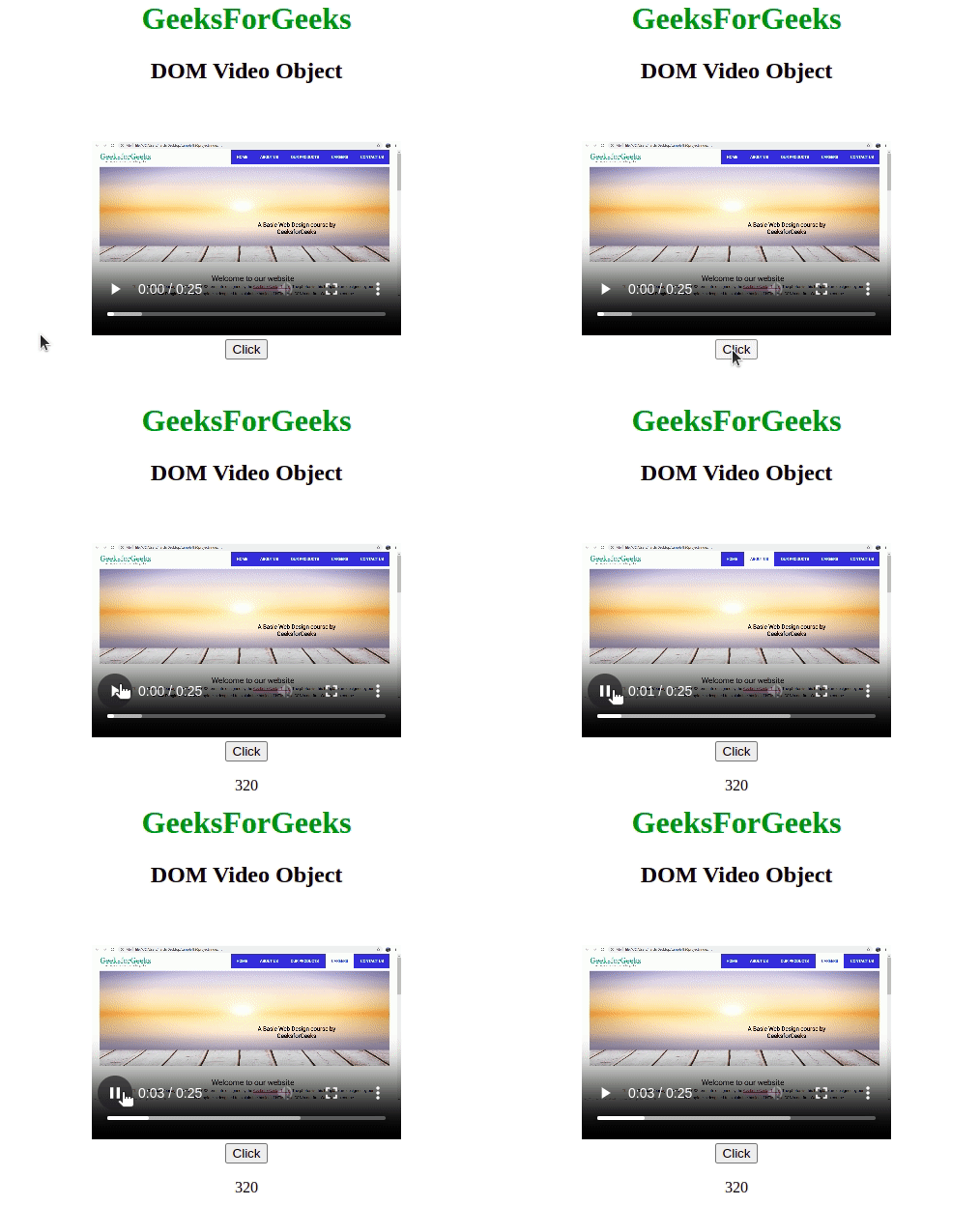
Example-2:
Output:
Supported Browsers: The browser supported by HTML DOM Video Object are listed below: