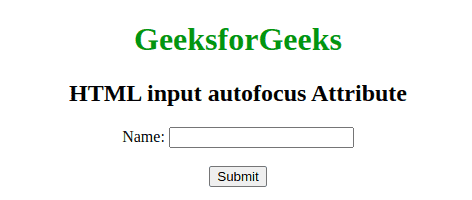
The HTML autofocus attribute automatically places the cursor inside an input field when the webpage loads. It helps users start typing immediately without clicking the field.
Automatically focuses on an input element when the page loads.
Improves user experience and form accessibility.
Commonly used with form fields like text, email, and search.
Syntax:
<input type="text" autofocus>
Note: It is a Boolean Attribute means it doesn't need any value.
Run this code, without using the autofocus attribute.
The browser supported by HTML <input>autofocus Attribute are listed below:
Google Chrome
Internet Explorer
Firefox
Opera
Safari
Uses of the autofocus Attribute
autofocus is a simple, effective way to improve the user experience by directing the user's attention to a specific form element immediately upon page load.
Only one element should have the autofocus attribute on a page to avoid unexpected behavior.
It enhances usability, especially in forms and interactive elements, but should be used with care, especially with accessibility considerations in mind.