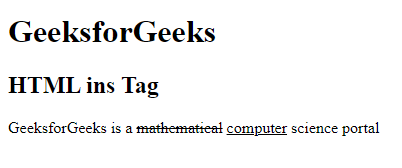
The <ins> tag in HTML is used to define inserted text in a document.
- It highlights text that has been added, usually displayed as underlined by default.
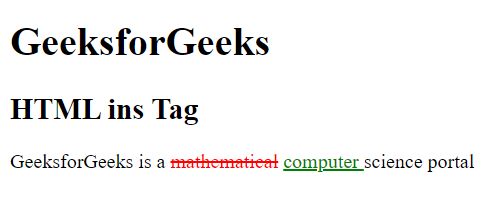
- The underlining style can be modified with CSS using the text-decoration property.
- The tag requires both a start (<ins>) and end (</ins>) tag to enclose the inserted text.
Syntax:
<ins> Contents... </ins>
Attributes:
The <ins> tag can have cite to provide the source or reason for insertion and datetime to specify when the text was added.
- cite: The cite used to specify the URL of the document or message which denotes the reason for inserting the text.
- datetime: It is used to specify the date and time of the inserted text. The datetime is inserted in the format YYYY-MM-DDThh:mm:ssTZD.
Working with HTML insert Tag
Example 1: This example describes the use of <ins> tag.
Output:
👁 Image
Example 2: This example uses the <ins> tag with the datetime attribute and also use some CSS styles.
Output:
👁 Image