|
VOOZH | about |
|
VOOZH | about |
The <label> element provides a caption for form inputs and improves accessibility by linking text to input fields. Clicking the label focuses or activates the associated input.
The <label> tag can be used in two ways:
The <label> tag links text with input fields, improving accessibility and making forms easier to use. Clicking the label activates or focuses the associated input.
The <label> tag can be defined with the following Tags:
Syntax:
<label> form content... </label>Attribute Value:
Here are some examples of how labeling can be used:
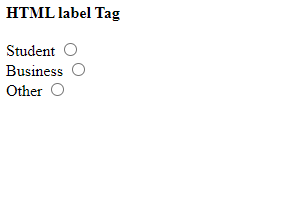
This example illustrates the basic usage of the <label> tag in HTML. Here, we will use the <input> tag outside of the <label> tag.
Output:
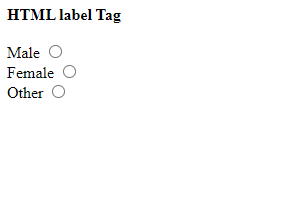
In this example, we will demonstrate how to use the <input> tag inside the <label> tag.
Output: