|
VOOZH | about |
|
VOOZH | about |
HTML multiple attribute is used to add several settings to a single element, enhancing its functionality. For example, a link can have both href and target attribute, determining where it leads and how it opens. Using multiple attributes allows you to customize your HTML elements to better suit your needs.
Below are the two elements in HTML which use multiple Attributes:
Syntax
<input/select multiple>The input element in HTML allows users to enter data in various formats, such as text, numbers, or dates. Additionally, you can use multiple attributes to customize the input's behavior, like adding placeholder text, setting required, or defining maxlength.
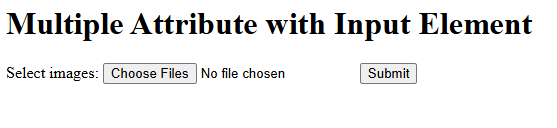
Example: This example demonstrates the use of multiple attribute in an input element, allowing users to select multiple image files for upload. The form includes a submit button.
Output
The select element creates a dropdown menu for users to choose an option from a list. Each option is defined within the select using option elements. You can use multiple attributes like multiple to allow multiple selections or disabled to prevent interaction.
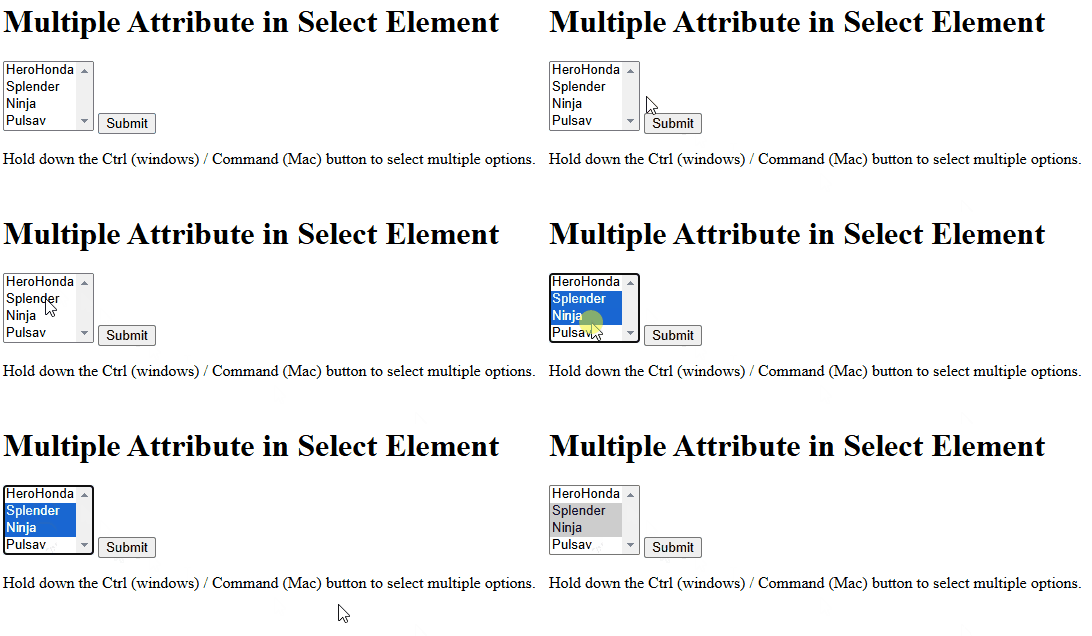
Example: Using the multiple attribute in a select element to enable users to choose multiple options.
Output